Update the Firmware of the Anycubic Kobra 3 Printer
Keeping the firmware of your 3D printer up to date is key to resolving errors and unlocking new capabilities. This process, although simple, requires following precise steps to avoid setbacks. 🛠️
Essential Preparations Before Starting
To perform the update, you will need a computer with internet and a microSD memory card. It is crucial that this card has a reduced capacity, preferably 8 GB or less, and that you format it with the FAT32 file system. This prior formatting ensures that the printer can access the data without issues.
Required Materials and Requirements:- A computer with an internet connection to download the files.
- A low-capacity microSD card (8 GB or less).
- The card must be formatted in FAT32, not in other systems like exFAT or NTFS.
A properly formatted microSD card is the foundation for a successful firmware update.
Obtain and Install the Official Firmware
Go to the Anycubic support website and locate the downloads section for the Kobra 3 model. Search for and download the latest firmware file, ensuring it exactly matches your printer. The file, which normally has the .bin extension, must be copied directly to the root folder of the microSD card, without extracting it from any compressed folder.
Steps to Download and Prepare the File:- Access the official Anycubic portal and search for your model.
- Download the latest available firmware version.
- Copy the downloaded .bin file directly to the root of the microSD.
Perform the Update on the Printer
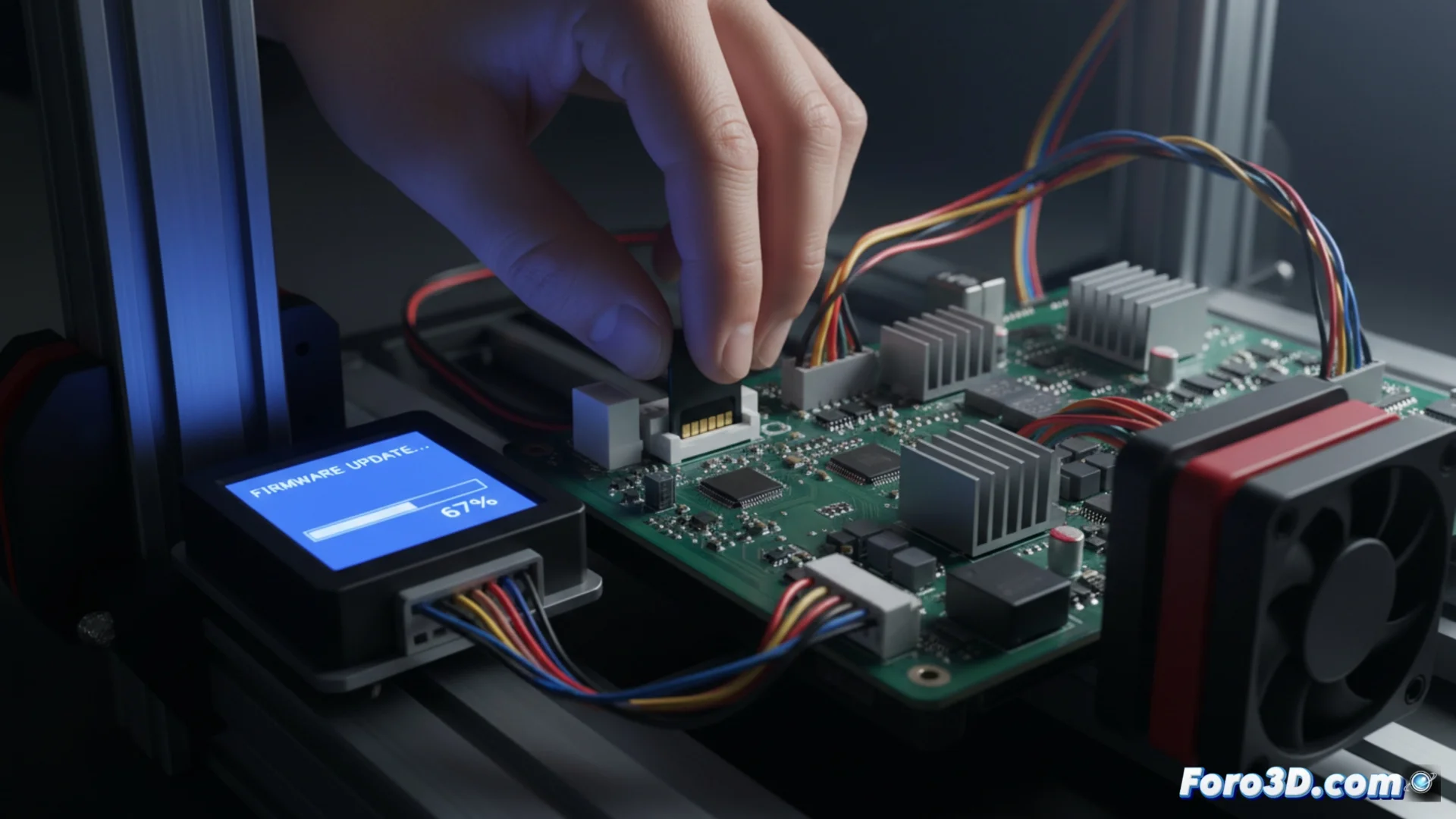
With the file on the card, completely turn off your Anycubic Kobra 3. Insert the microSD into the printer's designated slot and then turn it on. If everything is correct, the screen will display a notification detecting the new firmware and ask for confirmation to proceed. Accept and do not interrupt the process under any circumstances. The machine will restart on its own when finished.
This is an ideal time to perform maintenance tasks, such as cleaning the nozzle, since the printer cannot operate during the update. Once restarted, your Kobra 3 will be ready with the latest improvements implemented. ✅