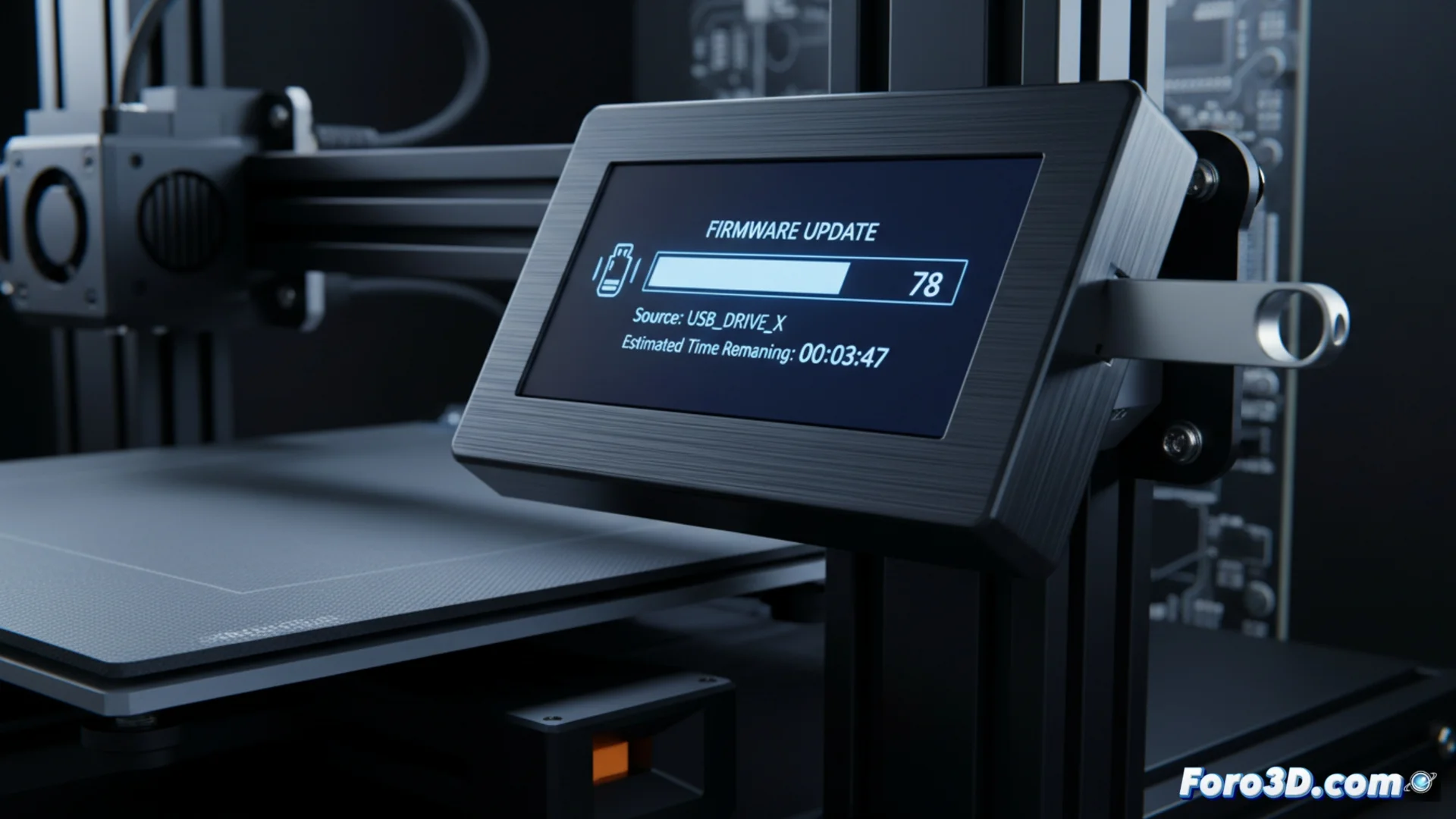
Update the Firmware of the Anycubic Kobra 3 Combo Printer
Keeping the firmware of your 3D printer up to date is key to optimizing its performance and fixing potential errors. This process, although simple, requires following precise steps to avoid compromising the equipment's operation. 🛠️
Obtain the Correct Firmware File
The first step is to download the appropriate firmware version. You must visit the official Anycubic website and locate the support section for your exact model, the Kobra 3 Combo. Installing a file intended for another device can brick the printer permanently. The file usually comes in a compressed container (.zip or .rar), so you will need to extract it on your computer to obtain the main file, which normally has the .bin extension.
Prepare the Storage Medium:- Use a compatible USB memory or SD card, according to the manufacturer's specifications for this model.
- Format the device in the FAT32 file system, with a cluster size of 4096 bytes (4KB).
- Copy the .bin file directly to the root of the medium, without putting it in subfolders, and ensure there are no other old firmware files.
Installing firmware from another printer can turn your Kobra into a very precise and expensive paperweight.
Perform the Update on the Printer
With the file ready on the USB or SD, it's time to proceed with the installation on the machine. This process is automatic, but must not be interrupted under any circumstances to avoid corrupting the printer's internal software.
Steps to Follow on the Printer:- Completely power off the Anycubic Kobra 3 Combo.
- Insert the storage medium with the .bin file into the corresponding slot.
- Power on the printer and, on the touch screen, navigate to the system or settings menu.
- Select the option to update firmware. The machine will detect the file and start the process.
- Do not power off the equipment or remove the USB/SD until the screen indicates it has finished and the printer restarts on its own.
Conclusion and Final Recommendations
Updating the firmware of your Anycubic Kobra 3 Combo is a vital operation to improve its stability and access new features. The key to success lies in verifying that you download the exact file for your model and properly preparing the storage medium. By following these steps carefully, you can keep your printer running optimally and avoid serious problems. ✅