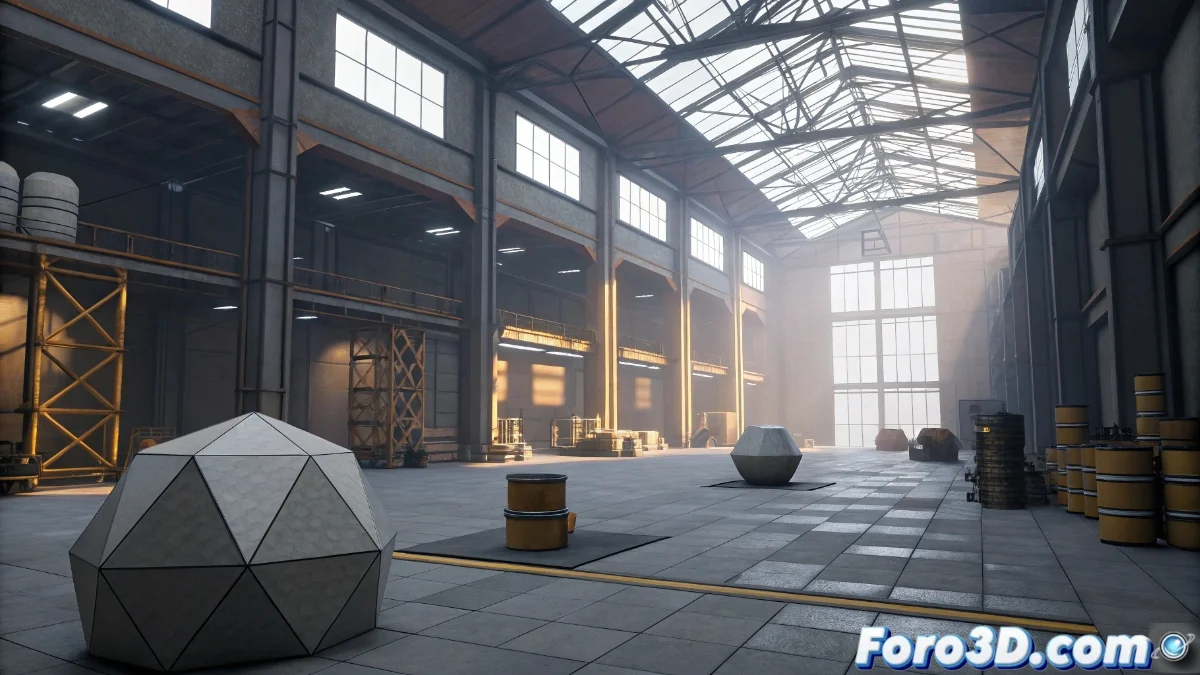
Unreal Engine and its Basic Modeling Tools
Although Unreal Engine is primarily recognized as a video game engine, it integrates basic modeling functionalities that facilitate the creation and direct modification of geometries within its environment. These tools, such as Geometry mode, mesh editing, boolean operations, and simple deformations, are designed for quick blocking of scenes and levels during initial development. However, they present significant limitations when compared to specialized software or professional add-ons available on other platforms. 🛠️
Limitations in Advanced Workflows
When contrasted with paid solutions like Unity Pro with advanced packages or integrated tools like extended ProBuilder, Unreal Engine lacks essential capabilities for professional modeling. It does not include real sculpting, advanced retopology systems, high-quality subdivisions for sculpting, or sophisticated UV unwrapping tools. Additionally, it lacks features for precision modeling and complex hard surfaces, which restricts its utility to provisional phases of the project. 😕
Main Identified Shortcomings:- Absence of real sculpting and advanced retopology for optimizing meshes
- Lack of high-quality subdivisions necessary in detailed sculpting processes
- Limited UV tools that hinder precise texture mapping
Attempting to model professionally only with Unreal Engine is like sculpting a statue with a toy hammer: every action brings you closer to disaster than to the imagined masterpiece.
Differences Between Provisional and Professional Modeling
Using Unreal Engine's tools exclusively results in quick modeling oriented towards blocking levels, ideal for prototyping and initial adjustments. In contrast, paid solutions or professional add-ons allow for editable, precise, and stable modeling, designed for final production with complete workflows that span from initial creation to optimization for rendering. 📐
Key Aspects in the Comparison:- Agile prototyping vs. detailed and render-optimized modeling
- Basic tools for blocking vs. complete editing and precision functionalities
- Provisional workflows vs. integral pipelines from creation to post-production
Final Reflections on Using Unreal Engine for Modeling
The modeling tools in Unreal Engine are valuable for early development stages, but their limited nature makes them insufficient for professional work that requires precision, stability, and a complete workflow. For advanced projects, it is crucial to complement or migrate to specialized software that offers the necessary capabilities. 🚀