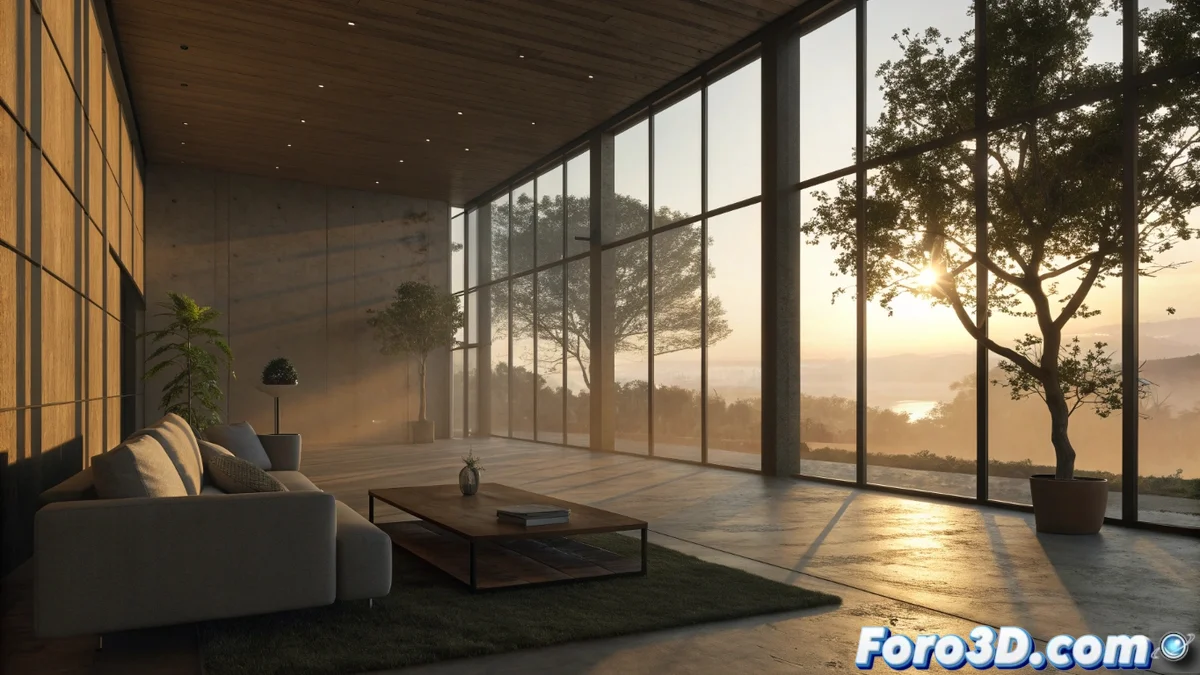
Unity vs D5 Render: two paths to illuminate architecture
In the field of architectural visualization, handling light defines the quality of the final result. Two standout tools, Unity and D5 Render, propose radically different philosophies to tackle this challenge. While one empowers with absolute control, the other simplifies for instant realism. Choosing between them makes all the difference in any project 🏗️.
Unity's approach: programmable and deep control
Unity, as a general-purpose engine, hands the artist complete control over the light flow. Its power lies in the ability to program and customize every aspect. It doesn't limit itself to presets; it allows building lighting systems from scratch, integrating complex logic, and developing unique effects through custom shaders and code. This path is powerful but requires mastering the technique and optimizing for the final device, whether a PC or virtual reality glasses.
Key features of lighting with Unity:- Hybrid Systems: Combines lightmapping (light maps) precomputed with real-time lighting, including ray tracing-based options.
- Advanced Programmable Effects: Facilitates creating caustics, detailed volumetric lighting, and managing reflections with probes precisely.
- Performance Management: The artist must balance visual quality and smoothness, requiring technical knowledge to optimize complex scenes.
Unity doesn't just light a scene; it allows writing the rules of how light should behave.
D5 Render's approach: automation and immediacy
D5 Render is designed with an opposite premise: automate technical processes so the user can focus on designing. Its engine, optimized for architecture, processes light with technologies like path tracing in real time. It automatically calculates light bounces, soft shadows, and precise reflections, offering immediate visual feedback after every adjustment. It's the tool that prioritizes speed and physical realism "ready to use".
Advantages of lighting with D5 Render:- Optimized Real-Time Engine: Offers photorealistic preview that updates instantly when moving a light or changing a material, speeding up the testing phase.
- Integrated Libraries: Includes lighting systems with IES profiles and a wide collection of HDRI, greatly speeding up realistic scene setup.
- Agile Workflow: Designed for quick iteration and efficient project presentation, without delving into complex technical parameters.
Which tool to choose for your project?
The decision between Unity and D5 Render isn't about which is better, but which fits your needs. If your project demands custom lighting effects, integration with interactive logic, or deployment on multiple platforms (like VR), Unity's programmable control is key. If, on the other hand, you're looking to achieve high physical quality architectural renders in the shortest time possible, with an intuitive and predictable workflow, D5 Render's automation is ideal. Both paths illuminate the same goal, but with different philosophies 💡.