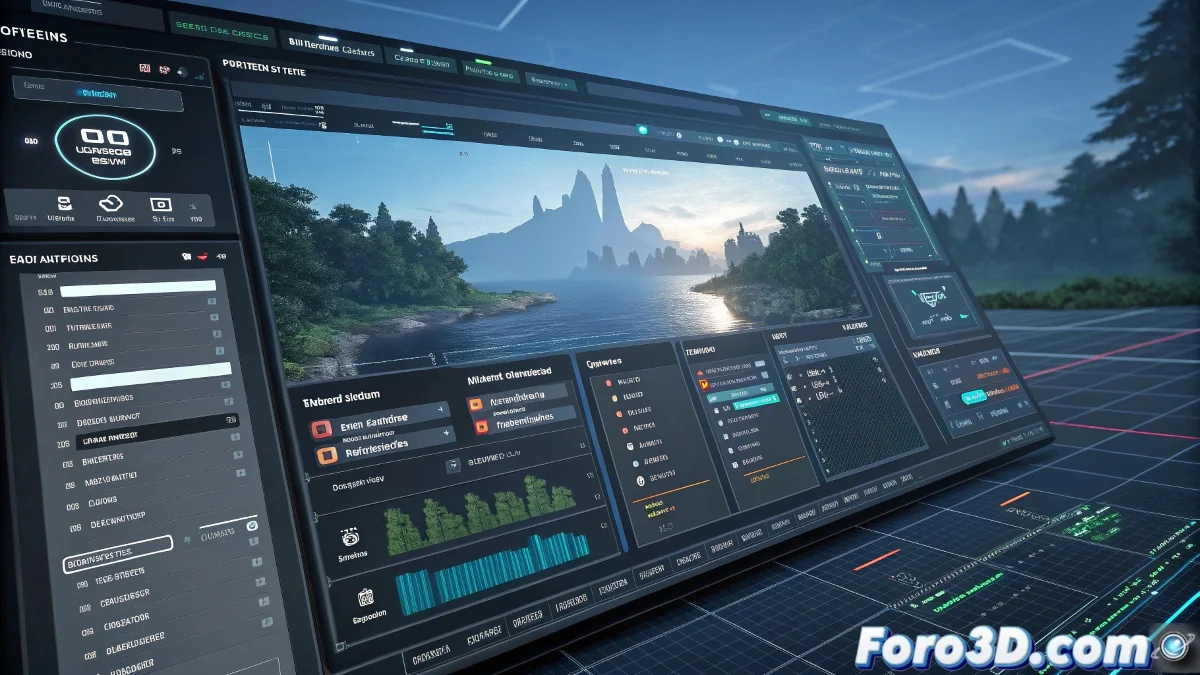
Unigine 2.20 Revolutionizes UI Design with Visual Editor and Brings DLSS/FSR
The Unigine engine has just made a leap in usability with its 2.20 version, introducing a visual interface editor that eliminates the tedious manual programming of UIs. Now designing menus and HUDs is as easy as dragging widgets, while the engine continues to offer its legendary graphical performance with new technologies like DLSS and FSR. 🎮✨
"When your engine can render hyper-realistic landscapes but until now you needed code to center a button... the UI Designer was the missing piece"
Key New Features
This update includes:
- UI Designer: Drag-and-drop editor with widget library
- Runtime Editor: Real-time interface debugging
- Support for DLSS 3 and FSR 2.2 on Vulkan/DX12
- Octahedral Mode for high-quality imposters
- XR improvements: eye tracking and passthrough
The UI Designer: A Paradigm Shift
This tool allows:
- Designing interfaces without writing code
- Real-time preview
- Library of preconfigured widgets
- Responsive layouts system
- Integration with existing workflows
While other engines remain stuck with XML and scripts, Unigine brings UI design closer to artists and non-technical designers. 🎨
Key Graphical Improvements
Developers will enjoy:
- DLSS 3 for higher performance on RTX
- FSR 2.2 for all GPUs
- More precise Octahedral imposters
- Better handling of extreme LODs
Advances in Extended Reality (XR)
Unigine strengthens its XR leadership with:
- Eye tracking for foveated rendering
- Support for passthrough mode (Quest 3/Varjo)
- Better integration with hand controllers
- Optimizations for enterprise environments
Who is This Update For?
Ideal for:
- Small teams that need productivity
- Professional XR projects
- Simulations with complex interfaces
- Technical artists who hate programming UIs
So the next time you spend hours debugging pixel positions in code, remember: there are engines that let you do it visually while enjoying a coffee. Although if you're one of those who prefer to write XML by hand... well, the world needs all kinds of people. 😅
The Future of Unigine
With this update, Unigine consolidates its position as:
- Graphical engine for demanding projects
- Non-programmer-friendly platform
- Leading solution in professional virtual reality
Version 2.20 demonstrates that graphical power and usability can go hand in hand, making advanced development accessible to multidisciplinary teams. And in a world where time is gold, tools like the UI Designer can be the difference between a quick prototype and a project that never takes off.