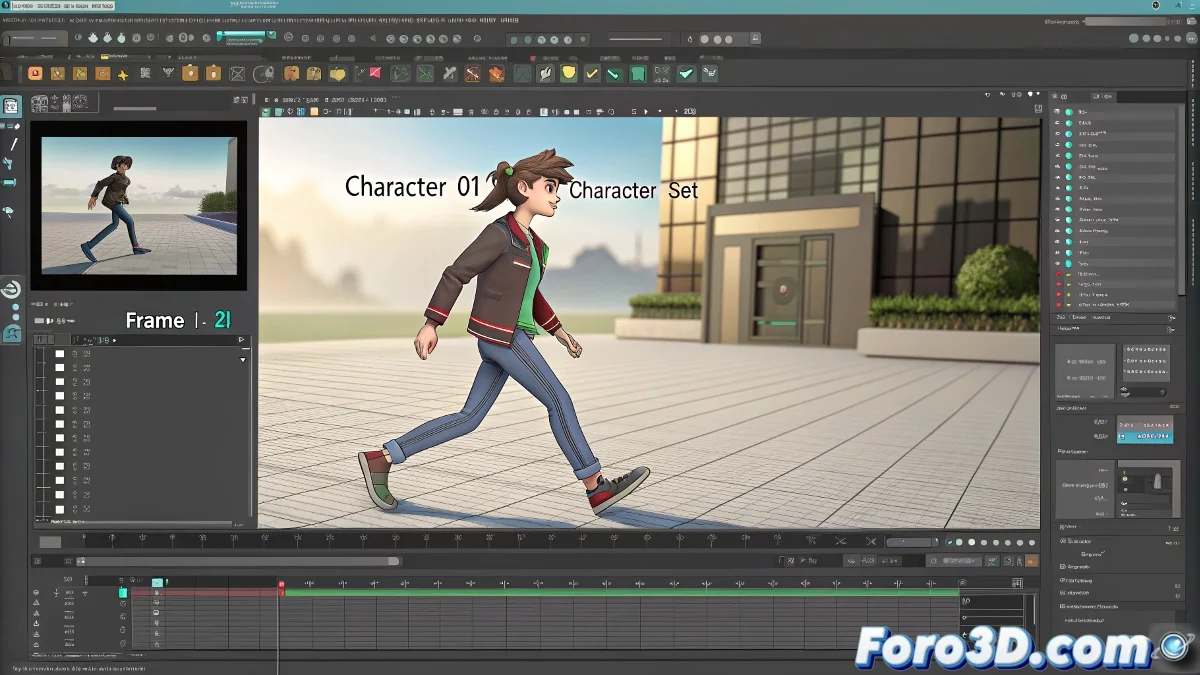
Maya's mysterious button that everyone ignores (until it catches us) 🔍
In the vast universe of Maya, there is a small dropdown menu in the bottom right corner that many artists look at with suspicion: Set Current Character Set. This discreet selector is like the conductor of your keyframes 🎼, deciding who plays and who stays silent when you press the magic S key.
"Wild" mode vs. "organized" mode
When the selector is set to None, Maya behaves like a rebellious teenager:
- Keyframes everything selected without filter
- Perfect for simple projects or when testing ideas
- But it can fill your scene with unnecessary keyframes like dirty socks under the bed 🧦
"In animation, controlled chaos is an art... until you have to debug 500 spurious keyframes"
Why Character Sets are your allies
When you activate a Character Set, Maya turns into a British butler 🎩:
- Only keyframes the objects/attributes included in the set
- Keeps your scene clean and organized
- Essential for complex rigs or team work
It's particularly useful when working with:
- HumanIK systems
- Video game rigs
- Reusable animation libraries
The next time your animation doesn't save the keyframes as expected, check this setting. Or keep it on None and live dangerously, like a 3D cowboy 🤠. After all, what's animation without a bit of excitement?