Understanding the Node and Scene System in Godot
The core architecture of Godot Engine is based on two key concepts: nodes and scenes. This design allows structuring any video game project in a logical and modular way, where every visual, audio, or logical element has a defined place. 🎮
Nodes: The Atoms of Your Project
In Godot, a node is the smallest functional unit. Each one has a specific and immediate purpose. For example, a Sprite2D node displays a graphic, an AudioStreamPlayer node plays sound, and a CollisionShape2D node sets the physical boundaries of an object. Instead of programming these functionalities from scratch, developers assemble these predefined blocks. To add unique behavior, any node can be linked to a script that dictates its logic.
Examples of fundamental nodes:- Node2D/Node3D: The base for all elements that have a position in 2D or 3D space.
- Control: The essential block for building user interfaces (UI) and menus.
- Timer: A utility node that efficiently manages time intervals and delays.
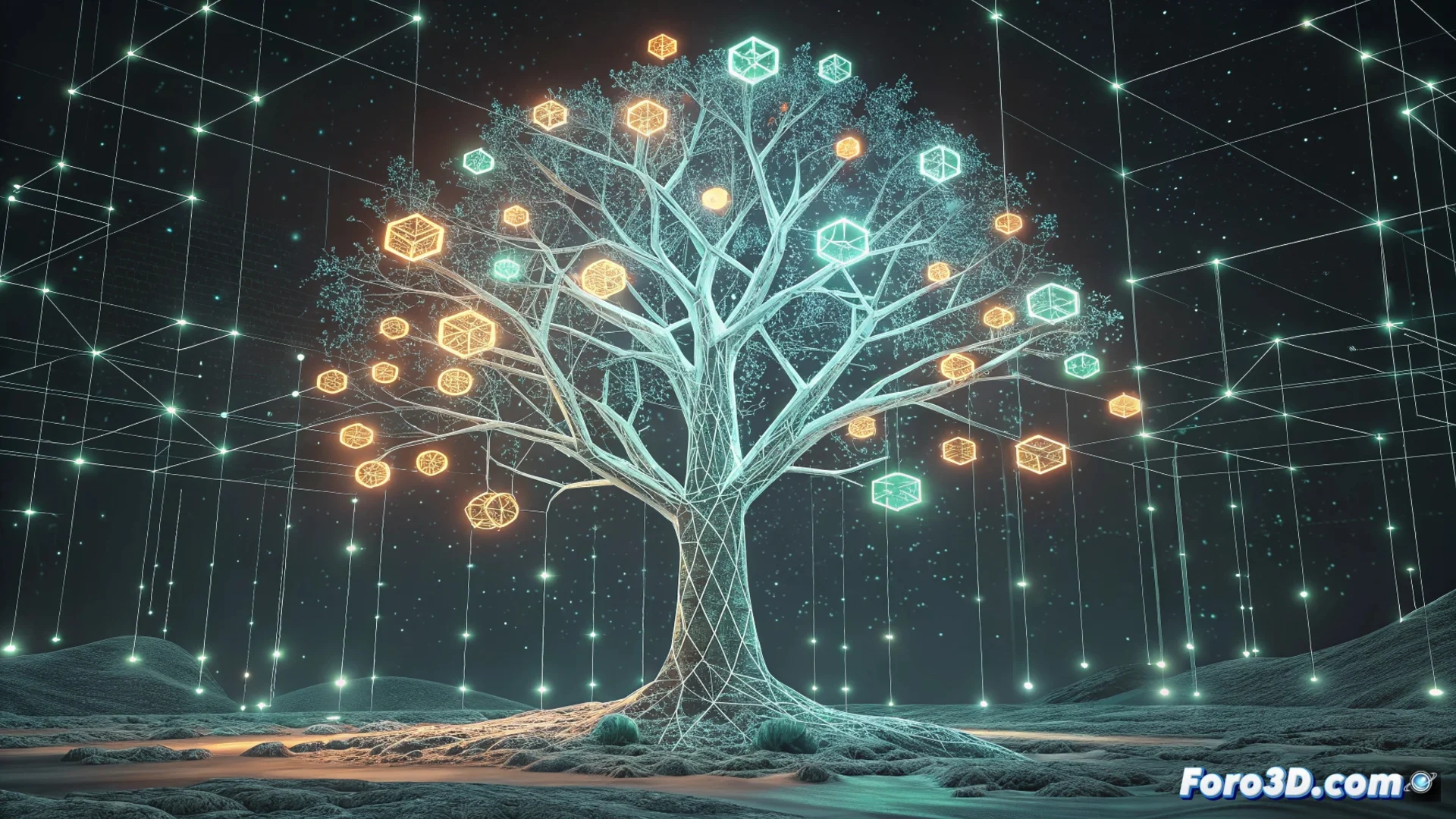
A Godot project is, essentially, a large node tree where the main scene is the root.
Scenes: Containers of Functionality
A scene is a node tree saved as an independent and reusable file. Think of it as a prefab or template. You can design a complete character, an enemy type, an interactive object, or a menu screen as an autonomous scene. Then, you can instantiate (create copies of) that scene multiple times in your main game. This practice is crucial for organizing large projects and avoiding duplicating work.
Advantages of using scenes:- Reuse: Create an object once and use it in many parts of your game.
- Encapsulate: Keep the logic and resources of an element (like a weapon) contained and isolated.
- Test: You can run and debug a scene in isolation, without loading the entire project.
Balance and Best Practices
The power of this system also comes with responsibility: maintaining clarity. Nesting too many nodes within a single scene can turn it into a maze that's hard to navigate and debug. The key to an agile workflow lies in finding the balance. Break down complex functionality into several simpler scenes and nest them when necessary. This way, your main node tree will remain clean and understandable, avoiding getting lost in your own design. 🌳