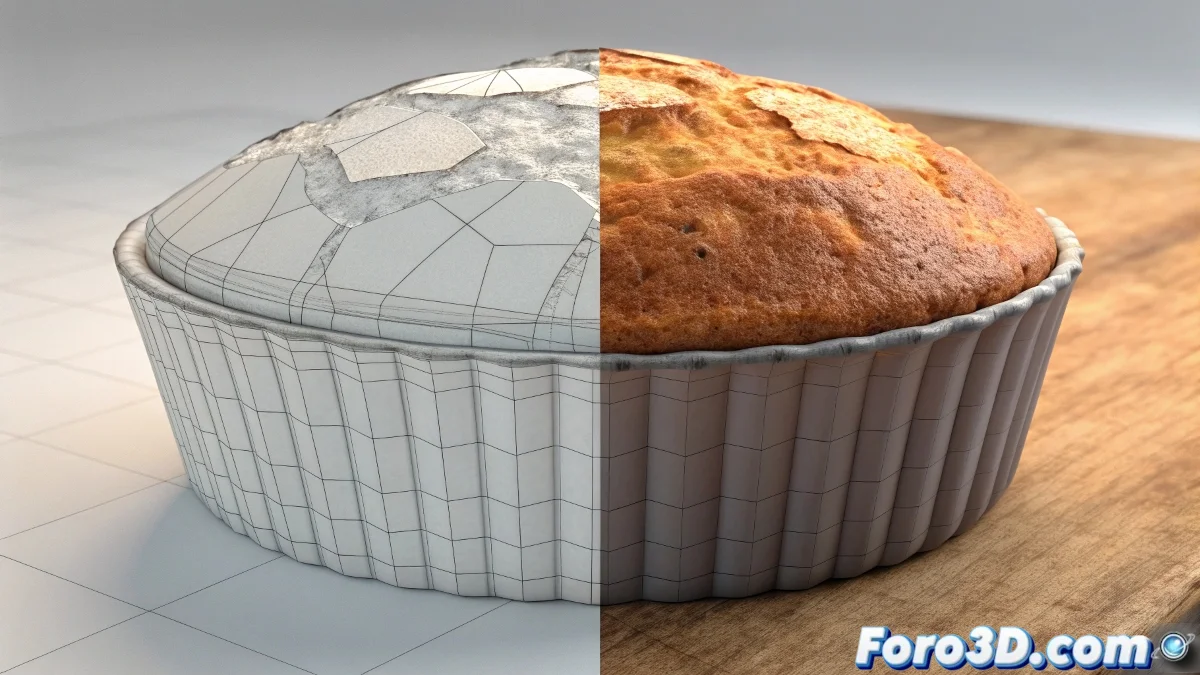
The Hidden Power of Render Texture
When you explore the Render Texture command in 3ds Max and wonder if it's similar to Texporter, you're touching on one of the software's most powerful yet least understood features. Render Texture is essentially an advanced baking system that goes far beyond what Texporter could do. While Texporter was limited to exporting UV coordinates or basic wireframe information, Render Texture allows you to "bake" or pre-calculate complex lighting, shadows, ambient occlusion, and other render effects directly into 2D textures. This technique is fundamental for optimizing renders, creating assets for video games, or preparing scenes that need to render in real time.
The Fundamental Difference with Texporter
Although both work with textures, Render Texture and Texporter have radically different purposes. Your intuition that they are related is correct, but the comparison ends with both outputting image files based on your 3D geometry.
- Texporter exported UV maps and wireframes for reference
- Render Texture bakes 3D information into 2D textures
- Texporter was for reference, Render Texture for production
- Render Texture includes lighting, Texporter only geometry
Practical Use Cases for Render Texture
This command becomes invaluable in specific situations where you need to optimize or pre-calculate information that would normally be calculated at render time.
Render Texture is like freezing a moment of perfect lighting into a texture: once baked, it will always look the same regardless of the render engine
- Creation of lightmaps for video game engines
- Baking of ambient occlusion for contact shadows
- Detail transfer from high to low resolution meshes
- Pre-calculation of lighting for real-time renders
Typical Workflow
To make the most of this tool, follow a structured process that ensures the best results.
Mastering Render Texture makes you a more versatile artist capable of bridging technical limitations between different platforms and render engines 🔄. Every time you use this tool, you're essentially freezing complex lighting calculations into simple textures, opening up creative and technical possibilities that would otherwise be impossible.