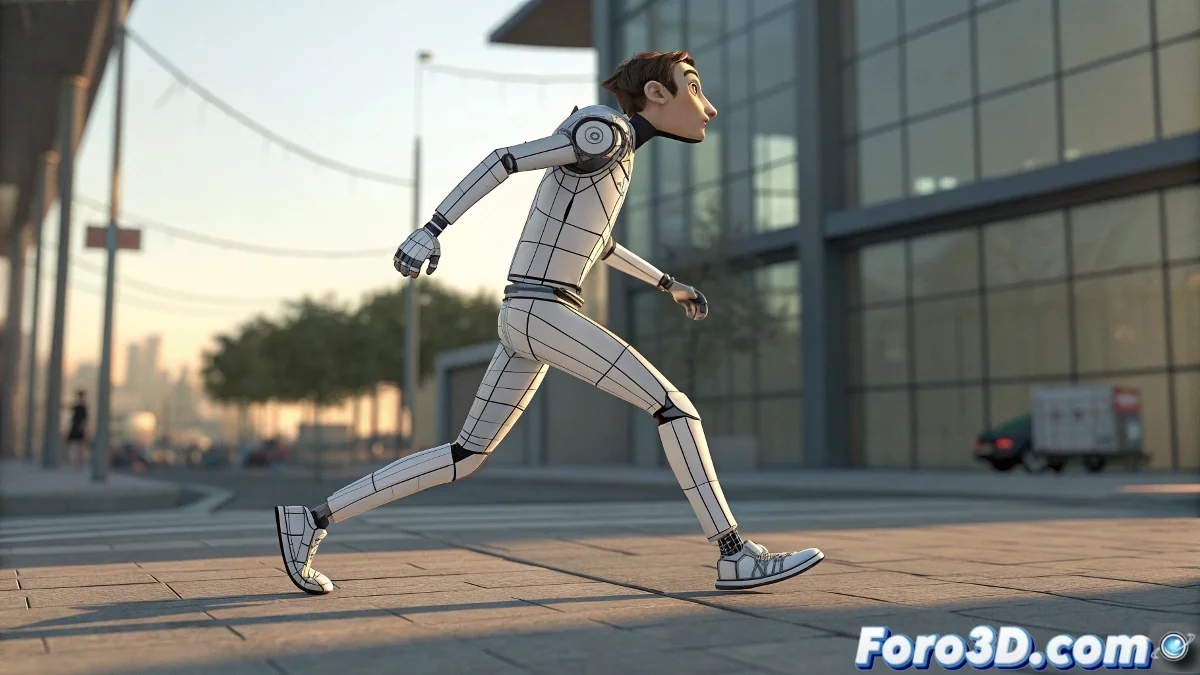
Animation Transplant: How to Switch Bipeds Without Losing the Soul of the Movement 🏗️➡️🤖
Do you need to migrate a complete animation to a new Biped character? Don't worry, you won't have to redo that perfect walking cycle. 3ds Max offers professional tools to transfer animations between Bipeds like a digital surgeon, preserving every detail of the original movement.
"A good animator doesn't recreate, they redirect: they take the essence of the movement wherever it's needed"
Surgical Preparation
Before transferring:
- Create a twin Biped with identical structure: - Same number of limb segments - Same bone proportions - Same naming scheme
- Position in identical T-Pose
- Verify no global scale differences
Method 1: Load Motion File (the gold standard)
Foolproof steps:
- Select your new Biped
- Go to Motion Panel → Biped Apps → Load Motion File
- Select the original .BIP file
- Adjust key options: - Scale: Maintain proportions - Rotation: Preserve original orientation - Footsteps: Transfer intact
- Click Load and watch the magic
Method 2: Motion Flow (for complex transfers)
When you need more control:
- Open Motion Flow Mode
- Create a clip with the original animation
- Drag to the new Biped
- Use Transition Editor to smooth changes
- Bake the result to keyframes
Post-transfer Adjustment
Professional review:
- Check foot contacts (Footstep Mode)
- Adjust Planted Keys in critical poses
- Correct possible pelvis displacements
- Smooth transitions in Graph Editor
Advanced Studio Tricks
- Alignment script: Use MAXScript to automatically match T-Poses
- Partial bake: Transfer only specific sections of the animation
- Animation layers: Keep upper body gestures when transferring base movements
- Biped templates: Create structure presets for future transfers
On foro3d you'll find scripts to automate this process. Because we've all had that character that danced like it was on another planet after a failed transfer. 🪐
Common Errors and Solutions
Problem: Legs sinking or floating
Solution: Check Footsteps height and adjust in Footstep Mode
Problem: Arms in wrong position
Solution: Verify initial rotation of the new Biped
Problem: Animation at different speed
Solution: Adjust time scale before transferring
As veteran animators say: "A good rig allows changing bodies without losing the soul of the movement". Now you have the tools to perform perfect animation transplants. 💉