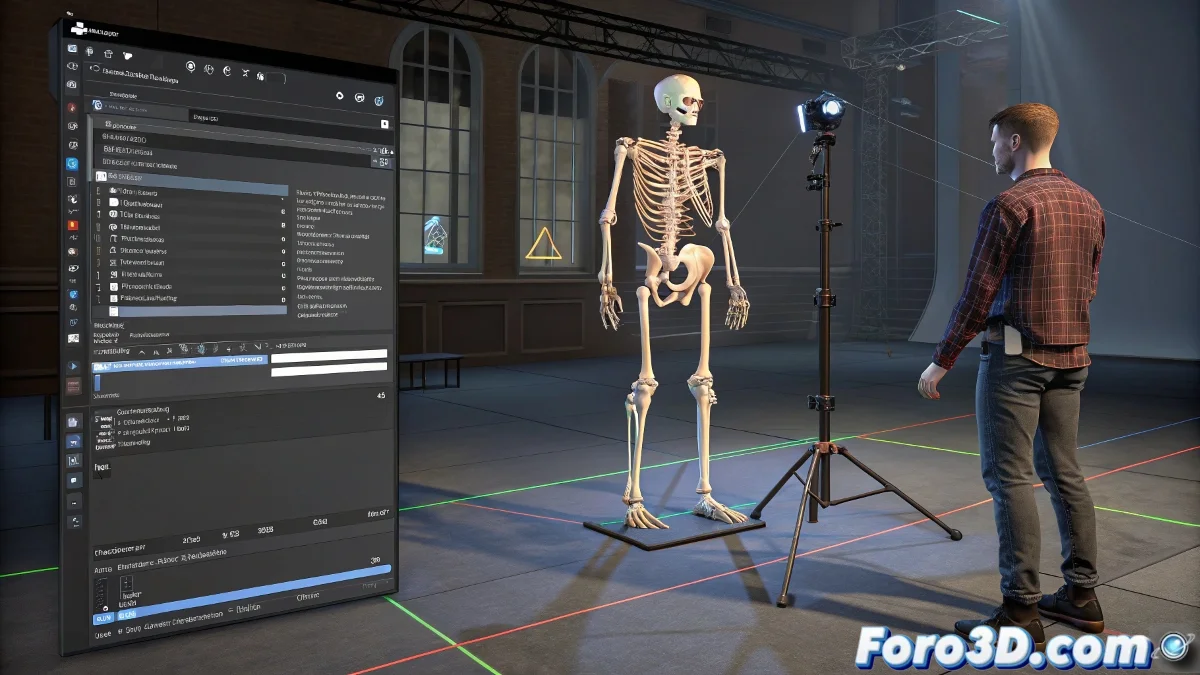
Ultimate Guide to Standardizing Avatars in iClone and Using Mocap with Kinect
Does your Blender character freeze like a statue when trying mocap in iClone? 🧊💃 Discover how to turn it into a motion capture-ready avatar with Kinect, even if your rig comes from another 3D planet. Because in iClone, you either play by its rules... or you're left without animation. 🎮
Step 1: Preparation in Blender
For custom rigs:
- Name bones like HumanIK/Mixamo
- Clean skinning (no orphan vertices)
- Export as FBX 2014/2016
Shortcut with Mixamo:
- Upload model to mixamo.com
- Download with auto-rig
- Ready for iClone!
Step 2: 3DXChange - The magic happens here
- Import FBX and select Non-Standard Character
- Go to the Characterization tab
- Map each bone manually if necessary
- Click on Convert to Non-Standard
- Test with basic movements
An unstandardized avatar in iClone is like a fish out of water: it doesn't move, no matter how much you point Kinect at it.
Solutions to common errors
| Error | Cause | Solution |
|---|---|---|
| "Invalid File" | Bones not mapped | Check Characterization |
| No Active option | Failed conversion | Redo Non-Standard |
| Clumsy movement | Defective skinning | Repaint weights in Blender |
| Kinect not detected | Drivers/Plugin | Reinstall iClone Mocap Plugin |
Optimal Kinect Setup
- Use Kinect v2 (better precision)
- Minimum 2x2m space
- Uniform lighting (no harsh shadows)
- Update iClone Mocap Plugin
Guaranteed Professional Workflow
1. Modeling in Blender (clean topology) 2. Compatible rigging (standard names) 3. Correct FBX export 4. Conversion in 3DXChange 5. Testing with basic movements 6. Kinect connection + calibration 7. Capture and animate!With these steps, your avatar will go from being a digital mannequin to a virtual actor ready for any performance. And when you see it move in real-time with your gestures, you'll understand why -despite its quirks- iClone remains the king of accessible mocap. 🕺
Nostalgia bonus: If your Kinect has more dust than a fossil, don't worry. This tutorial also applies to capture with iPhone (FaceCap) or professional systems like Perception Neuron. Avatar standardization is always the first step. 📱