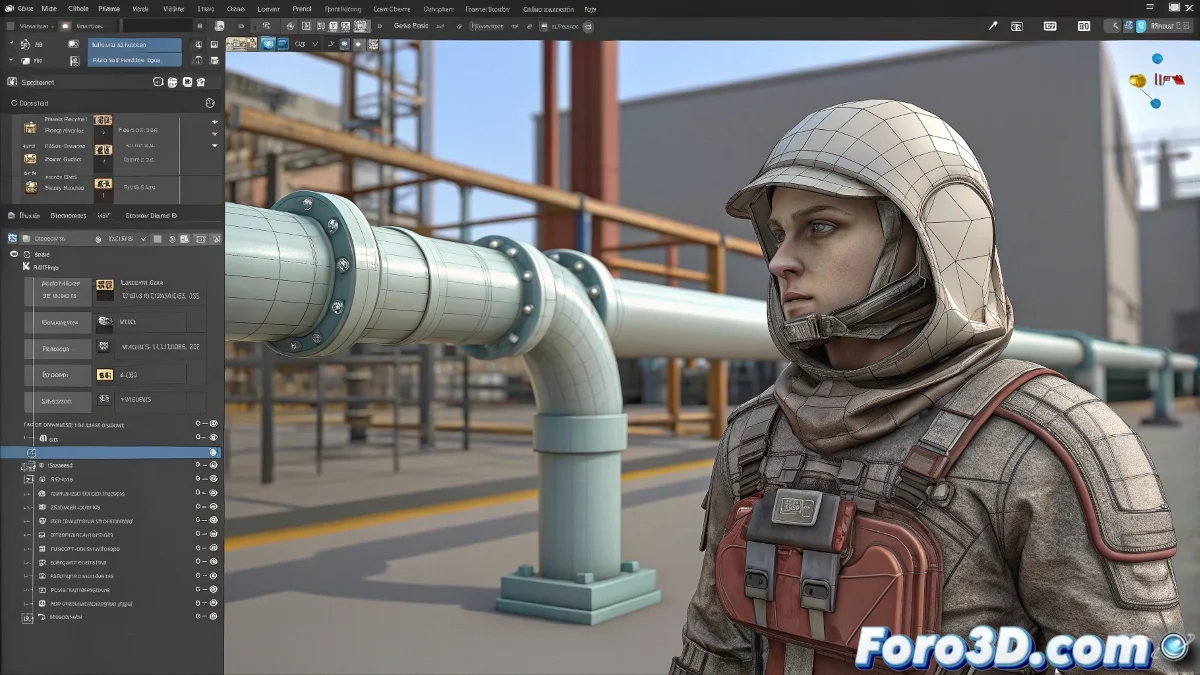
From ZBrush's Digital Canvas to Rigging in 3ds Max: An Epic Journey 🎨➡️🤖
You've finished your character in ZBrush and now it's time for the journey to 3ds Max. But between subtools, maps, and rebellious hair, the process can become more chaotic than a DynaMesh sculpture with 10 million polygons. Here's your map to navigate these turbulent waters.
1. The Fibermesh Dilemma: How to Bring Hair to Max?
Realistic Option:
- In ZBrush: Tool → Fibermesh → Export Curves
- Import the curves to 3ds Max as splines
- Use Hair & Fur modifier over the guides
- Adjust thickness and dynamics parameters
Quick Alternative:
- Export as static mesh with Tool → Export
- Use Cloth modifier for basic simulation
- Ideal for rigid hairstyles or accessories
"Converting Fibermesh to usable hair is like taming a lion: it requires patience and the right tools" - Character Artist
2. Subtools: The Great Separation
| In ZBrush | In 3ds Max | Key Tip |
|---|---|---|
| Independent Subtool | Separate Object | Name each part clearly |
| Multiple subdivisions | Low level + maps | Export retopologized base |
| Morph targets | Blendshapes | Use GoZ for precise transfer |
3. The Holy Grail of Maps
Professional Workflow:
- In ZBrush: ZPlugin → Multi Map Exporter
- Generate:
- Normal Map (32-bit EXR)
- Displacement Map (EXR)
- Ambient Occlusion (8-bit PNG)
- In 3ds Max:
- Normal Map → Normal Bump modifier
- Displacement → Displace modifier or in material
4. Sacred Order of the Workflow
- Retopology (ZRemesher or manual)
- UVs (in ZBrush or with UV Master)
- Clean Base Export
- Texturing (Substance Painter/Mari)
- Map Generation from high res
- Import to 3ds Max
- Rigging and Animation
Catastrophic Errors (and How to Avoid Them)
- 💥 "My model arrived without eyes": Verify all subtools are selected when exporting
- 📏 "Incorrect scale": Use the Export Scale 1.0 option in ZBrush
- 🔄 "Maps don't match": Ensure same resolution in high/low
- 🐌 "3ds Max freezes": Don't import the subdivided sculpture
Bonus: Life-Saving Plugins
- GoZ: Automatic transfer between software
- ZBrush to Max: Optimized export
- MeshFusion: For complex mechanical parts
Exporting from ZBrush to 3ds Max is like moving house: it requires planning, packing everything in its place, and accepting that something will always get lost along the way. But with this guide, at least you'll avoid losing your patience. 🧳✨