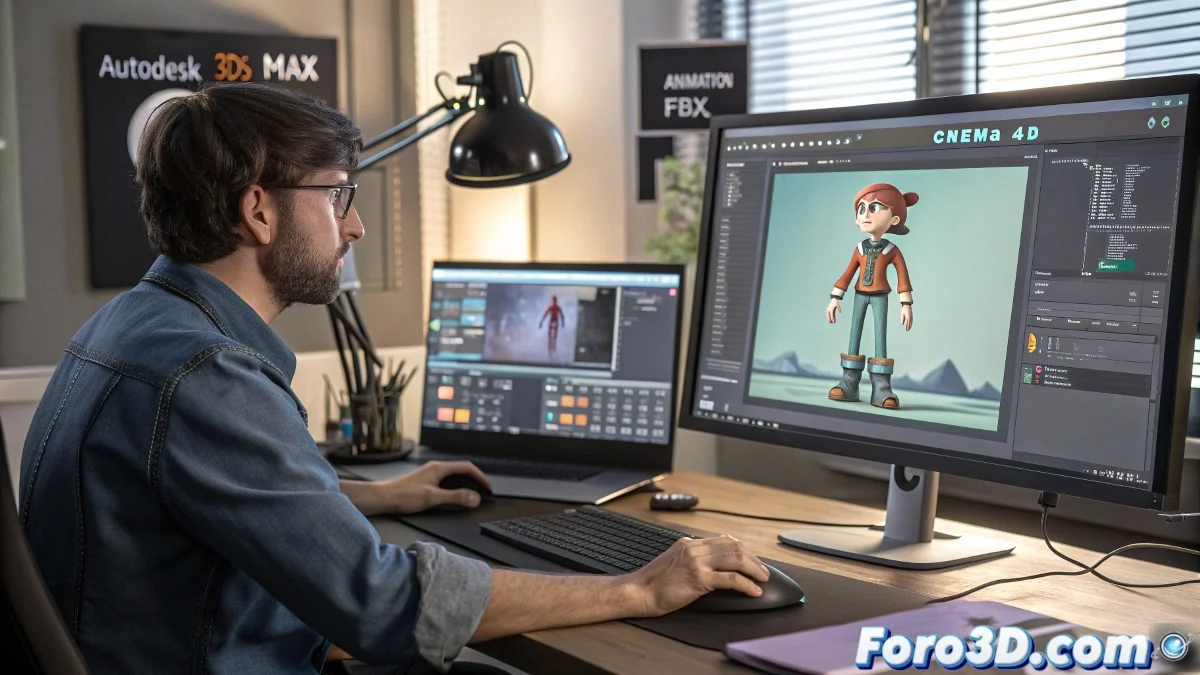
The Art of Getting Your Animations Out of 3ds Max Without Them Mysteriously Disappearing
Exporting animations from 3ds Max is like trying to get your cat out of the vet: if you don't use the right carrier, you end up without a cat and with a good scare. 😼 Many discover too late that the .3ds format is more outdated than a floppy disk and less useful for animations than a selfie stick without a phone.
Formats That Won't Leave You Stranded Like .3ds
So your animation survives the journey between softwares, you need the digital equivalents of a car child seat:
- FBX: The all-terrain format, carries animations like suitcases on vacation ✈️
- OBJ with animation (for the brave)
- Collada (when FBX decides to get temperamental)
foro3d.com wisdom: Using .3ds for animations is like trying to send a video by fax - technically possible, but everyone knows it will end badly
The Export Process That Won't Make You Cry
Follow these steps to keep your sanity (and your animation intact):
- Select everything you want to export as if your job depended on it (because it does)
- Go to File > Export > Export Selected (not Import, not Save As, don't mess it up now)
- Choose FBX and check the Animation box like it's the salvation button
For Mac users looking enviously at PC users, FBX is your new best friend. Cinema 4D will embrace it like an old acquaintance, especially if you use Cineware to take it to After Effects without drama. 🍏
Signs You're Using the Wrong Format
Your animation has disappeared if:
- The file weighs less than your last electricity bill
- When opening it in another software, you only see static geometry
- Your keyframes have decided to take a vacation without notice
Final irony: The saddest thing is that after mastering perfect exportation, you'll realize that the real challenge was making an animation worth exporting. The path of the 3D artist is full of humility... and failed renders. 🎭