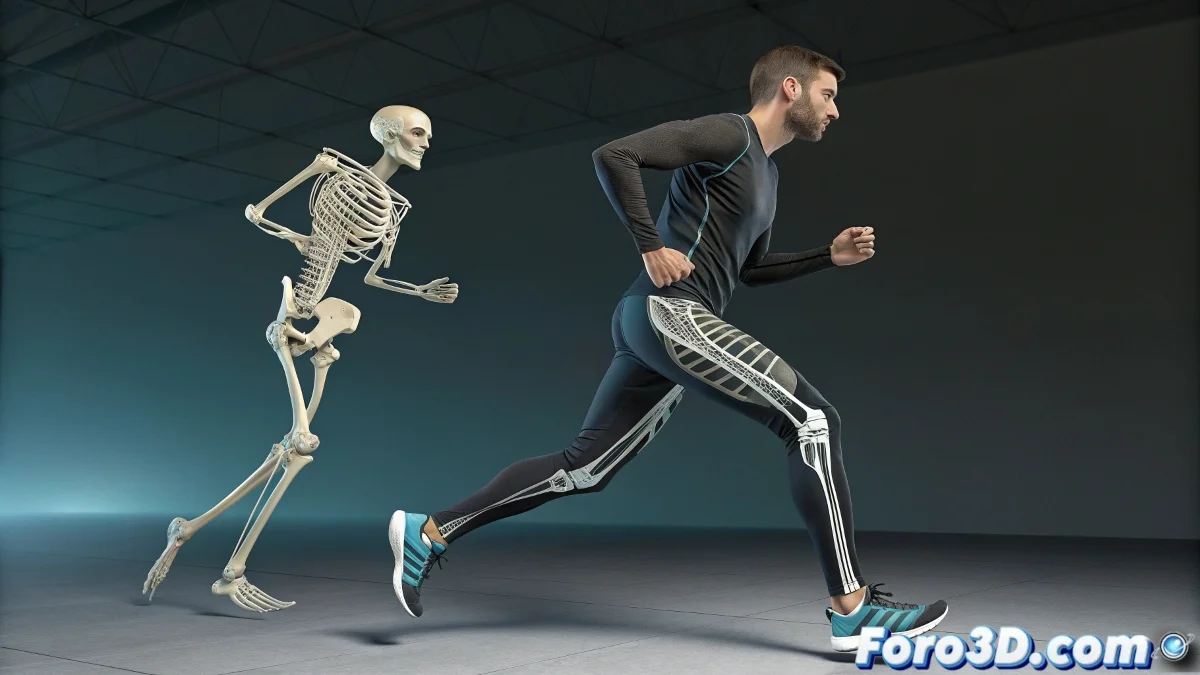
The Art of Cloning Limbs Without Losing Control 🦵↔️🦵
Tired of your mirror legs in 3ds Max dancing synchronized as if they were glued together? Reaction Manager can become tricky when duplicating bones, but with this professional method, you'll achieve twin limbs that are independent, each with their own reactions and controls.
"Duplicating in 3D is like cloning humans: if you don't do it right, you end up with unwanted telepathic connections"
Foolproof Step-by-Step
1. Strategic Preparation
- Verify that your original leg works perfectly
- Save backup (File → Save As → _preDuplicar)
- Name clearly each bone (R_Thigh, R_Shin, etc.)
2. Safe Duplication (the key trick)
- Select the entire hierarchy of the leg
- Use Edit → Clone → Copy (never Instance!)
- Position the new bones with Mirror if necessary
- Immediately rename (L_Thigh, L_Shin, etc.)
3. Reaction Reassignment
In Reaction Manager:
- Create new reactions for the duplicated bones
- Use Pick Reaction to link correctly
- Check that the input/output variables point to the new bones
- Test with extreme values to verify independence
Catastrophic Errors (and How to Avoid Them)
Problem: Both legs move when animating one
Solution: Never use Mirror directly, always Clone → Copy
Problem: Reactions don't apply correctly
Solution: Verify that each new bone has its own reactions
Problem: Duplicate names cause conflicts
Solution: Rename BEFORE assigning reactions
Professional Production Tricks
- Renaming Script: Automate prefix changes (R_ to L_)
- Selection Sets: Group bones by limb for quick selection
- Early Tests: Verify independence with simple animations
- Layers: Organize original and duplicated bones in separate layers
On foro3d you'll find scripts that automate part of this process. Because we've all had that character that seemed to do involuntary splits before discovering this method. 🤸
Why This Method Works
- Clean Copy: No hidden connections between elements
- Absolute Control: Each limb has its own reaction system
- Flexibility: Allows independent side adjustments
- Compatibility: Works with other systems (IK, FK, custom rigs)
As expert riggers say: "Perfect symmetry is achieved with independent systems, not dangerous shortcuts". Now go and duplicate those bones like a pro. 🦴✨