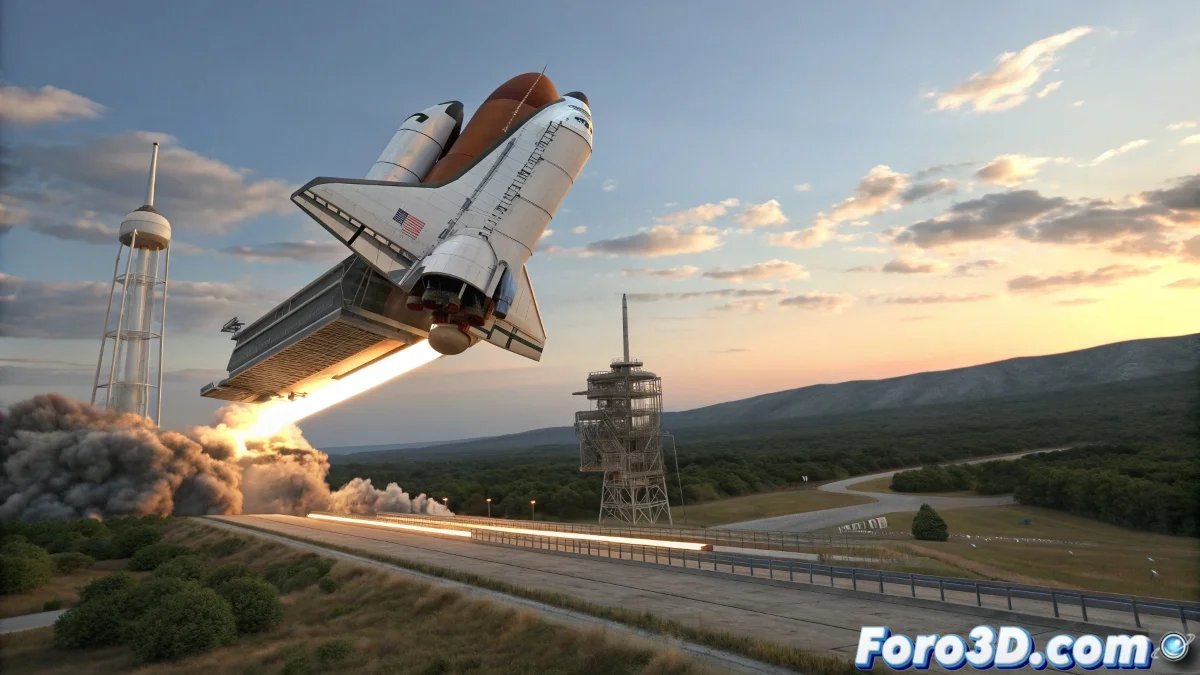
Master the Art of Launching Objects with Realistic Physics in Maya
Need to create an object launcher system with realistic physics? Discover how to combine Rigid Bodies, constraints, and force fields to simulate professional launchers in Maya.
"In the world of physics simulation, every perfect launch is a well-balanced equation between force and control"
Initial Setup
Element Preparation:
- Model your object to launch (sphere, box, etc.)
- Create the launcher structure:
- Mechanical arm
- Inclined plane
- Catapult system
- Define realistic scale (meters/centimeters)
Implementation with nDynamics
1. Convert to Active Rigid Body:
- Select the launchable objects
- Go to nDynamics → Create Active Rigid Body
- Adjust in Attribute Editor:
- Mass: Object weight
- Bounciness: Bounce
- Friction: Friction
2. Create Launch Mechanism:
- Option 1: Keyframed Animation
- Animate the launcher movement
- Apply Passive Rigid Body to moving parts
- Option 2: Physical Forces
- Use Fields → Radial/Turbulence
- Adjust Magnitude/Direction
Professional Optimization
Advanced Techniques:
- Use nCache for:
- Storing simulations
- Editing without recalculating
- Apply nConstraints for:
- Hinge: Joints
- Spring: Springs
- Control with nCloth for:
- Flexible surfaces
- Secondary effects
Key Parameters Table
| Parameter | Function | Typical Value |
|---|---|---|
| Mass | Object weight | 1-10 (according to scale) |
| Bounciness | Bounce | 0.1-0.8 |
| Friction | Friction | 0.2-0.7 |
| Field Magnitude | Launch force | 10-100+ |
Quality Checklist
- ✅ Realistic Movement: Physically believable trajectories
- ✅ Correct Interactions: Precise collisions
- ✅ Optimization: Proper use of nCache
- ✅ Controls: Easily adjustable parameters
On foro3d you'll find example scenes with different launcher configurations. Because we've all had those launches that looked like balloons instead of solid objects. 🚀
Common Troubleshooting
- Objects not moving: Check Active Rigid Body
- Exaggerated movement: Reduce magnitude/mass
- Geometry penetration: Adjust Collision Shape
- Slow simulation: Reduce substeps or use proxy geometry
As effects experts say: "Perfect physics is invisible - you only notice when it's missing". Now go and create launches that impress with their realism. 💥