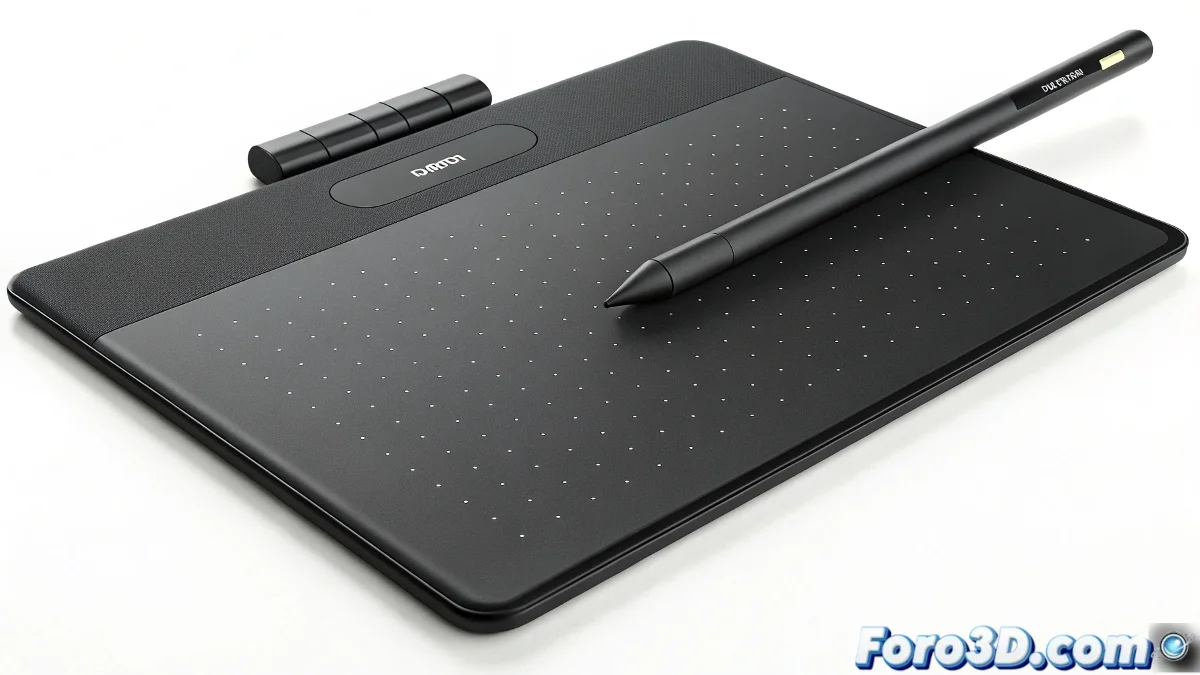
The crucial choice: Finding your ideal tablet for ZBrush
Are you taking your first steps in ZBrush and 3ds Max? The graphics tablet will be your digital pencil. We analyze the 3 most common options for beginners, with their pros, cons, and professional secrets.
"The right tablet isn't noticed in the hand... it's noticed in the results" — Professional digital artist
1. Key parameters for ZBrush/3ds Max
Deciding factors:
- Active area: Physical space to move the pen
- Pressure levels: Sensitivity when drawing (2048+ ideal)
- Driver: Compatibility with 3D software
- Ergonomics: Comfort in long sessions
2. Comparative technical analysis
| Model | Active Area | Pressure | Cost | Best for |
|---|---|---|---|---|
| Genius m712x | 12x7" (Large) | 2048 levels | $$ | Ample space/limited budget |
| Wacom Bamboo Fun | 8x5" (Medium) | 1024 levels | $$$ | Price-quality balance |
| Wacom Intuos 4 Small | 6x4" (Small) | 2048 levels | $$$$ | Precision in reduced spaces |
3. Recommendation by user profile
For absolute beginners:
- Wacom Bamboo Fun Medium:
- Sufficient area to learn
- Wacom quality at an affordable price
- 1024 levels are enough to start
For tight budgets:
- Genius m712x:
- Advantage: Larger active area
- Configure the drivers well
- Ideal if you work on large monitors
For mini spaces or portability:
- Intuos 4 Small:
- Professional precision
- Requires adapting your style to less space
- Best for travel or small desks
4. Optimal setup for ZBrush
- Install the latest drivers
- In ZBrush:
- Preferences > Tablet > Use WinTab
- Adjust ZIntensity according to sensitivity
- In 3ds Max:
- Customize shortcuts on the physical buttons
- Configure view rotation with gestures
Purchase Checklist
- ✅ Physical test (if possible)
- ✅ Warranty (Wacom usually offers better coverage)
- ✅ Includes rechargeable pen (no batteries)
- ✅ Compatibility with your operating system
On foro3d we have detailed guides to configure each model. Because we all remember our first tablet... and the mistakes we made when choosing it. ✏️
Conclusion: Which one to buy?
The Wacom Bamboo Fun Medium wins for its perfect balance between size, price, and quality for beginners. The Genius is a good alternative if you need more area, and the Intuos Small only if space is your priority.
As veteran artists say: "It's not the size of your tablet, but how you use it"... although a bit of size does help. Happy digital sculpting! 🎨