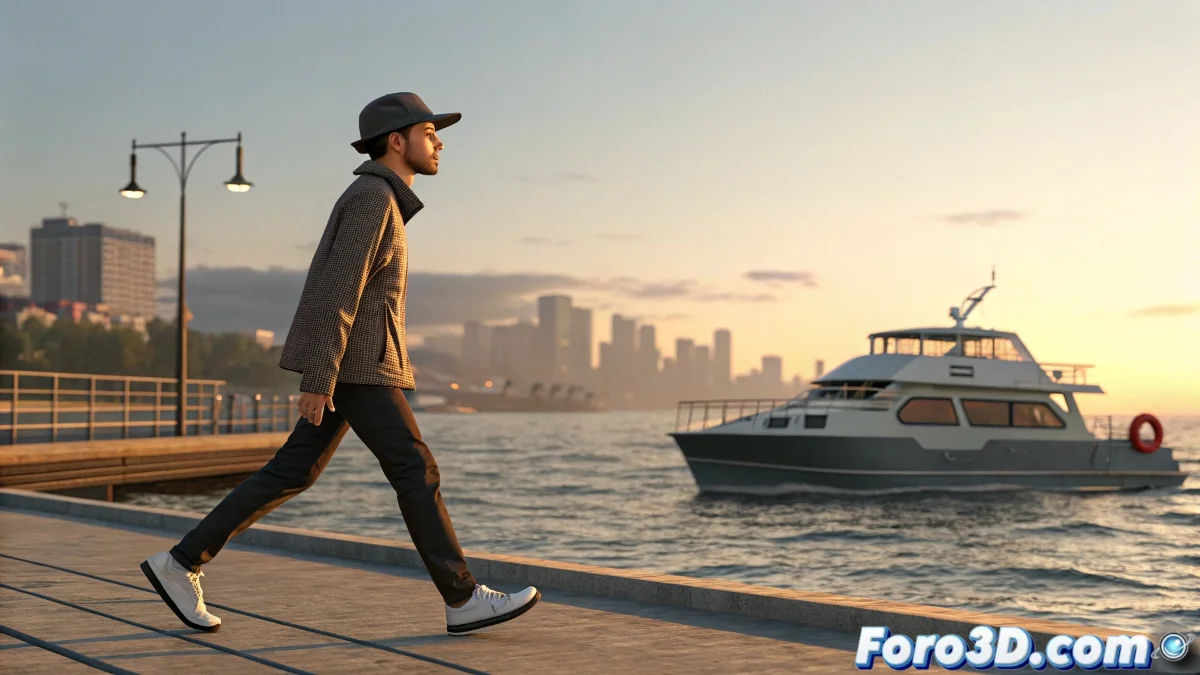
When Your Characters Need to Surf on Solid Ground 🏄♂️🚢
Does your Biped character skate like a beginner on ice when walking on a moving vehicle? Mastering animation on moving surfaces is crucial for realistic scenes on ships, platforms, or vehicles. Here we reveal the professional method so that feet and surface dance to the same rhythm.
"A good animator makes the impossible seem natural, and the natural seem impossible"
Preproduction: The Moving Scenario
- Animate first the moving object (ship, platform, vehicle)
- Ensure the trajectory and speed are definitive
- Test the movement without the character to verify smoothness
Choreography for Bipeds
Prepare your character:
- Place the Biped on the moving surface
- Create footsteps for the walk
- Convert to keys (Convert to Keyframes)
- Adjust the timings according to the object's speed
The Art of the Perfect Bond
Option 1 - Direct Link Constraint:
- Select the pelvis of the Biped
- Apply Link Constraint
- Link to the moving object
Option 2 - Control with Dummy:
- Create a Dummy and link it to the moving object
- Link the Biped to the Dummy
- Adjust the relative position if necessary
Millimetric Adjustment of Contacts
For perfectly planted feet:
- Activate Planted Key for each contact
- Adjust frame by frame in abrupt movements
- For realism, add controlled micro-slides
- Use Graph Editor to smooth transitions
Real Production Tricks
- For irregular surfaces, add slight sways to the torso
- In accelerations/decelerations, adjust the character's posture
- Save key poses to recover them quickly
- Test with different speeds of the moving object
On foro3d you'll find example scenes with this technique applied. Because we've all had that character that seemed to float over the ship before discovering these secrets. 👻
Quality Checklist
- ✅ Feet perfectly synchronized with the movement
- ✅ Posture adapted to accelerations/decelerations
- ✅ Smooth movement in direction changes
- ✅ Natural torso sway on unstable surfaces
As veteran animators say: "The magic isn't in the character moving, but in making it seem like they're really there". Now go and make your characters walk on that ship like true sea wolves. ⚓