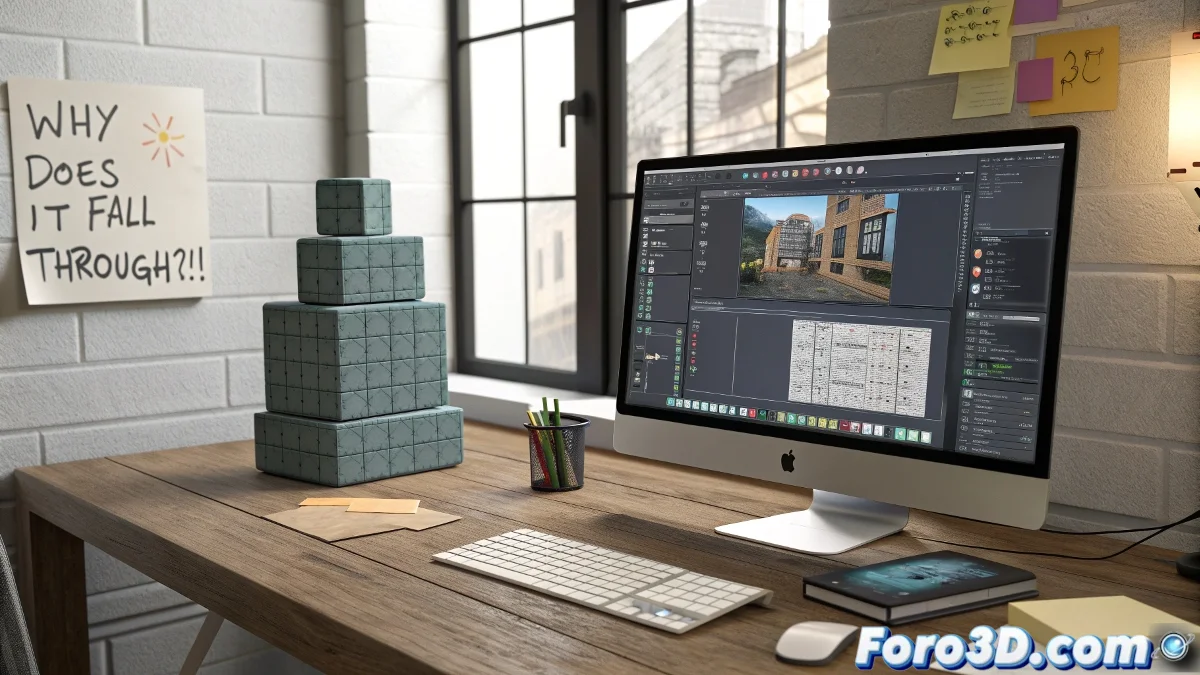
When Rigid Objects in Maya Decide to Rebel
In the world of dynamics in Maya, rigid bodies have more personality than the characters we animate. 🏗️ One object bounces like a professional ball, another passes through walls like the X-Men, and a third gets stuck as if it owed money to the collider plane. Is Maya crazy? No, 3D physics simply have their quirks.
The Hidden Secrets of Chaotic Simulations
Behind every strange behavior, there are factors that don't appear in the manual:
- Real scale: What you see is not always what Maya calculates
- Invisible centers of mass: The 3D equivalent of the sweet spot on a racket
- Tricky colliders: Mesh vs basic primitives
- Substepping: Where frames get lost like socks in the washing machine
Maya's Law: The more perfect your simulation looks in the preview, the more likely it is to fail spectacularly when rendering
Emergency Kit to Tame Simulations
When your objects behave like rebellious teenagers:
- Apply Freeze Transformations like shock therapy
- Delete the history more than your compromising messages
- Use simple colliders (complexity rarely pays off)
- Adjust substepping like your grandma's thermostat
The Bullet engine can be as temperamental as a cat on a rainy day. 🌧️ Sometimes it needs more temporal sampling, other times less tolerance... and always a lot of patience.
Signs That Your Simulation Needs Professional Help
Recognize the problem when:
- Your objects float as if they were on the moon
- Collisions happen... but 3 frames later
- The playblast shows different results from the preview
Final irony: The funniest thing is that after hours adjusting parameters, you'll end up manually animating the perfect physical effect that Maya couldn't simulate. That's the virtuous (or vicious) circle of 3D animation. 🎢