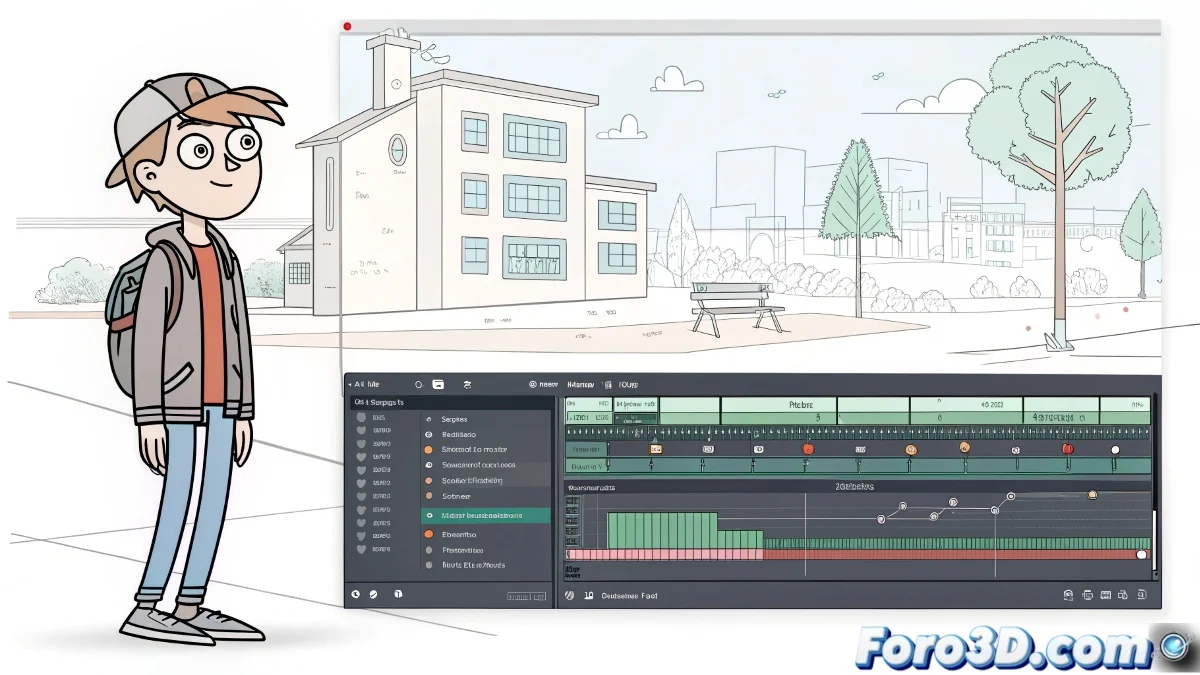
When SketchUp Decides to Play Hide and Seek with Your Materials
Nothing more frustrating than carefully preparing your animation in SketchUp and then, when playing it back, the materials decide to take unauthorized vacations. 🏖️ This problem is more common than you think, especially because SketchUp is not specifically designed for complex animation.
First Aid for Animations in Crisis
Before throwing the computer out the window, try these remedies:
- Check textures in each scene as if they were important documents
- Avoid changing materials between scenes without updating the transitions
- Use Presentation mode to smooth the transition between scenes
Exporting: The Last Resort (That Should Be the First)
When SketchUp refuses to cooperate, exporting is your best ally:
Exporting your animation directly from SketchUp is like sending a fax in 2023: it technically works, but there are better options.
Consider using specialized software for the final export. Formats like MP4 are usually more stable than the internally generated AVI files.
Optimization: Because Patience Is Not Infinite
If SketchUp is slower than a hibernating turtle:
- Remove hidden geometry that's just consuming resources
- Group objects as if they were going to a black-tie gala
- Update drivers because those from 2007 no longer work
Fun fact: 90% of SketchUp performance issues are solved with three steps: close and reopen the program, restart the computer, or pray to the 3D gods. 🕯️
And remember: if after all this your animation still fails, you can always say it's a vanguard artistic style. After all, what better way to represent the transience of existence than with materials that appear and disappear at will? 🎭