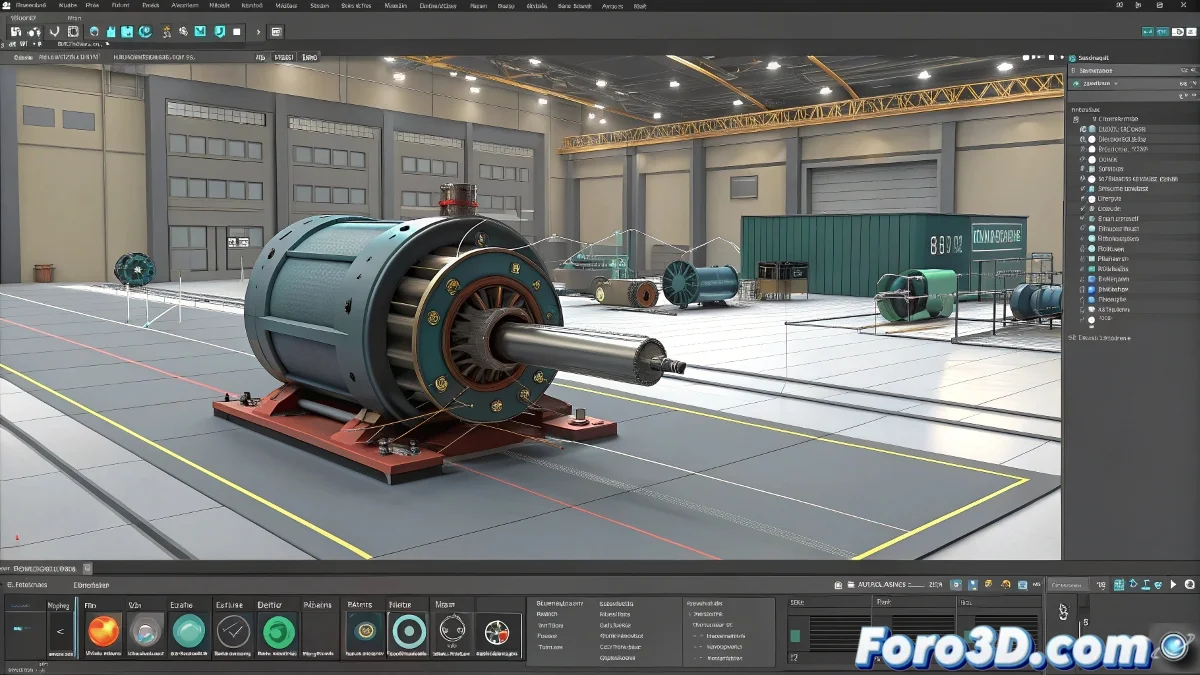
When Reactor and Keyframes Decide Not to Get Along 🤯
In the fascinating world of 3ds Max, few things are more fun than watching Reactor completely ignore your carefully prepared keyframes. It's like scheduling a date and having your physics simulation show up late, drunk, and unwilling to cooperate. But fear not, there's a solution to this animation drama.
The Mysterious Case of the Object That Wouldn't Obey
When you try to make an object follow a spline and react physically with its environment, Reactor often behaves like that coworker who only does half their job. The key is finding the Unyielding option, which is like telling Reactor: "hey, these keyframes are orders, not suggestions".
Finding Unyielding in 3ds Max is like searching for headphones in a woman's purse: you know they're there, but the process is mysterious and frustrating.
Quick Guide to Taming Reactor
- Don't Look in Advanced: Because that would be too logical. The option is hidden in the Reactor modifier
- Enable Unyielding: It's the magic switch that makes your animation and physics coexist peacefully
- Set Updates Per Frame: So Reactor doesn't get distracted looking at memes between frames
The Art of Making the Impossible Work
Veterans of foro3d.com know that working with Reactor requires the patience of a Buddhist monk and the persistence of a mosquito in summer. The combination of keyframes and physics will never be perfect, but with these tricks, at least it will stop looking like your object is having an epileptic seizure.
Remember that in 3ds Max, Euler is not just a dead mathematician, but an important option you probably should check. And if all else fails, you can always say you were creating a new style of abstract animation. 🎨
Pro tip: If Reactor still won't cooperate, threaten to replace it with Unity. It works 60% of the time, every time. 😼