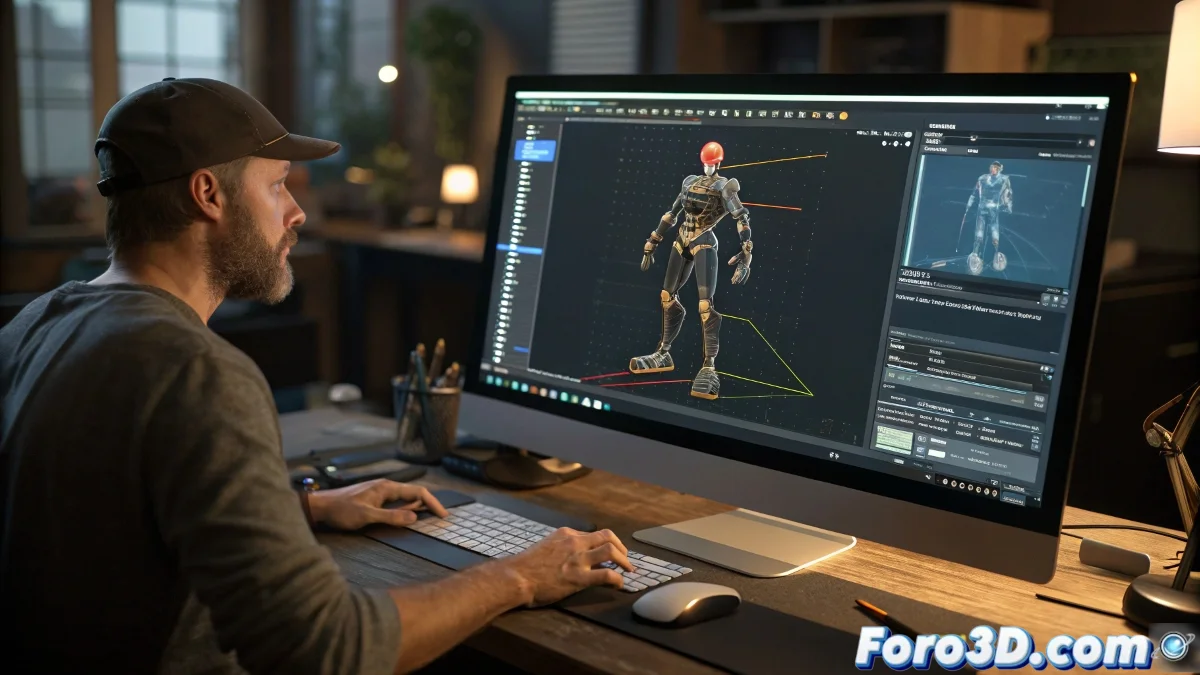
When Your Mocap Bones Decide to Dance Their Own Choreography 💃
Renaming bones in MotionBuilder should be as simple as changing labels in a folder, but reality is more like playing 4D chess. Everything looks correct in the preview, until your character starts moving its feet like it's in an extreme twerking competition.
The Mystery of the Disobedient Bones
It turns out MotionBuilder isn't satisfied with pretty names - it wants to know the full family tree of each bone. The real problem usually lies in:
- Parenthood Hierarchy: Who's the parent of whom in this bone family?
- Spatial Orientation: Bones have their own internal GPS
- IK/FK Secrets: That toxic relationship that never ends well
A poorly renamed mocap file is like giving a dictionary to a parrot: it can repeat the words, but it doesn't understand the context.
Emergency Manual for Taming Mocaps
Veterans from Foro3D.com recommend this survival protocol:
- Preserve the original hierarchy as if it were a relic
- Use renaming scripts like professional translators
- Verify orientations like an airport security check ✈️
- Test with small movements before the big premiere
When everything fails, many turn to Maya or Blender as rehabilitation centers for problematic mocaps.
The Harsh Reality of the Animator
Working with renamed mocap is like being a zoo director: you can name the animals whatever you want, but that won't stop the monkey from spitting on you or the lion from deciding it's vegetarian today. Animation has its own rules, and sometimes bones just want to be free.
If everything goes wrong, remember: you can present it as a new style of abstract dance and found an artistic movement. 🎭