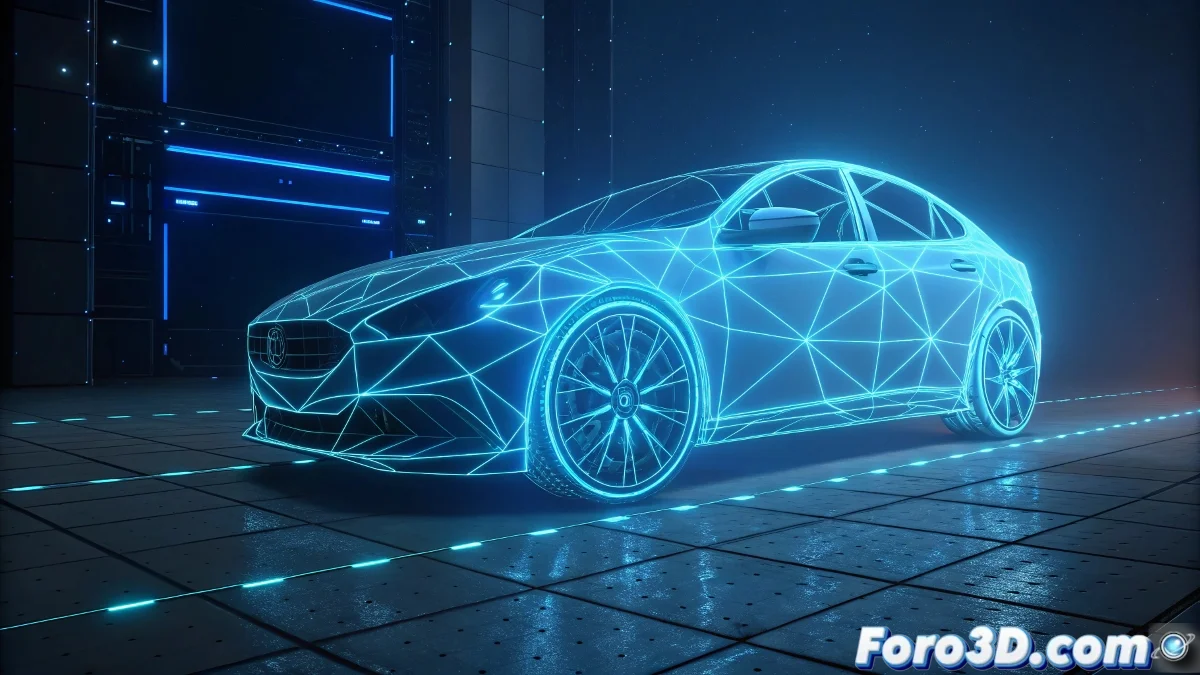
The Mystery of the Glow Abandoning the Edges
When working with the Glow effect in 3ds Max Video Post and discovering that it doesn't apply uniformly to all edges of your spline-created logo, you're experiencing one of the most common yet frustrating issues with this effects system. The behavior you describe is typical of the Glow effect when it encounters difficulties in consistently identifying which pixels should be affected by the glow. The fact that only part of the logo shows the effect correctly while other areas appear without glow suggests issues with how the luminosity channel is being calculated or with the threshold parameters that determine how bright a pixel must be to activate the glow effect. This issue is particularly common when working with splines converted to renderable geometry.
Diagnosing the Glow Application Problem
The Glow effect in Video Post depends on several technical factors that must align perfectly to achieve uniform application across the entire geometry. When it fails in some areas, it usually indicates misalignments in these critical parameters.
- Problems with Object ID or Effect ID assigned incorrectly
- Threshold Configuration too high or too low
- Inconsistencies in scene lighting
- Geometry with problematic normals in specific areas
Solutions for Uniform Glow
To resolve this issue and ensure the Glow effect applies consistently to all edges of your logo, you need to strategically adjust several parameters both in the geometry and in the Video Post settings.
An inconsistent Glow effect is like a neon sign with burnt-out bulbs: the idea is good but the execution fails in the details
- Verify and unify Object IDs across all parts of the logo
- Adjust the Size parameter for greater edge coverage
- Test different Threshold values from 0 to 255
- Use the Soften filter to smooth transitions
Optimal Configuration for Splines and Logos
For geometry created from splines like your logo, there are specific settings that significantly improve the application of the Glow effect.
Mastering the Glow effect in Video Post is essential for creating impactful graphics and visually appealing UI elements ✨. Every adjustment you perfect not only resolves the immediate problem with your logo but also provides you with the technical knowledge to create consistent glow and shine effects in all your future motion graphics projects and UI elements.