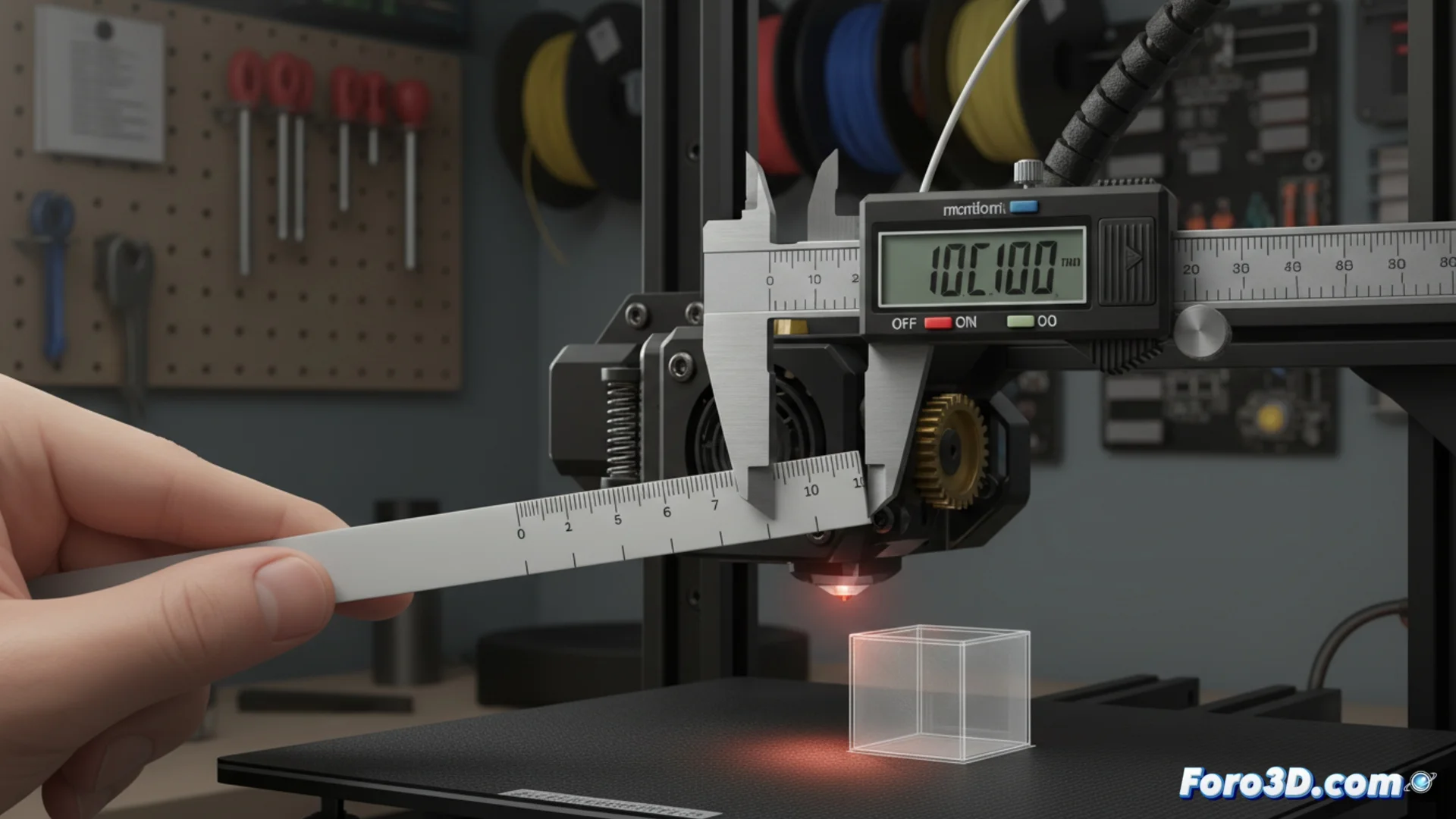
Troubleshooting Extrusion Issues in 3D Printing
When a 3D printer deposits less or more material than necessary, defects occur that compromise the integrity and detail of the models. Precisely adjusting the hardware and software is key to obtaining optimal results. 🛠️
Configuring the Extruder Motor Steps
The first step to correct the amount of filament pushed is to calibrate the steps per millimeter (E-steps). This parameter controls how much the motor rotates to advance exactly one millimeter of plastic material. An inaccurate value causes the motor to rotate too much or too little.
Calibration Process:- Mark a line on the filament at a known distance from the extruder entrance.
- Command the printer to extrude a specific length, for example, 100 millimeters.
- Measure how much the mark on the filament actually moved after the command.
- Modify the E-steps value in your machine's firmware until the measured distance matches the commanded one.
An uncalibrated extruder can turn a detailed dragon into an amorphous figure, as if it were melting.
Adjusting Flow in Slicing Software
After configuring the hardware, it is necessary to review the flow multiplier parameter in the slicer. This adjustment, called flow or extrusion multiplier, compensates for minor variations in filament diameter or pressure inside the hotend.
Method to Verify Flow:- Print a single-wall test cube with no internal fill.
- Using a caliper, measure the actual thickness of the printed wall.
- Compare this measurement with the line width defined in your slicer settings.
- Adjust the flow percentage until the measured thickness equals the configured width. A correct value results in uniform and consistent walls.
Consequences of Not Calibrating
Ignoring these adjustments produces parts with weak layers due to lack of material or with excess plastic that hides details. Calibrating the extruder and reviewing the flow are fundamental processes that ensure your printer operates with maximum precision, transforming digital files into high-quality physical objects. ✅