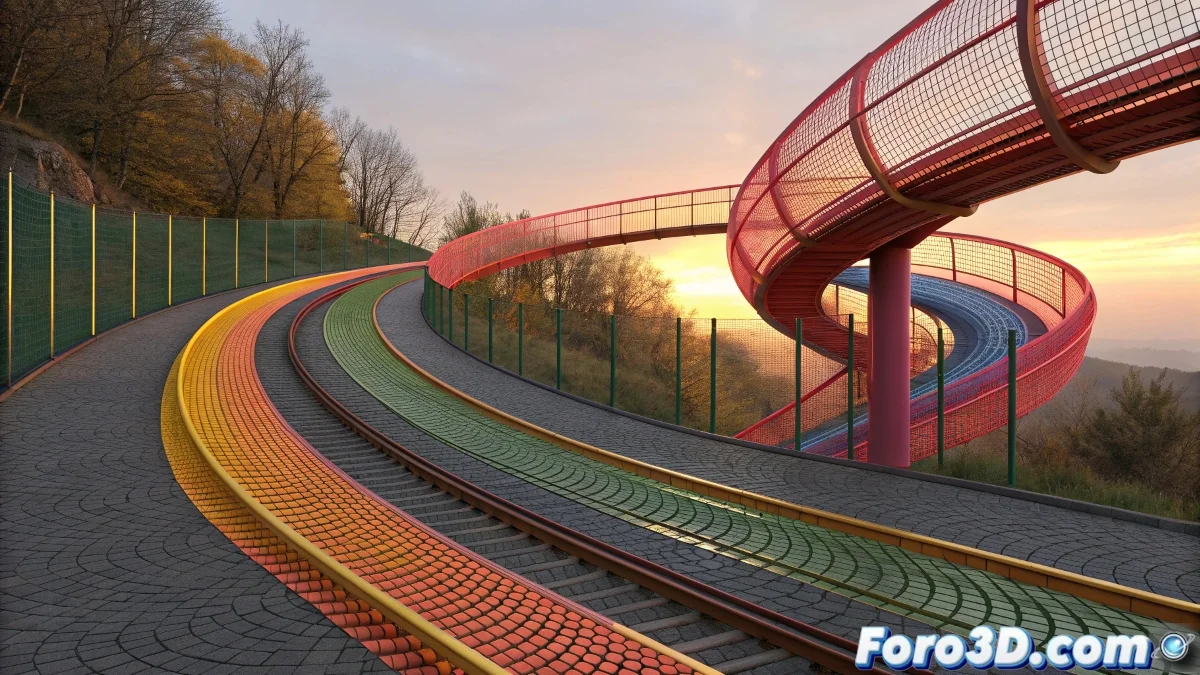
The challenge of precise extrusions along splines
When using Extrude Along Spline in 3ds Max to create a hallway with an arc and you discover that the geometry does not faithfully follow your curve, you are experiencing one of the most common problems in spline-based modeling. This imprecise behavior is particularly frustrating because you have carefully created your spline with the exact shape you want, but when extruding the polygons along it, the result deviates from your original intention. The problem is generally not in the tool itself, but in the configuration of specific parameters and the preparation of both the geometry and the guide spline.
Understanding the critical parameters of Extrude Along Spline
The Extrude Along Spline tool has several settings that control how the geometry behaves during extrusion. Small variations in these values can generate large differences in the final result, especially when working with complex curves like those of a hallway arc.
- Align to Face Normal enabled or disabled
- Number of Segments insufficient for the curvature
- Rotation and Taper applied incorrectly
- Scale issues between the geometry and the spline
Optimal configuration for precise extrusions
To make your arc perfectly follow the spline, you need to meticulously adjust several parameters and properly prepare both the polygons and the guide curve.
An extrusion that does not follow the spline is like a train that derails: you have the right direction but the tracking fails
- Increase the spline segments for smooth curves
- Disable Align to Face Normal to better follow the curve
- Use sufficient geometry in the polygons to extrude
- Apply reset transform before extrusion
Alternative techniques for perfect results
If after adjusting all the parameters you still do not get the desired result, there are alternative methods that can give you greater control over the extrusion process.
Mastering Extrude Along Spline is essential for efficient architectural and organic modeling 🏗️. Every time you solve these precision problems, you not only complete your current model, but you develop skills that will allow you to tackle more complex and ambitious modeling projects in the future.