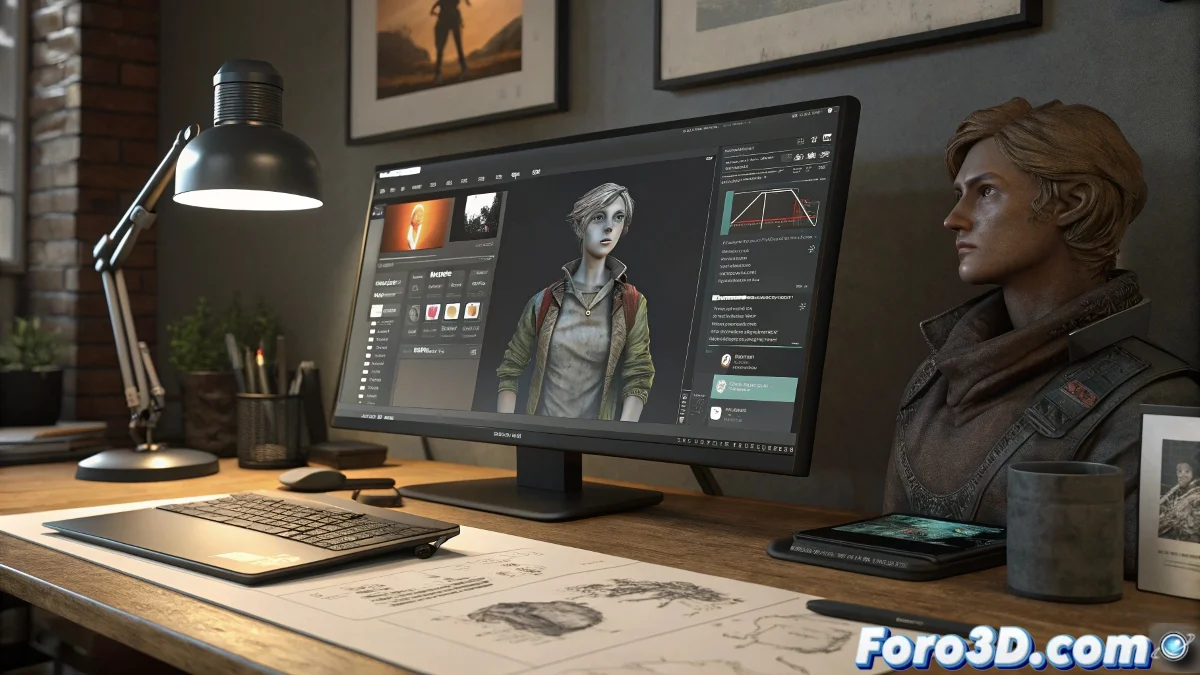
When ZBrush and Character Creator Don't Get Along 😤
Imagine this scene: you're about to send your magnificent 3D creation from ZBrush to Character Creator using GoZ, and suddenly... surprise! A message politely informs you that the destination program has vanished. Where is it? Nobody knows. Not even ZBrush, which seems to have lost it in the digital limbo.
This happens because, sometimes, 3D programs are like little kids: even if you give them all the tools (plugins like CCgo data and ccgo.zsc in the correct folder), they can forget where they left their toys. And of course, then it's time to play detective.
Basic Steps to Make Peace Between Both Programs
Before giving up and blaming the computer (which is usually innocent, but is a perfect scapegoat), try this:
- Check the versions: Make sure ZBrush and Character Creator are compatible. Don't try to make two dance tango if they don't even speak the same language.
- Set the path manually: Go to Preferences > GoZ in ZBrush and point the digital finger towards the CharacterCreator.exe file. Sometimes they need a push.
- Restart everything: The classic "turn it off and on again". It works more than we admit.
Common Errors and How to Avoid Them 🤦♂️
Here are some usual oversights that can mess up the process:
- Forgetting that Character Creator must be opened at least once before using GoZ. It's like introducing them before asking them to collaborate.
- Ignoring updates. Programs have their bad days too, and patches help.
- Not checking forums like foro3d.com, where other artists have already cried (and solved) these problems before.
When you finally get ZBrush and Character Creator to communicate, the feeling is epic. It's like watching two turtles in love: slow, but they eventually meet.
And remember: if nothing works, you can always resort to the ancestral method of manual export/import. That said, without complaining too much... or yes, after all, who hasn't done it? 🎨
P.S.: If the programs finally cooperate, congratulate them. They love being treated like sensitive beings (even though they're not). 😉