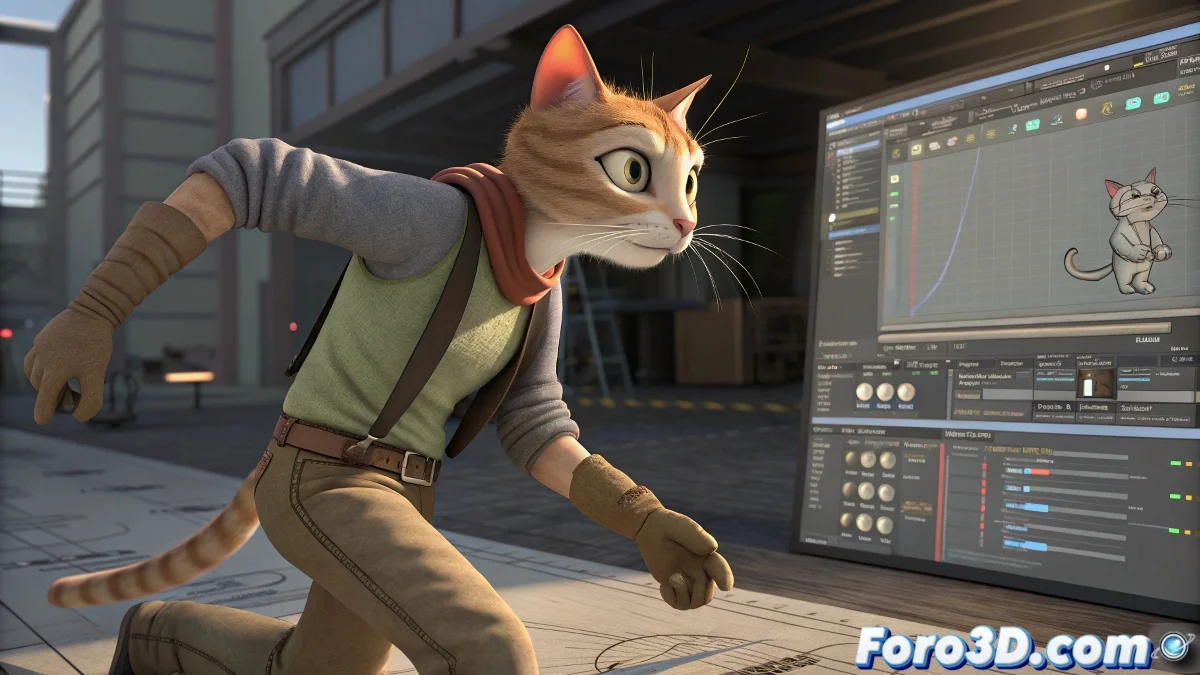
When CAT Decides Your Hands Need to Mysteriously Grow ✋🌱
Animating with CAT in 3ds Max, suddenly it happens: your characters develop hands that scale on their own as if they were in a strange scientific experiment. No, it's not your imagination - it's one of those classic "features" of CAT that all animators end up suffering sooner or later.
The Unofficial CAT Quirks Manual
These are the main symptoms that CAT is playing with you:
- Hands that change size like balloons (without your permission)
- Keys that refuse to move on the timeline
- Ghost scales that appear even though you've disabled Scale in Key Filters
"CAT is like that brilliant but scatterbrained coworker: it does technical magic, but sometimes forgets where it put the keys to sanity"
Solutions to Tame CAT
When the hands rebel, try this:
- Open the Curve Editor and manually delete all scale keys
- Use Absolute layers instead of Additive for basic animation
- Do Reset Transform in the motion panel
- For stuck keys, create a temporary layer as a maneuvering zone
And the most important tip: save frequent versions. Because when CAT decides that today your character needs giant hands, at least you'll be able to go back to a previous version without crying. After all, don't they say that in 3D art you have to know how to suffer? 😅 Although this borders on technical masochism.