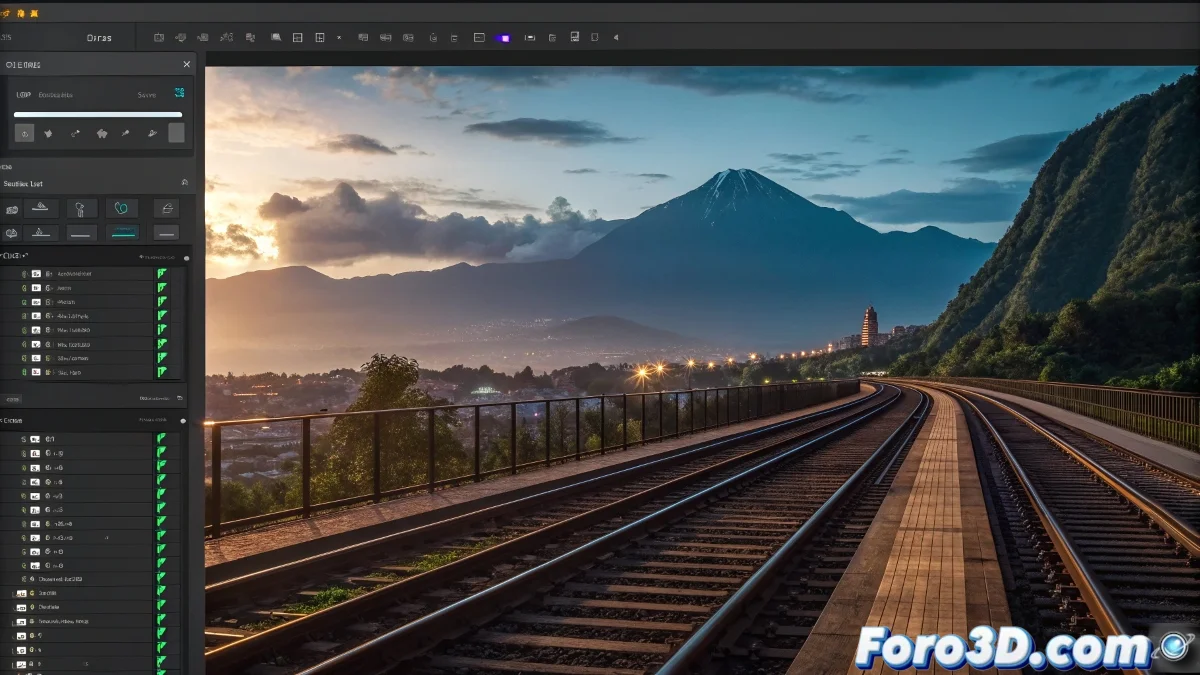
The Bridge Between After Effects and 3ds Max
When you need to use the camera data from a composition in After Effects to recreate that same camera in 3ds Max, you are establishing an essential professional workflow for the seamless integration between 2D and 3D elements. This technique is fundamental for matchmoving and advanced compositing, allowing you to render 3D elements in 3ds Max that integrate perfectly with real footage processed in After Effects. The process involves meticulously extracting all camera parameters from After Effects - position, rotation, focal length, and movement - and transferring them to 3ds Max with the precision necessary for the rendered 3D elements to match perfectly with the perspective and movement of your original composition.
Extracting Camera Data in After Effects
The first step is to obtain all the camera parameters from your composition in After Effects. You need to capture not only the position and rotation, but also specific properties like the focal length and sensor size.
- Select the camera in the After Effects timeline
- Use scripts or expressions to extract data frame by frame
- Export transformation data including position and rotation
- Capture lens parameters such as focal length and aperture
Export Formats and Methods
There are several standard formats for transferring camera data between different 3D and compositing applications. Choosing the correct format is crucial for precise transfer.
Transferring camera data is like translating between technical languages: you need the right dictionary to preserve the exact meaning
- Maya .ma or .mb format for direct transfer
- .ezt or .fbx files for animated camera data
- Custom scripts for specific export
- Specialized plugins like Lockdown or CameraTracker
Import and Setup in 3ds Max
Once you have the data exported from After Effects, you need to correctly set up the camera in 3ds Max to exactly replicate the behavior of the original camera.
Mastering the transfer of camera data between After Effects and 3ds Max is a skill that greatly elevates the quality of your visual compositions 🎥. Every project you undertake with this technique not only produces more believable and professional results, but also expands your ability to integrate rendered 3D elements into scenes filmed with a real camera, opening up practically unlimited creative possibilities.