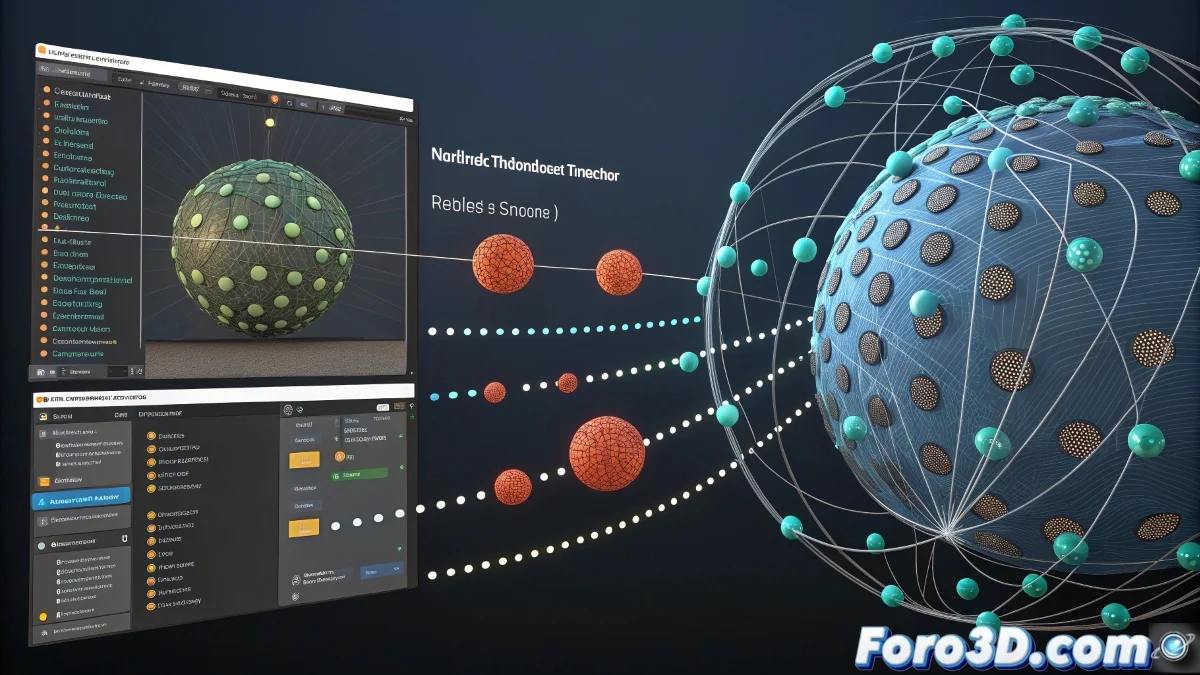
The Challenge of Migrating Particles Between Software
Transferring particles from Blender to 3ds Max is like trying to translate a poem between very different languages: both programs have completely distinct philosophies and architectures for handling particle systems. Blender primarily uses its integrated Eevee/Cycles system, while 3ds Max works with Particle Flow, Thinking Particles, or third-party systems. Direct transfer is not possible, but there are effective methods to achieve the result you're looking for.
The most successful approach is not to transfer the particles as an active system, but to convert the simulation into geometry that 3ds Max can interpret. This means you'll lose the ability to edit the simulation parameters, but you'll gain the exact visualization of the result you created in Blender.
Transferring particles between Blender and 3ds Max is like freezing a moment in time: you lose the movement but preserve the beauty
Alembic Method for Particles as Points
The Alembic format (.abc) is your best ally for this transfer. It can export particles as individual points that 3ds Max can read.
- In Blender: File > Export > Alembic (.abc)
- Select only particles: in export settings
- Enable "Point Clouds": to export particles as points
- Full frame range: export the entire animation
Export as Instanced Geometry
If your particles have instanced geometry (like rocks, leaves, etc.), you can export them as animated meshes.
In Blender, temporarily convert particles to mesh using the "Mesh Sequence Cache" modifier or exporting frame by frame 😊
- Convert to mesh: Object > Convert To > Mesh
- Export as OBJ sequence: one file per frame
- Use consistent naming: particles_001.obj, particles_002.obj
- Preserve transformations: enable in export settings
FBX Method with Manual Conversion
The FBX format can transfer certain types of particles, especially if they are simple systems. It's not ideal but can work for basic cases.
In Blender, export as FBX and enable the "Selected Objects" option to export only the particle system.
- FBX export: with animations enabled
- Scale 1.0: avoid scale issues
- Forward: -Z Forward: compatibility with 3ds Max
- Up: Y Up: standard for 3ds Max
VDB Conversion for Volumetric Effects
If you're working with volumetric particles (smoke, fire, clouds), the VDB format is your best option for transferring density.
Use the "Blender to OpenVDB" addon in Blender to export your particles as volume, then import into 3ds Max with a VDB loader.
- Install OpenVDB: in Preferences > Add-ons
- Export as .vdb: from the File menu
- Import in 3ds Max: with Phoenix FD or V-Ray Volume Grid
- Adjust scale: VDBs may need rescaling
Render and Compositing Technique
For cases where transfer is very complex, consider rendering the particles in Blender and compositing with the 3ds Max render.
Render the particles with alpha channel in Blender and the rest of the scene in 3ds Max, then combine them in post-production.
- Render with alpha: in Blender, enable Transparent
- Same camera angle: coordinate between both software
- Compatible formats: EXR for maximum quality
- Compositing software: After Effects, Nuke, Fusion
Recreating the System in 3ds Max
The most professional option is to recreate the particle system in 3ds Max using visual references from your Blender simulation.
Take screenshots or videos of your simulation in Blender and use them as reference to recreate the effect in Particle Flow or Thinking Particles.
- Video reference: export animation from Blender
- Image sequences: for frame-by-frame analysis
- Parameter notes: speed, life, size, etc.
- Particle Flow: system most similar to Blender
CSV Method for Raw Data
For maximum control, export particle position data as CSV and then import into 3ds Max with scripts.
Use Python in Blender to export position, velocity, and size of each particle per frame to CSV files.
- Export script: in Blender with Python
- CSV format: frame,particle_id,x,y,z,etc.
- Import script: in 3ds Max with MAXScript
- Particle Flow data: use Birth Script or Position Object
Material and Shader Setup
Particle materials almost never transfer correctly. Prepare to recreate them manually in 3ds Max.
Take notes of the material settings in Blender or make reference renders to match the appearance in 3ds Max.
- Material screenshots: screenshots of node setup
- Specific values: color, emission, transparency
- Textures: export separately and reassign
- Shader conversion: Principled BSDF to Standard material
Common Problems and Solutions
These are the typical obstacles when transferring particles and how to solve them quickly.
The most common problem is the scale difference between Blender and 3ds Max, which completely distorts the simulation.
- Scale issue: apply scale factor 0.01 or 100
- Incorrect orientation: rotate 90° on X or Z
- Different speed: adjust frame rate or time scale
- Missing materials: recreate manually in 3ds Max
Recommended Workflow
Follow this process for a successful transfer. Patience and organization are key in this type of cross-platform work.
Start with a simple test with few particles before trying to transfer complex systems.
- Step 1: Export simple test from Blender
- Step 2: Import into 3ds Max and check scale/orientation
- Step 3: Adjust import settings
- Step 4: Transfer full system
Useful Tools and Plugins
There are specific tools that can facilitate this process, although most require manual setup.
Research plugins like "Blender to Max Bridge" or community-developed conversion tools.
- Commercial plugins: some pipeline suites
- Community scripts: forums and GitHub repositories
- Pipeline tools: in professional studios
- Custom development: for recurring workflows
After mastering these techniques, you'll be able to move particles between Blender and 3ds Max with relative ease, although it will always be more of an art than an exact science. The key is understanding the limitations of each method and choosing the one that best fits your specific project 🔄