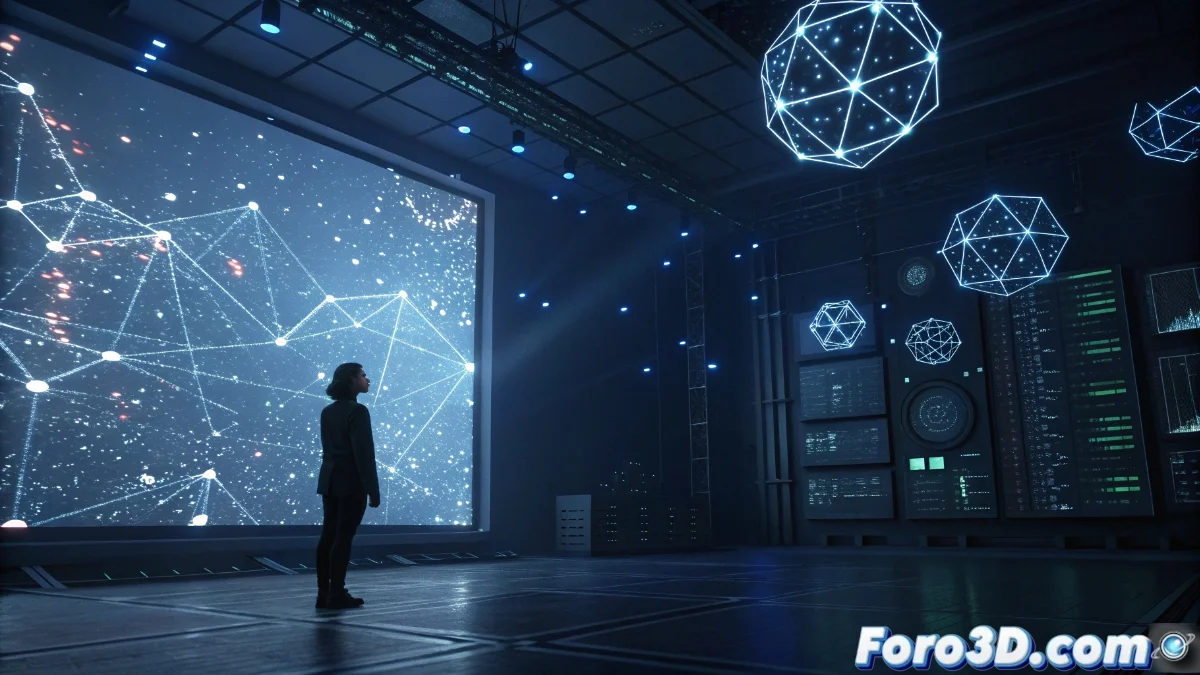
TouchDesigner: Visual Development Environment for Interactive Projects
In the realm of digital creation, TouchDesigner emerges as a comprehensive solution for artists and developers seeking to design interactive visual content without relying exclusively on traditional programming. Its node-based visual architecture simplifies the construction of procedural flows, intuitively integrating 3D graphics, video, audio, and real-time data. 🎨
Integration with External Technologies and Devices
The platform stands out for its versatility in connectivity, supporting protocols like MIDI and OSC to link physical controllers, motion sensors, and touch interfaces. This enables the development of immersive installations, live shows, and reactive systems that respond to environmental inputs or audience interactions. Its role as a processing core facilitates live data visualization and low-latency streaming.
Key applications in interactive environments:- Architectural surface mapping for adaptive projections on buildings or stages.
- Audio-synchronized visuals generation, ideal for concerts and live performances.
- Systems reactive to environmental variables, such as motion, temperature, or light intensity.
TouchDesigner's interoperability with external devices transforms abstract ideas into tangible and dynamic experiences.
Graphics Capabilities and Performance Optimization
Thanks to rendering engines optimized for GPU, TouchDesigner handles complex 3D scenes, particle systems, custom shaders, and visual effects with high efficiency. Its ability to process multiple video layers, apply geometric transformations, and perform advanced compositions makes it a preferred choice for projects demanding visual quality and real-time responses. ⚡
Highlighted uses in visual projects:- Projection mapping to adapt visuals to irregular surfaces or architectural structures.
- Augmented reality and virtual environments requiring smooth updates based on external inputs.
- Generative art where graphics evolve based on dynamic parameters or procedural algorithms.
Learning Curve and Final Reward
Although the initial learning curve can be overwhelming—leading you to question your skills during the first weeks—the reward justifies the effort when you see your creation come to life interactively. The incorporation of Python for custom scripting further expands its capabilities, allowing workflows to be tailored to specific needs without sacrificing the accessibility of the visual approach. 🚀