TouchDesigner: Building Visual Systems with Nodes
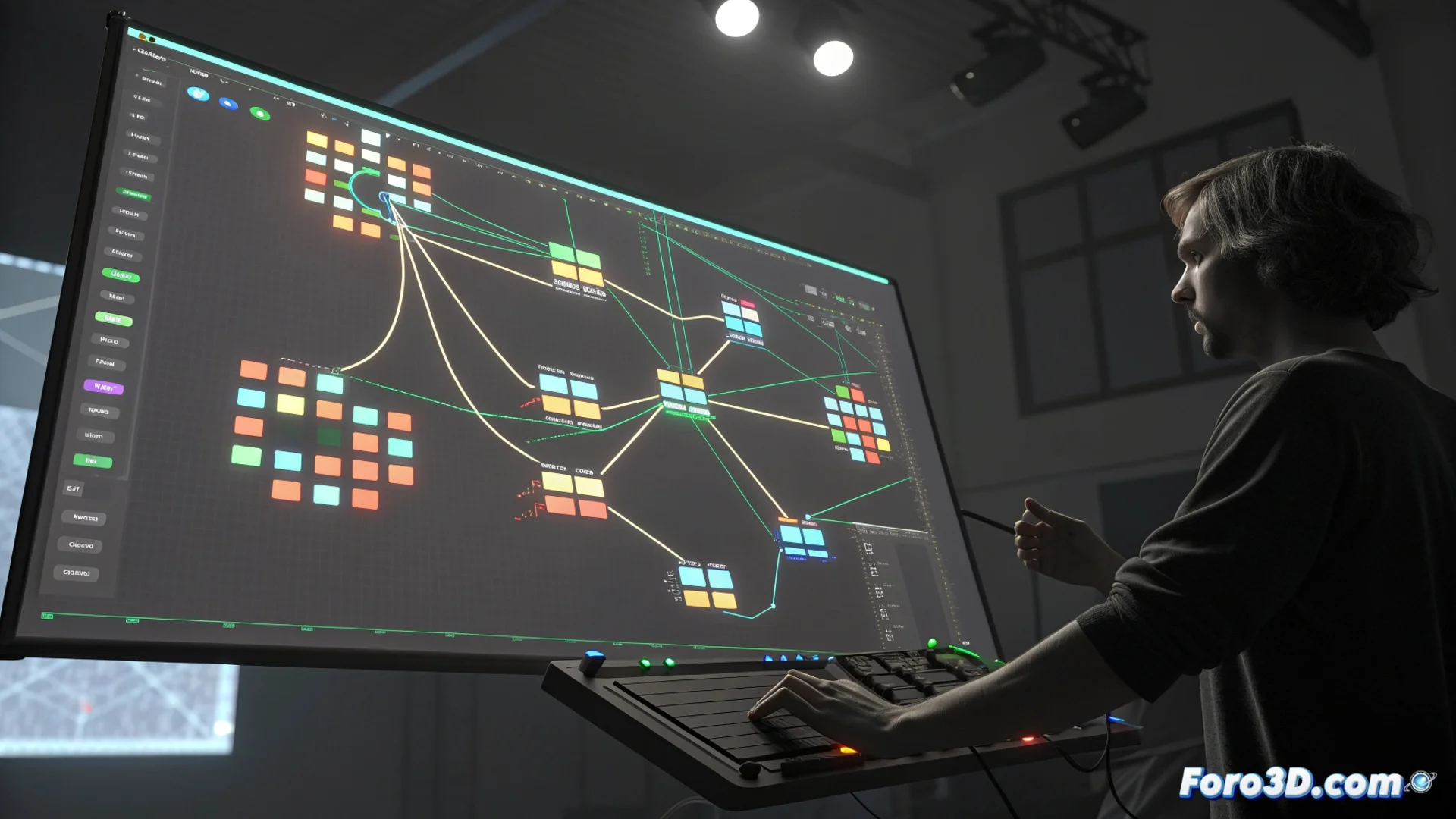
TouchDesigner is a visual development platform where content is created by connecting modular components called operators. 🧩 Each operator performs a specific function, such as processing video, generating sound, manipulating 3D geometry, or applying logic. Instead of writing lines of code, artists and developers connect these nodes into a visual network, defining how data flows and transforms in real time. This method streamlines testing ideas and building complex systems for interactive and generative applications.
Operator Families and Their Functions
Operators are grouped into families with distinctive colors, each dedicated to a type of data. TOP operators work with images and video sequences. CHOP operators manage channel data, useful for audio, animation, or control signals. For 3D modeling, SOP operators are used, which manipulate surfaces and geometry. MAT operators define material and shader properties, while COMP operators act as containers to organize the main network. Dragging, dropping, and linking their input and output ports allows building a patch or processing network.
Key features of operator families:- TOP (Image/Video Processing): Manipulate pixels, apply effects, blend layers, and serve as texture sources.
- CHOP (Channel Data): Analyze audio, generate LFOs (low-frequency oscillators), filter sensor data, and map control inputs.
- SOP (3D Geometry): Generate primitives, modify meshes, apply deformations, and prepare models for rendering.
Organizing and commenting the network is not a luxury, it is a necessity to avoid losing your sanity in complex projects.
Architecture for Real-Time Interactivity
The core of TouchDesigner is optimized to perform calculations efficiently, a fundamental requirement for interactivity. 🎮 It can integrate data from multiple sources: motion sensors, MIDI controllers, tracking devices, keyboards, or network data. These input flows instantly modify parameters within the network, altering the visual or audio output in response. This capability enables designing experiences that react to the environment or a participant's actions, making it an essential tool in fields like VJing, interactive digital art, and scenography for performances.
Common practical applications:- Live Shows and VJing: Create visuals synchronized with music that change in real time.
- Interactive Art Installations: Develop pieces that respond to audience movement, sound, or touch.
- Immersive Prototyping: Quickly test and visualize ideas for virtual or augmented reality environments.
Best Practices in Workflow
Connecting dozens of operators without a clear structure can turn the canvas into an incomprehensible tangle. 🕸️ To keep a project manageable and understandable, it is crucial to plan the network, use COMP operators to group related logic, and add explanatory comments. A well-organized network not only facilitates debugging errors but also allows collaboration with other artists or resuming a project months later. Discipline in building the patch is as important as creativity in designing the visuals.