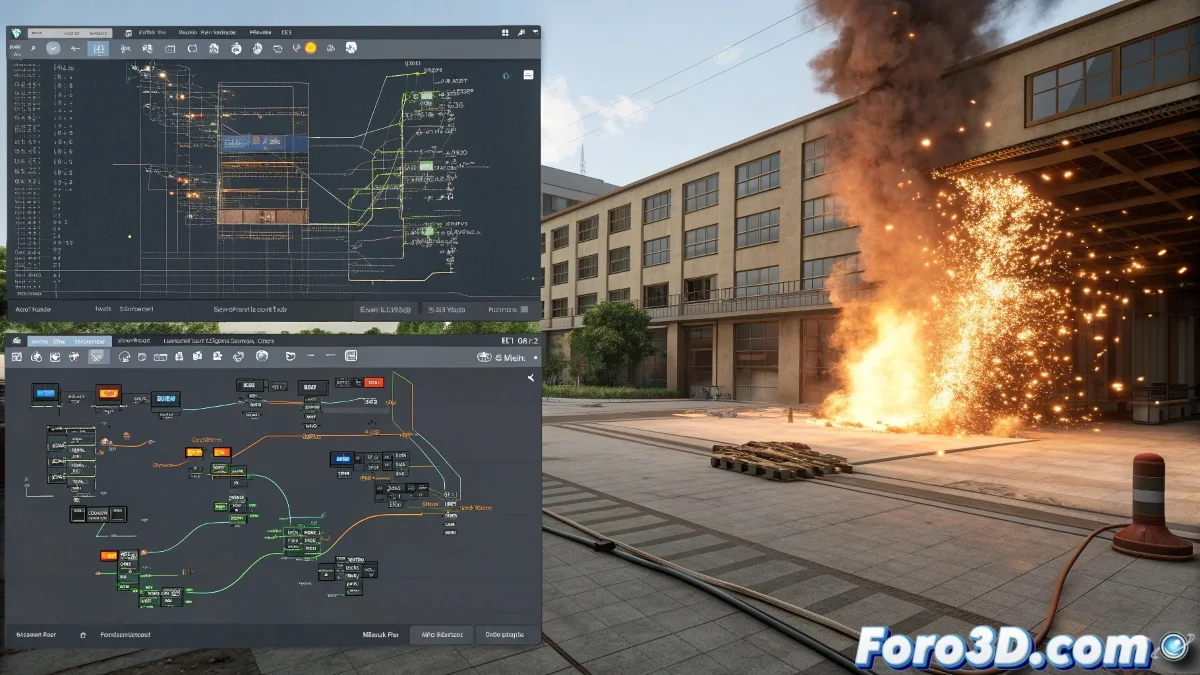
The Universe of Particles in 3ds Max
Choosing the right particle system in 3ds Max is like selecting the perfect brush for a painting: each tool offers different results and is best suited to certain types of projects. The attraction of the particles depends both on the chosen system and on the skill to exploit its capabilities.
From basic systems to the most advanced solutions, 3ds Max offers a range of options that can satisfy from the simplest needs to the most complex visual effects. The final decision will depend on the type of effect, the level of control required, and the learning curve you're willing to face.
In the world of particles, there is no perfect tool, only the right one for each type of controlled chaos
Particle Flow: the Versatile Standard
Particle Flow is the most powerful native system in 3ds Max and probably the most balanced option for most projects. Its nodal approach allows almost unlimited control over particle behavior.
- Intuitive visual interface: workflow based on events and operators
- Precise control: ability to manipulate particles individually
- Complete integration: works perfectly with other Max systems
- Active community: large number of tutorials and resources available
Thinking Particles: Absolute Power
For projects that require an extreme level of complexity, Thinking Particles offers capabilities that border on the magical. It is the preferred option for destruction effects, advanced simulations, and complex behaviors.
The learning curve is considerably steeper, but the control it offers over every aspect of the simulation justifies the effort for ambitious projects 😅
- Node-based logic: advanced visual programming system
- Advanced collision detection: ideal for destruction effects
- Custom behaviors: ability to create complex rules
- Optimization for large volumes: handles millions of particles efficiently
Specialized Options by Effect Type
Depending on the specific effect you're looking for, there are more specialized tools that can offer superior results with less setup. Specialization has its advantages when time is limited.
For hair and fur effects, the integrated Hair and Fur system can be more efficient. For liquids and fluids, specialized plugins usually outperform generalist particle systems.
- Hair and Fur: ideal for hair, grass, and fibers
- FumeFX: specialized in smoke, fire, and explosions
- Krakatoa: for massive particle rendering
- RayFire: destruction and fracture effects
Selection Guide by Project Type
The final choice should be based on the balance between the desired result, the time available, and your level of experience. There's no point in using a hydraulic hammer to drive a small nail.
For projects with tight deadlines, sometimes it's better to opt for simpler but faster-to-set-up systems. Perfection can be the enemy of good when time is pressing.
- Simple projects: basic particles or standard Particle Flow
- Complex effects: Thinking Particles or specialized plugins
- Character animation: Hair and Fur for hair and fur
- Atmospheric effects: FumeFX for smoke and fire
In the end, the most attractive tool will be the one that allows you to create the effect you imagine without turning the process into a technical nightmare... although a bit of creative suffering always comes included in the package 🎨