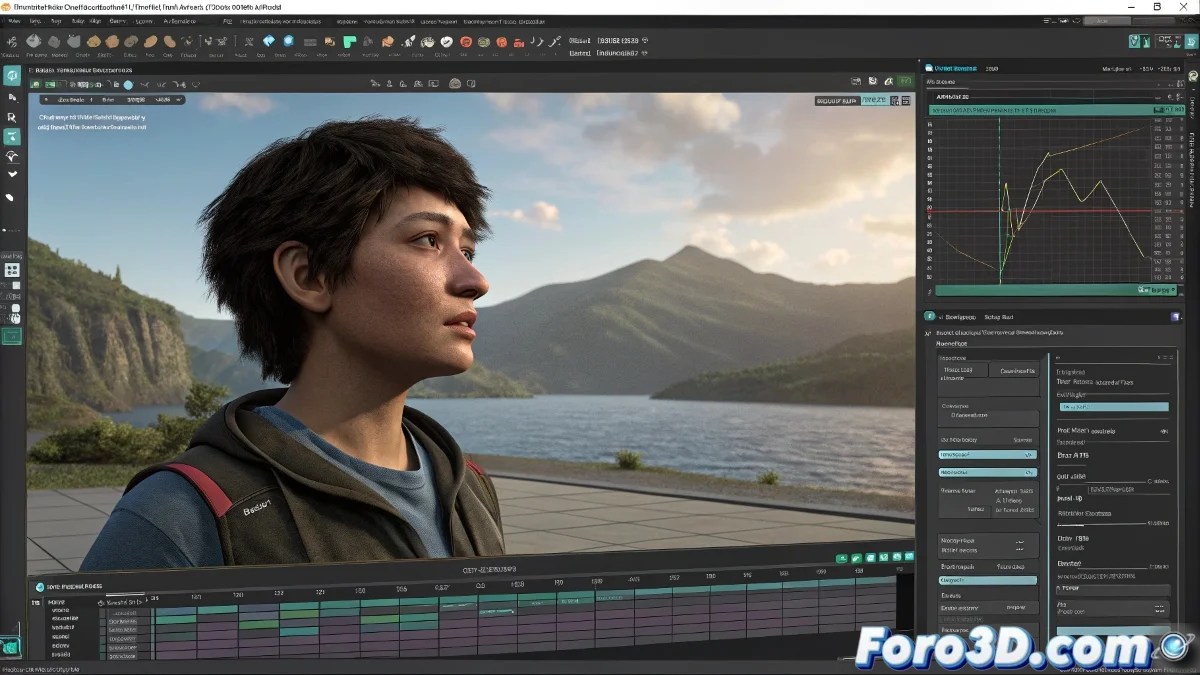
Tips to Optimize Maya and Animate Characters Without Frustration
If you're animating characters in Maya and everything starts to become slow and frustrating, there are several simple tricks that can save you. Let's optimize your workflow! 🛠️
Use an Optimized Rig
The first is to use a rig optimized for animation, meaning it has clean controllers, without a thousand deformers active while you animate. Many rigs come with a proxy mode or low resolution mesh button that deactivates the final mesh and leaves only a lightweight version to work with. Less is more!
Activate Evaluation Mode in Parallel
It's also a good idea to activate Evaluation Mode in Parallel, from Windows > Animation Editors > Evaluation Toolkit, which makes Maya use multiple processor cores so animations run more smoothly. Make the most of your hardware! 💻
Deactivate Heavy Elements
On top of that, temporarily turn off heavy things like shadows, textures, or skin deformers that you don't need to see while animating. Less beauty, more speed. Optimize your view!
- Shadows: Deactivate them temporarily.
- Textures: Turn them off if they're not necessary.
- Skin Deformers: Deactivate them to improve performance.
Use the Graph Editor Efficiently
When you start modifying keyframes, use the Graph Editor but clean up unnecessary channels, only leave visible the ones you are actually adjusting. Keep your workspace tidy! 📊
Optimize Playblasts
And if playblasts take too long, lower the render to Viewport 2.0 mode with Bounding Box mode or simply work with previews at half resolution. Save time at every step! ⏱️
Work in Blocks
Work in blocks: first the key poses, then refine. This way you're not dragging thousands of keys at the beginning. And if the character has dynamic clothing or hair, deactivate it all until the end. Literally, the animation will thank you... and your processor too. Divide and conquer! 🧩
Because yes, Maya is powerful, but when it gets slow, it feels like it's punishing you for animating. With these tips, your animation experience will be much smoother! 🎬