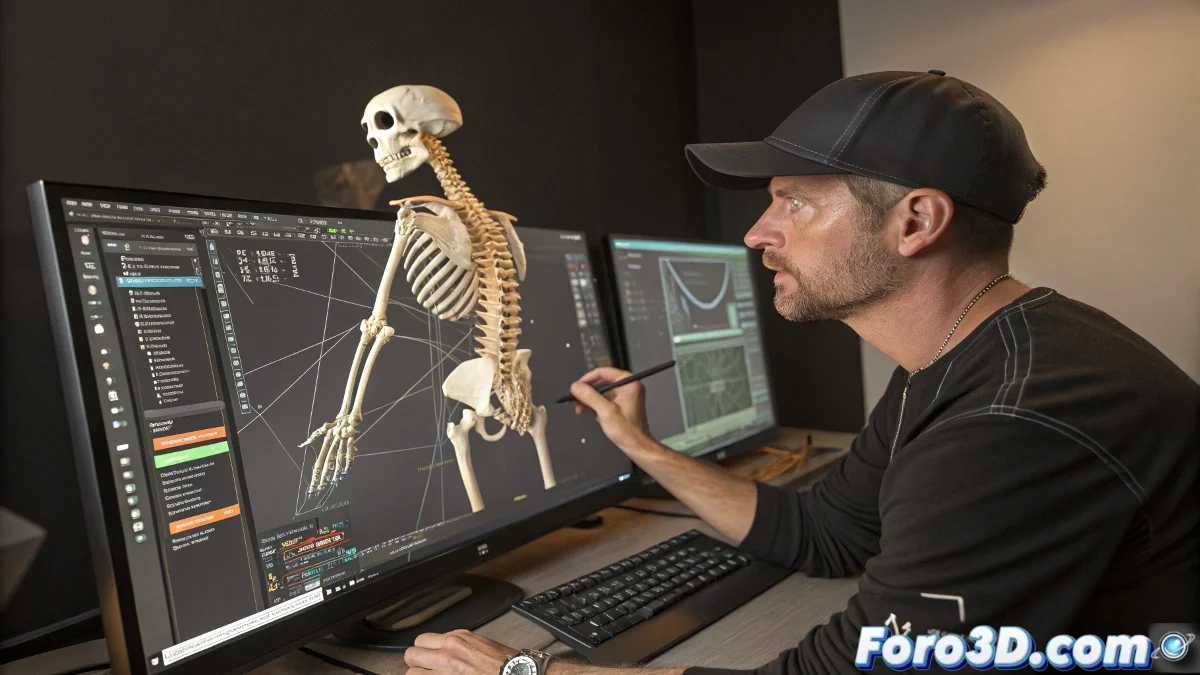
When your CAT rig decides that clavicle and arm are not friends 🤝
Linking the rotation of clavicle and arm in CAT is like setting up a blind date between two stubborn bones. Everything seems simple until you discover that each one comes with its own rules and special conditions. The CAT system, although powerful, has its quirks when it comes to bone relationships.
The impossible romance between bones
Traditional methods for linking bones in CAT usually end in failure because:
- IK constraints: They are received like a bad joke
- Wire parameters: They work only when CAT is in a good mood
- Classic hierarchies: CAT considers them "too mainstream"
A CAT rig is like a rebellious teenager: it will accept your rules only if it thinks it was its own idea.
The bone matchmaker's manual
The experts from Foro3D.com reveal their tricks for this forced union:
- Use the Layer Manager to create diplomatic relations
- Employ mathematical expressions as a common language
- Consider specialized scripts as marriage counselors
- Pray to the rigging gods to accept your offering 🙏
The reward of the persistent animator
When you finally get the clavicle and arm to move in harmony, the animation flows like honey. It's that magical moment where all the previous suffering turns into organic movement that would make a biomechanic cry.
And if everything fails, remember: you can always say it's a new style of abstract animation where each bone expresses its individuality. 🎨