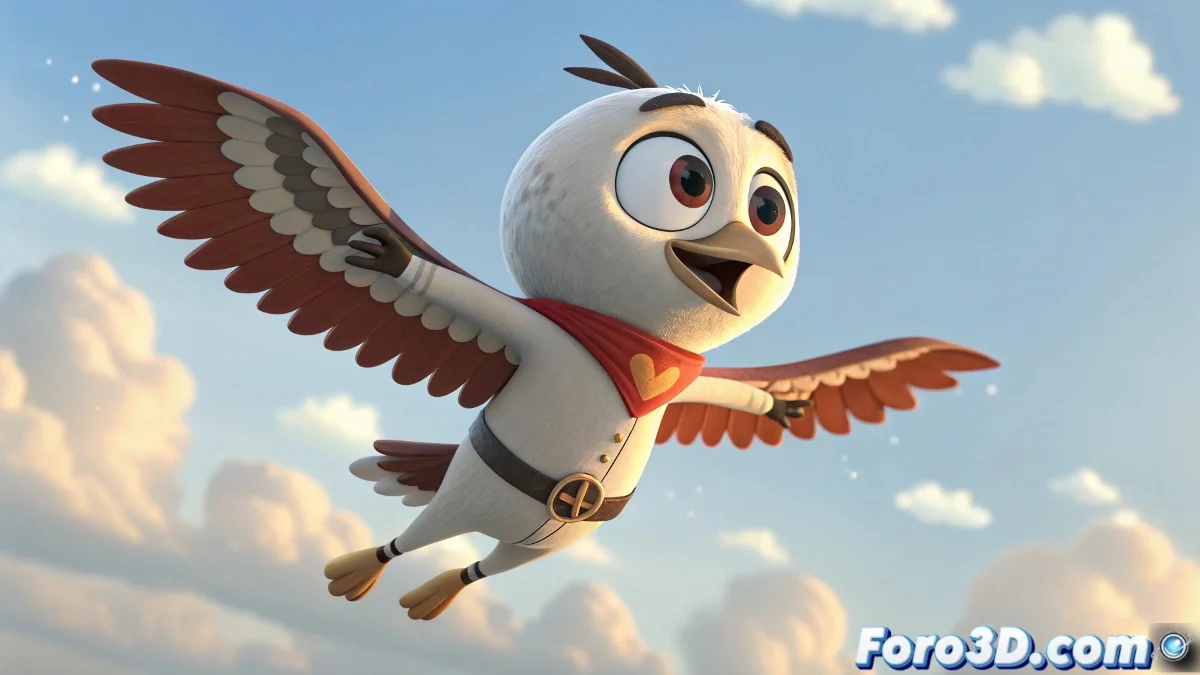
The Art of Making Biped Characters Fly in 3ds Max
In the fascinating world of 3D animation, few things are as fun (and sometimes frustrating) as making a biped character fly like a superhero 🦸. .bip files can be your best allies... or turn into those coworkers who promise a lot but don't always deliver.
Where to Find the Perfect Flying Animation
When the default Character Studio libraries don't have what you need (spoiler: they almost never do), these are your lifelines:
- Communities like Foro3D: Where generous animators share their creations
- Platforms like Mixamo: Although they will require a bit of translation to the biped format
- Motion capture files: The animated equivalent of searching for treasure in the attic
In animation, flying is not a matter of gravity, but of patience and several failed attempts.
When It's Time to Animate by Hand Like in the Old Days
If you decide to create your animation from scratch, get ready for:
- Spending hours moving bones like a digital puppeteer
- Creating cycles that repeat without revealing the trick
- Adjusting the timing until it stops looking like a scared chicken
And if your character ends up flying as if they were in an 80s disco 💃, don't worry. In the world of animation, accidents sometimes become style. After all, who says superheroes can't have rhythm?
Remember: the difference between an epic flight and an animated disaster is just a matter of... well, many hours of work and several attempts. But the final result will be worth it! ✨