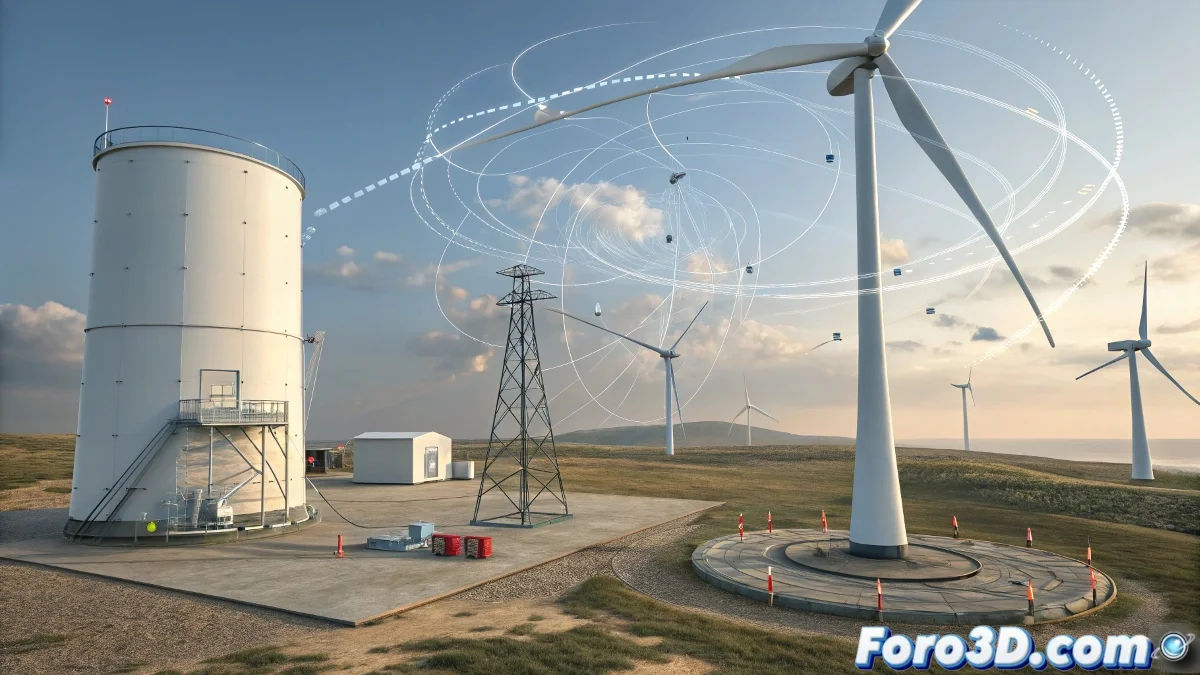
When Reactor Decides Not to React as Expected
The 3ds Max dynamics module has the peculiarity of making users feel like sorcerer's apprentices, where every solution generates two new problems. Windmills that become unbalanced, sheets that fall, and bricks that pass through each other are part of the Reactor initiation ritual. The frustration generated by this tool is directly proportional to the elegance of its results when it finally works.
These three problems represent the classic challenges faced by both beginners and experienced users. The good news is that each one has a solution once the basic principles behind digital physical simulation are understood.
The Mystery of Motors and Point-Point Constraints
The windmill problem lies in understanding the child-parent hierarchy in constraints. The parent acts as a fixed anchor while the child is the rotating object. For a windmill, the central axis would be the parent and the blades the child. The confusion arises because Reactor expects us to define both points in space, not just the objects.
The correct setup involves first creating a Point-Point Constraint, then selecting the Pick button in Parent and clicking on the windmill axis, followed by Pick in Child to select the blades. The motor is applied afterward to the constraint, not directly to the geometry.
- Parent: fixed anchor point (central axis)
- Child: rotating object (blades)
- Apply motor to the constraint, not to the geometry
- Check local rotation axes
In Reactor, patience is the most important constraint
The Clothesline and the Rebellious Sheet
For the clothesline, the correct approach begins with the rope setup. The cylinders must be Rigid Bodies with zero mass to remain static, while the rope needs Attach To Rigid Body at both ends. The common problem here is forgetting to define the attach points in the rope modifiers.
The sheet requires a different approach: it must be a Cloth Collection with specific vertices attached to the rope. This is achieved by selecting the edge vertices of the sheet and using Attach To Rope instead of rigid attach. The wind is applied as a global force that affects both the rope and the cloth simultaneously.
- Rope with attach points on both cylinders
- Cloth with vertices attached to the rope
- Wind as a global system force
- High Stiffness to prevent falling
The Drama of the Ghost Bricks
The bricks that pass through each other represent the classic collision problem. The solution lies in three critical adjustments: the Collision Tolerance must be small enough to detect early collisions, the collision geometry must be Concave for irregular shapes, and the Simulation Geometry must match the visual.
The floating problem usually indicates too low mass or insufficient collision forces. Increasing the mass of the bricks and verifying that the ground has active collision resolves most of these cases. The key is understanding that Reactor needs safety margins to calculate accurate collisions.
- Use Concave Mesh for complex shapes
- Adjust Collision Tolerance to low values
- Verify that all objects have appropriate mass
- Increase Steps for better precision
Essential Settings to Avoid Disasters
There are global parameters that affect all these systems simultaneously. Substeps controls the temporal precision of the simulation, while Collision Tolerance determines when collisions are activated. For complex scenes, increasing these values improves stability at the cost of computation time.
The scene scale also dramatically impacts the results. Reactor works best with real-world units, where a brick measures approximately 20cm, not 20 arbitrary units. Verifying this setting prevents physically impossible behaviors.
- Increase Substeps for greater precision
- Verify scene units
- Use Preview to detect problems early
- Adjust Timing & Animation appropriately
Solving these three problems turns any artist from a frustrated fighter against digital physics into a choreographer of virtual dynamics. Because in the world of Reactor, even the most rebellious windmill can learn to spin if we know how to explain it to it 😏