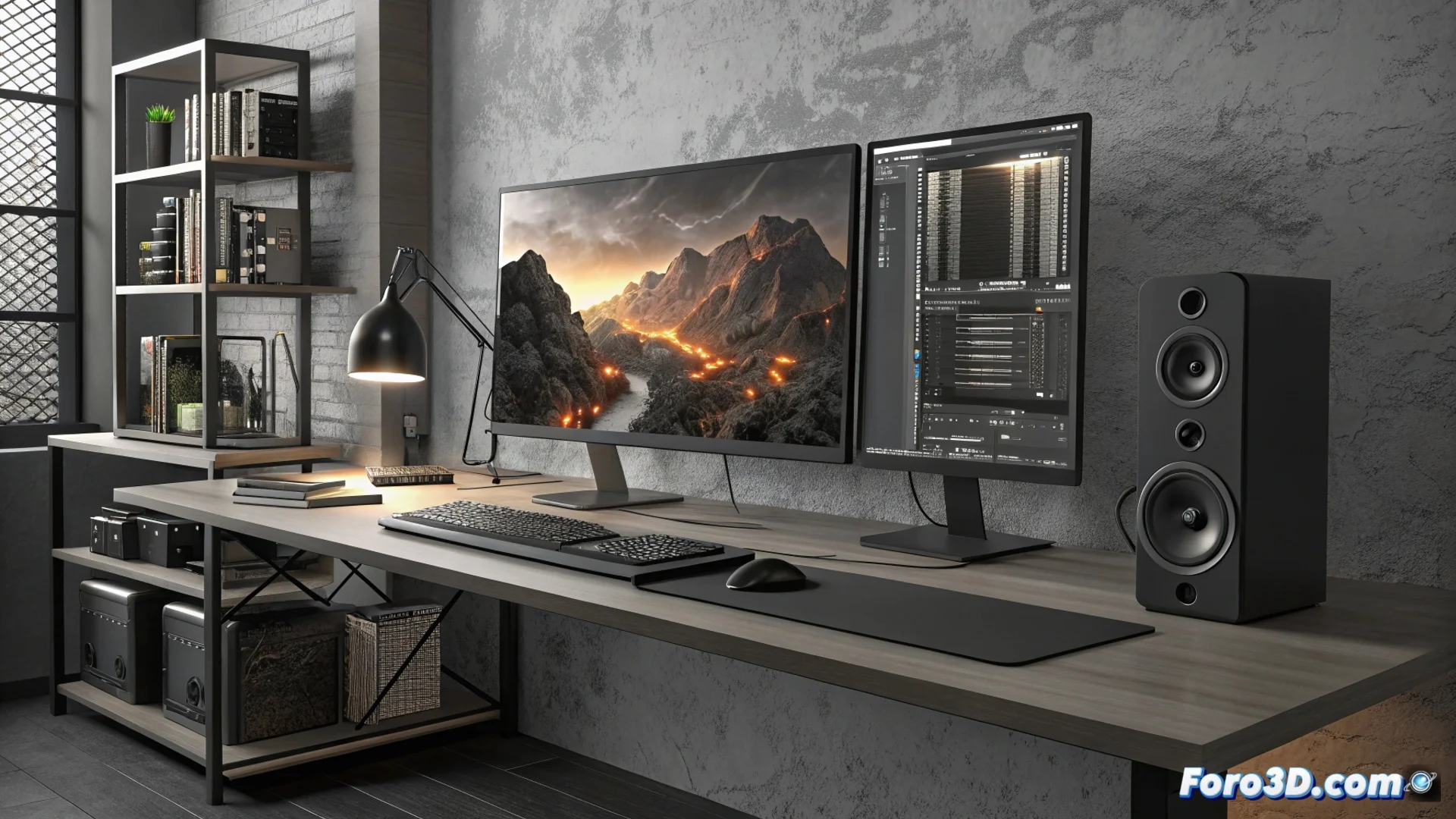
This configuration has limits in intensive professional workflows
For artists and technicians who model, render with ray tracing, animate, simulate physics, or create virtual and augmented reality experiences, certain hardware and software components can become a bottleneck. An apparently powerful configuration can reveal its weaknesses under extreme workloads, affecting delivery deadlines. 🚧
Graphics power and RAM memory are not always sufficient
Although the RTX 5070 V2 handles general tasks well, its performance may decline when calculating intensive ray tracing, simulating complex dynamics directly on the GPU, or developing very dense VR/AR environments. On the other hand, 32 GB of RAM is suitable for scenes of medium complexity, but opening multiple applications, working with monumental scenes, or running simulations that consume a lot of memory resources can slow down or freeze the system. For these cases, 64 GB presents itself as a safer and more appropriate option.
Critical points in the processor and storage:- CPU for heavy rendering: The Intel i7-14700KF is fast in single or few-core tasks and for gaming, but when rendering extremely complex projects using all its cores, it does not match the performance of an i9-14900K or workstation CPUs like Threadripper or Xeon.
- Disk space: A 2 TB SSD seems ample, but professional project files, with their high-resolution texture libraries, voluminous simulation caches, and long animation sequences, can fill it quickly, making it essential to expand storage.
- System management: Using Windows 11 Home adds another layer of restriction, as it lacks advanced tools for managing the equipment on a network, virtualizing systems, or controlling security policies in detail, features common in professional production environments.
Planning an upgrade considering these bottlenecks avoids problems when deadlines tighten and the software demands more than the hardware can provide.
System software as a limiting factor
The choice of operating system is crucial. Windows 11 Home limits functionalities that many studios need. Although the processor is compatible, to remove these barriers and access advanced administration, it is necessary to upgrade to Windows 11 Pro. This upgrade not only unlocks networking and virtualization tools but also offers more granular control over the equipment's security.
Consequences of not upgrading:- Inability to centrally manage multiple devices in a network environment.
- Lack of native support for virtualization features needed to test different environments or software.
- Limited control over update and security policies, which can affect workflow stability.
Final evaluation and way forward
In summary, this configuration is competent for getting started or for medium-scale projects. However, when pushing it towards high-level professional demands, its limits in computing power, memory capacity, storage space, and system management are revealed. Identifying these weak points in advance allows planning strategic improvements, ensuring that the workstation can handle heavy loads without compromising productivity or creativity. 🛠️