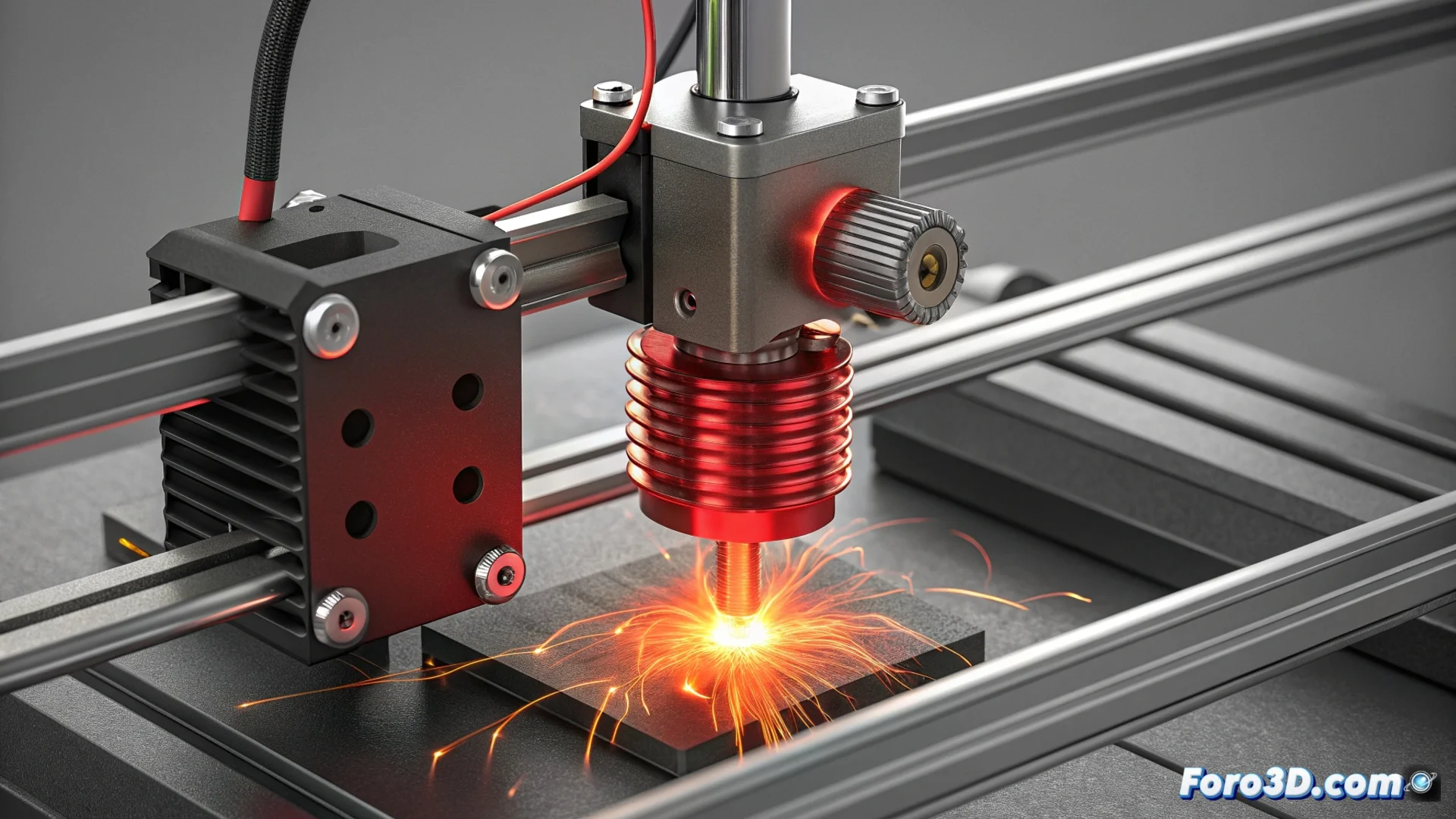
Thermal Runaway in 3D Printers: Diagnosis and Solution
The thermal runaway is a fundamental safety mechanism in any 3D printer. The firmware continuously monitors the temperature of the hotend and the heated bed. If it detects a temperature increase that is too rapid or the absence of this increase when expected, it executes an emergency stop and disables all heaters. This function prevents serious incidents, acting as a guardian that protects the heating components and sensors. 🔥
Why does the thermal runaway alarm trigger?
This error almost always indicates a physical problem in the heating system. A common cause is a thermistor that is loose, damaged, or has interrupted cables, causing the firmware to receive erroneous temperature readings, usually much lower than the actual value. On the other hand, a short circuit in the heating cartridge or a failed MOSFET on the main board can cause the hotend to heat uncontrollably. Inspecting these connections is the first mandatory step.
Common origins of the failure:- Defective thermistor: Broken cables, sensor loose in its housing, or resistance values out of range.
- Heater problem: Internal short circuit in the cartridge or anomalous resistance indicating malfunction.
- Electronic failure: A component on the control board, such as the MOSFET that controls the heater, may be damaged and send continuous power.
A thermal runaway message is not a suggestion, it is an order. The machine is telling you to stop printing and check why it might be about to turn into a torch.
Step-by-Step Guide to Diagnose and Repair
To address the problem safely, always start by turning off and unplugging the printer from the power grid. The process involves checking the hardware and, if necessary, adjusting the software.
Diagnosis process:- Visual inspection: Check all the wiring of the thermistor and the heater in the hotend. Look for bare cables, loose connectors, signs of burns, or damaged insulation.
- Multimeter measurement: Check the resistance of the therm