The legend that emerges from the depths
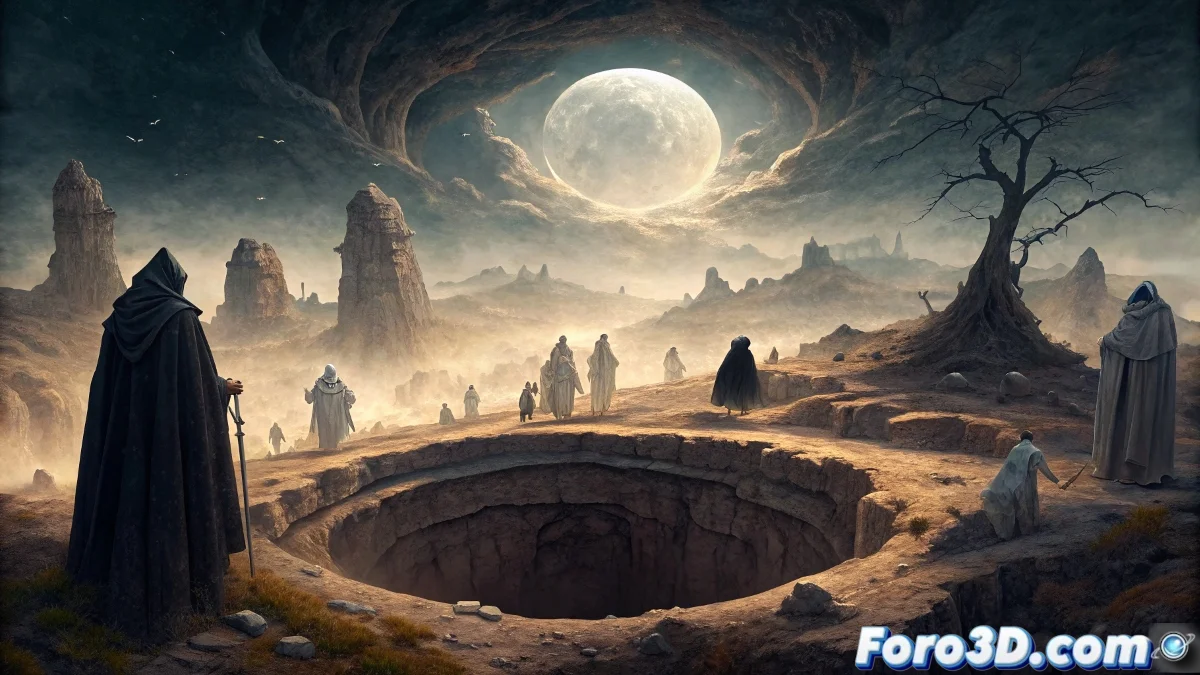
In the heart of the Enchanted City of Cuenca hides the Well of Souls, a legendary sinkhole that, according to popular tradition, becomes a portal to the afterlife during All Saints' Eve. Accounts tell that on this special date, ghostly laments emerge from its depths, voices of restless souls seeking to be heard. The geological formation itself contributes to the mystery, with its eroded limestone rocks that seem to whisper ancestral secrets when the wind passes through their cavities.
Recreating the mystery in Illustrator
To capture the supernatural essence of this place in a vector illustration, we will begin by defining a palette of cold and earthy colors. Bluish and grayish tones will establish the nocturnal atmosphere, while touches of moss green and ochre on the rocks will add that characteristic realism of karst formations. The key is to work with multiple layers of transparency to simulate the mist that usually surrounds the sinkhole during November dawns.
The magic of Illustrator lies in how it transforms the ethereal into manipulable vectors
Essential techniques for the ambiance
- Use of mesh gradient to create three-dimensional volume rocks
- Application of feather and Gaussian blur effects on the mists
- Creation of custom brushes for mossy vegetation
- Implementation of blending modes for luminescence effects
Diving into atmospheric details
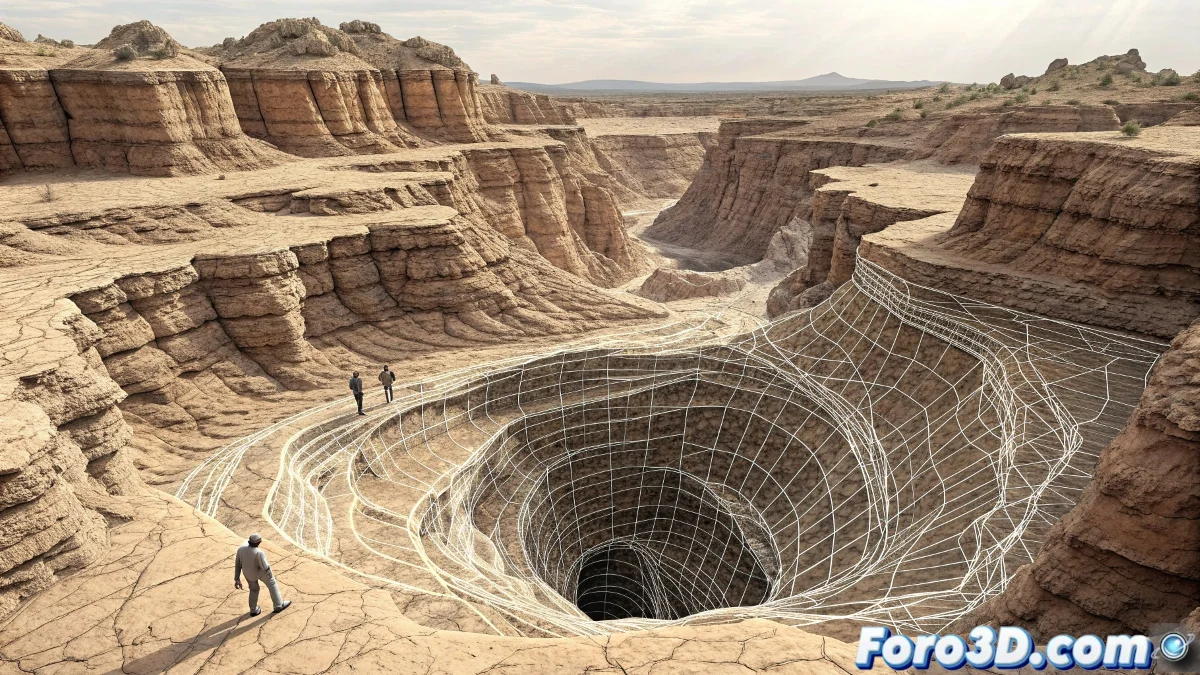
The most challenging element will be recreating the ghostly laments visually. This is where creativity becomes our best ally. We can represent these supernatural emanations through semi-transparent organic shapes that emerge from the depths of the well. Using the Appearance panel with multiple overlapping strokes and distortion effects, we will achieve that ethereal effect that suggests movement and paranormal activity.
Lighting plays a crucial role in establishing the mysterious mood. An effective approach is to create several layers of dim light with different intensities, simulating how the moon would filter its clarity through the fog. Blending modes like Overlay and Soft Light will be our best friends to integrate these luminous elements without making them look artificial.
Recommended workflow
- Define the basic structure with simple shapes and the Pen tool
- Develop rocky textures using patterns and scatter brushes
- Apply depth effects with radial gradients in the well
- Integrate ghostly elements with gradual transparencies
And while some seek real ghosts on All Saints' Eve, illustrators settle for creating our own vector specters that at least don't ruin the work layer 👻