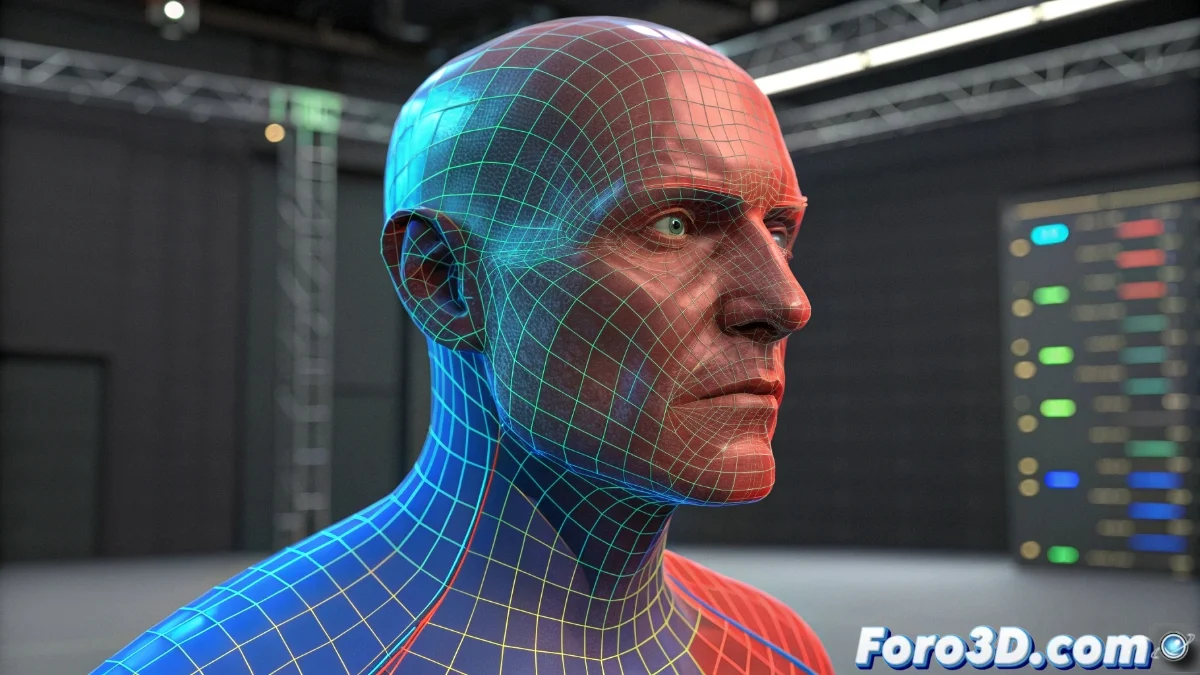
The Vertex Weight Proximity Modifier in Blender 5 Revolutionizes Rigging
The arrival of Blender 5 introduces a transformative tool: the Vertex Weight Proximity modifier, which redefines the workflow in rigging and character animation. This innovative system automatically calculates vertex weights based on their proximity to designated objects, eliminating tedious manual weight painting and ensuring perfect transitions in deformations 🎯.
Advanced Setup and Key Parameters
When applying the modifier to any mesh, artists can select a target object as a spatial reference. The minimum and maximum distance controls define the range of influence, while the interpolation curve allows designing how the weight evolves based on proximity. The option to invert the effect and choose between local or global coordinate spaces adds creative versatility 💡.
Essential Parameters:- Target Object: Defines the reference element for calculating distances between vertices
- Influence Range: Controls minimum and maximum distances for weight affectation
- Interpolation Curve: Customizes the smooth transition between areas with full and null influence
"Now vertices not only have weight, they also have built-in GPS to know exactly which bone to approach without getting lost along the way" - Development Philosophy
Creative Applications in Real Projects
This modifier shines in complex situations such as automatic clothing deformation that follows body movements, or the simulation of secondary muscles that react when approaching main bones. In facial animation, it facilitates the progressive creation of wrinkles based on the proximity of specific controllers. Video game studios leverage it to maintain consistent deformations across different levels of detail (LODs) 🤖.
Highlighted Use Cases:- Adaptive Clothing: Automates how garments adjust to the character's body movement
- Reactive Muscle System: Creates muscles that deform naturally when approaching influential bones
- Intelligent Facial Rigging: Generates wrinkles and expressions that appear gradually based on proximity
Integration with the Blender Ecosystem
Compatibility with the geometry nodes system exponentially expands possibilities, allowing complex proximity-based effects that previously required elaborate manual setups. This integration positions Vertex Weight Proximity as a cornerstone in modern animation pipelines, reducing production times while increasing visual quality ✨.