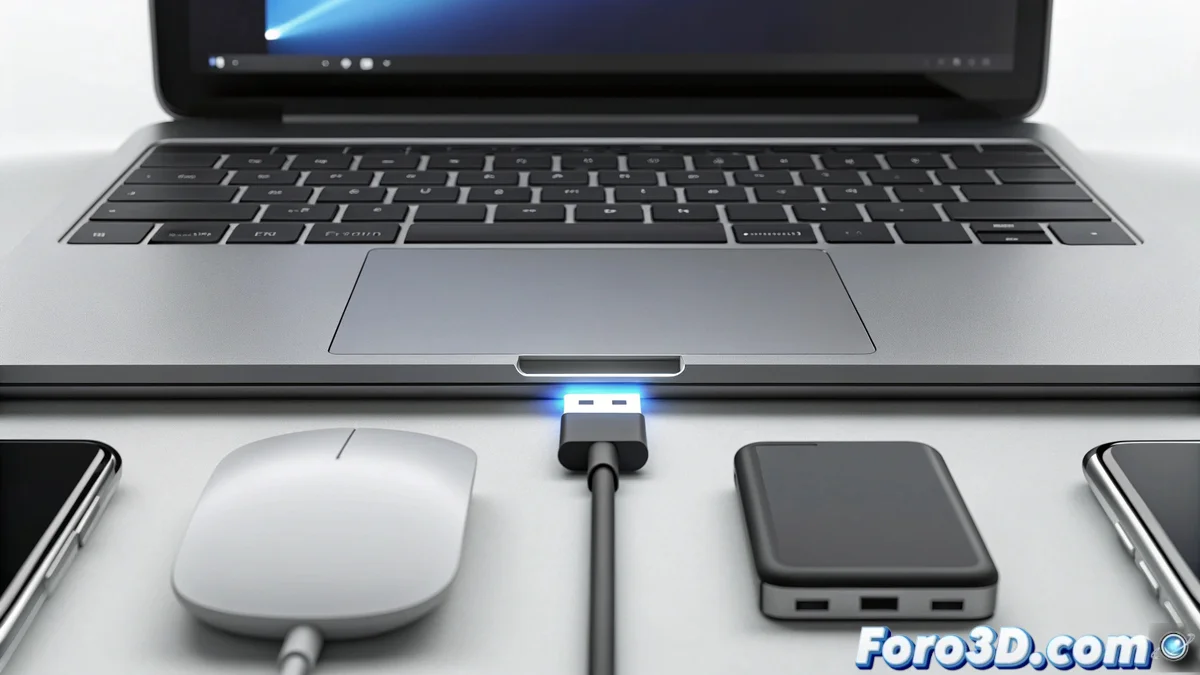
The USB-A Port: Evolution and Functions in Modern Connectivity
The USB-A port represents one of the most widespread standards in the world of electronic connectivity, functioning as the main interface for communication between peripherals and central devices such as computers, smart TVs, and video game consoles. 🔌
Fundamental Design Characteristics of USB-A
Its asymmetric rectangular configuration ensures that connections are made in the correct orientation, preventing possible damage from incorrect insertion. This design feature makes it a reliable and safe solution for connecting everything from storage devices to input accessories like keyboards and mice.
Main functionalities:- Data transfer: Allows moving files between devices using USB drives and external disks at speeds varying according to the standard version
- Power supply: Provides energy to charge smartphones and tablets, as well as to operate peripherals like LED lamps or USB fans
- Universal compatibility: Maintains operability with a wide range of old and contemporary devices without the need for additional adapters
USB-A demonstrates that true innovation in technology does not always mean replacing what exists, but improving while maintaining backward compatibility.
Technical Evolution and Current Relevance
Throughout its existence, the standard has transitioned from USB 1.0 to USB 3.2, progressively increasing its transfer speed and power supply capacity. Although more modern connectors like USB-C have emerged, USB-A maintains a dominant presence in the current technological ecosystem.
Advantages of permanence:- Widespread availability in desktop computers, laptops, and smart appliances
- Cost reduction by avoiding the need for adapters for legacy devices
- Minimal learning curve for users of all technical levels
Reflections on User Experience
It is paradoxical that a connector specifically designed to prevent incorrect connections frequently requires multiple insertion attempts, revealing how even the most efficient solutions present peculiarities in everyday practice. This particularity does not diminish its utility but does add an element of familiar frustration shared among users worldwide. 💡