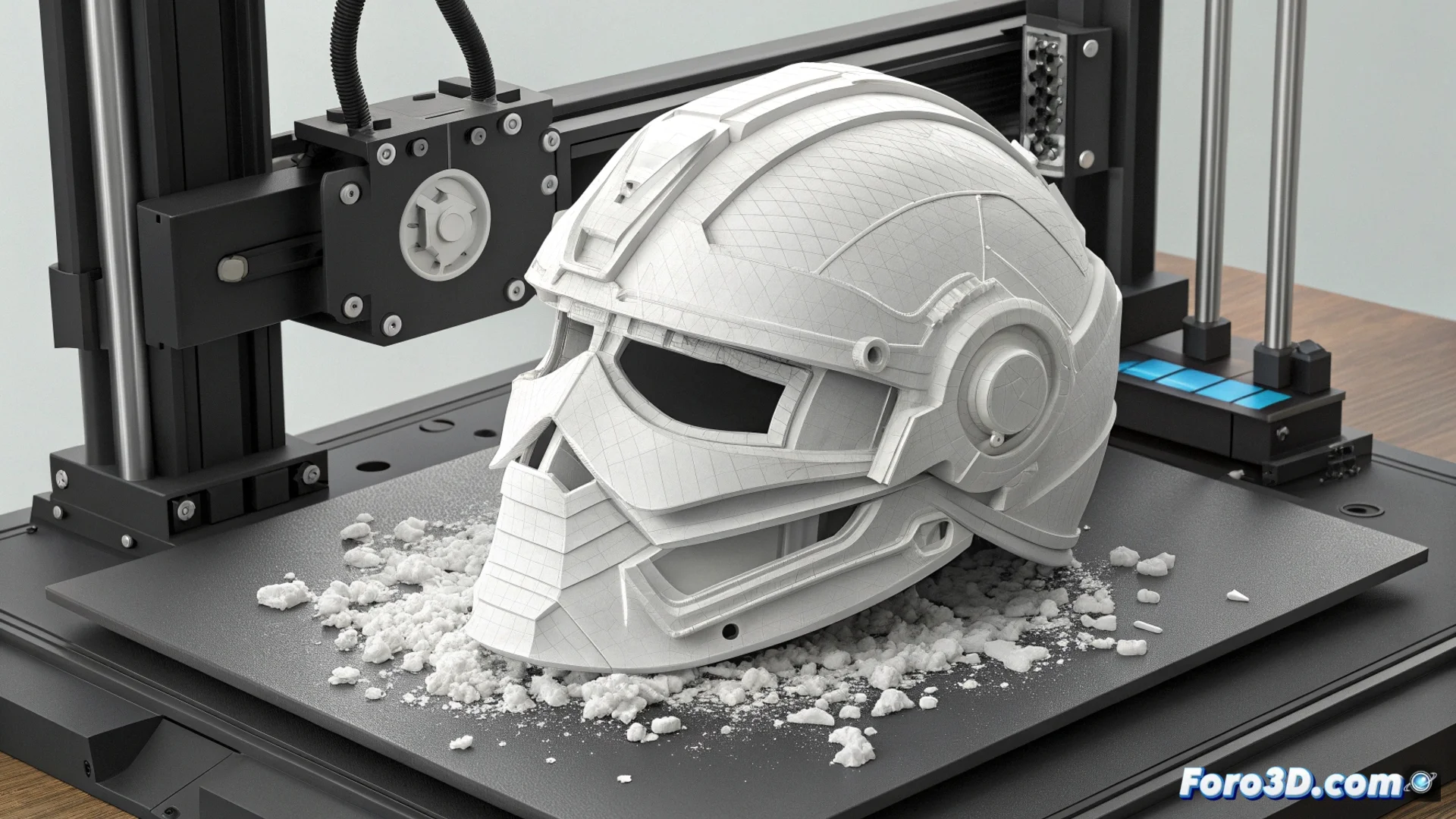
The Suction Effect on the Anycubic Photon Mono M5s and How to Protect the ACF Film
The Anycubic Photon Mono M5s stands out for its wide platform and printing speed. These same features can turn a common problem into a greater threat to the ACF film of the vat. When producing large hollow parts, a powerful internal vacuum is generated during each peel. This suction not only detaches the model but also stretches and can tear the membrane, forcing the job to stop. 🚨
Why the Vacuum is More Dangerous in Fast Printers
In machines like the M5s, the force applied by the lifter is greater and faster. If a part acts as a sealed container, the trapped air inside creates enormous additional resistance. This pressure is not released and is transferred directly to the vat film, which is the weakest point. The result can be a perforation or tear that requires replacing the component.
Key Steps to Avoid Creating the Vacuum:- Design Multiple Relief Holes: Don't use just one. Place several in the largest and lowest areas of the model, especially if it's a helmet or casing.
- Balance Internal Pressure: These holes allow air to flow, equalizing the pressure between the inside of the part and the vat during peeling.
- Reduce Suction Force: This way, the lifter only overcomes the adhesion of the cured resin to the film, without fighting a powerful vacuum.
A small hole in the design today prevents a big expense and technical downtime tomorrow.
Signs Indicating a Compromised ACF Film
After a print failure or violent peel, it is vital to inspect the state of the membrane. A damaged film does not cure the resin uniformly and causes repetitive errors.
How to Evaluate the ACF Film:- Look for Irregular Light Patterns: Thoroughly clean the vat and hold it in front of a uniform light. Any stain, wrinkle, or differently appearing area is an alert.
- Check Failed Prints: Constant defects in the same area of the platform usually indicate a problem with the underlying film.
- Check for Perforations: A torn membrane distorts UV light and generates poorly cured layers or excessive adhesion.
Immediate Action and Preventive Maintenance
If you confirm that the ACF film is damaged, replacing it is the only reliable solution. Do not try to repair it with patches. To avoid reaching this point, always integrate drainage hole planning into your workflow for hollow models. Caring for this component is as crucial as calibrating the platform or leveling the vat. A simple preventive practice protects your investment and ensures consistent prints. 🛡️