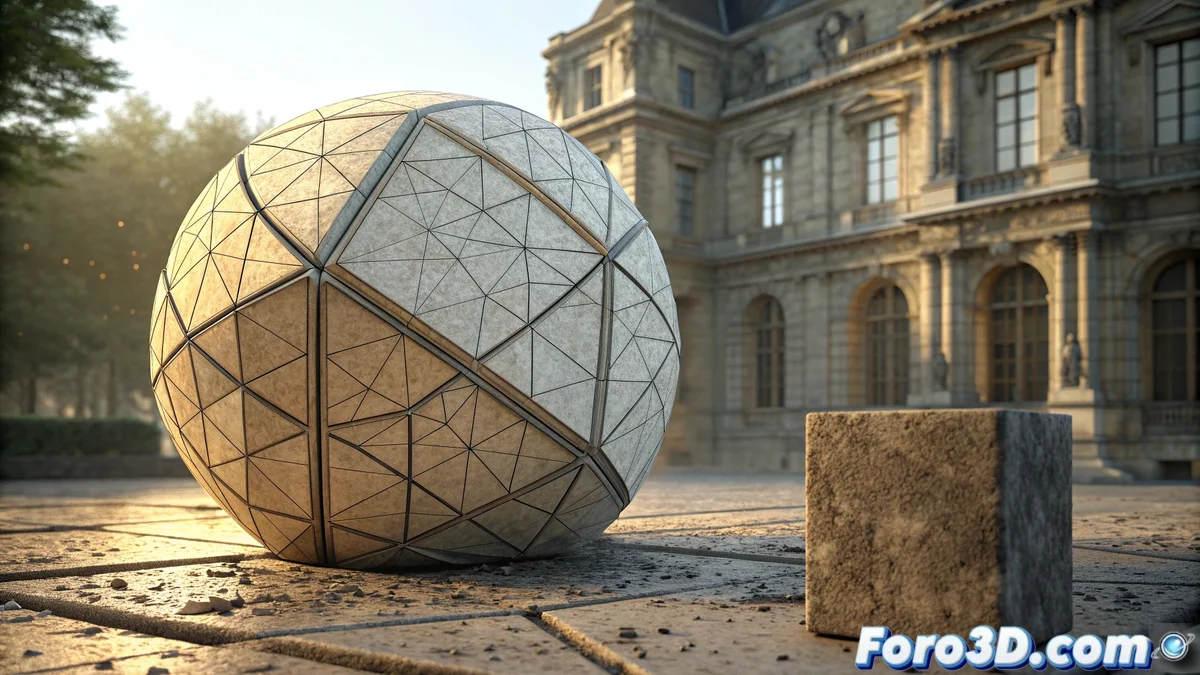
The Subdivision Surface Modifier in Blender: Smoothing and Mesh Optimization
The Subdivision Surface is an essential modifier in Blender that transforms simple geometries into complex and smooth shapes through iterative face division. This tool allows 3D artists to achieve organic results without manually modeling every detail, significantly optimizing workflow time 🎨.
How Does Subdivision Surface Work?
When applying this modifier, Blender subdivides each polygon according to the specified level, generating new faces and vertices that round the original edges. It operates in real-time within the 3D viewport, allowing adjustment of subdivision levels to balance visual quality and performance, while keeping the base geometry intact for future modifications 🔄.
Key aspects of its operation:- Divides each face into multiple smaller parts to create a denser mesh
- Allows control over the subdivision level to manage the balance between smoothing and performance
- Keeps the original geometry intact, facilitating later edits without loss of information
Subdivision Surface can turn a cube into a perfect sphere, but it can also turn your computer into a stove if you overuse subdivision levels in complex scenes.
Applications in the 3D Modeling Pipeline
This modifier is fundamental in organic modeling of characters, vehicles, and consumer objects where polished and continuous surfaces are required. Artists frequently combine it with techniques like box modeling or digital sculpting to refine base shapes before texturing and animation 🚀.
Common integrations and combinations:- Integrates perfectly with the Mirror modifier to create symmetrical geometries efficiently
- Works excellently with Displace to add complex surface details
- Combines with digital sculpting techniques to refine organic shapes before the texturing phase
Performance Considerations and Best Practices
Although the Subdivision Surface is incredibly powerful, it's crucial to remember that excessive subdivision levels can significantly impact performance, especially in complex scenes. Artists must find the perfect balance between visual quality and computational efficiency to maintain a smooth workflow ⚡.