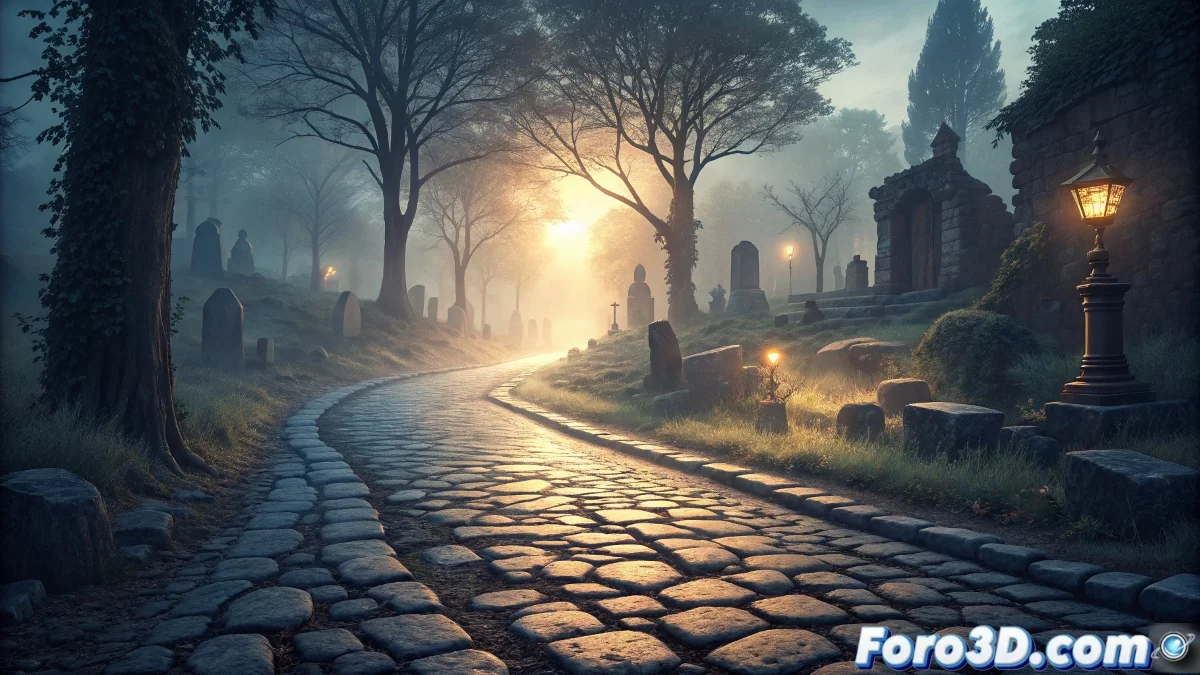
The Beating Stone Path: History and Design in InkScape
The beating stone path constitutes an ancient European pilgrimage route, whose origins date back to the early medieval age. The first written mentions appear in 12th-century codices, where travelers describe a stretch of cobblestones that emits a rhythmic vibration similar to a heartbeat. According to local tradition, this path was built upon a place of spiritual power linked to miraculous events. Historical chronicles indicate that only pilgrims with pure intentions could detect the pulsation, fueling the belief that the stones responded to the morality of those who walked upon them 💓.
Historical Evolution and Cultural Significance
Throughout the centuries, the pulsating path has captured the attention of scholars and the curious. During the Renaissance, scholars proposed pioneering geological explanations, attributing the vibrations to underground flows or resonant cavities. In the 18th century, ecclesiastical records documented inexplicable disappearances linked to the path, reinforcing the myth that the stones absorbed individuals with bad intentions. Despite the warnings, the route maintained its appeal among pilgrims, evolving as a spiritual test for travelers. Today, it symbolizes the connection between nature and human consciousness, attracting tourists, paranormal researchers, and artists alike 🌍.
Cultural Aspects and Legacy:- Artistic Inspiration: The legend has influenced literature, music, and anthropology, exploring how societies attribute life to inanimate objects.
- Local Economy: The mystery generates tourism and commercial activities in the area, revitalizing the community.
- Spiritual Symbolism: It represents the belief that natural elements possess consciousness and respond to human ethics.
The stones do not lie inert; they beat to the rhythm of the souls that tread upon them - Anonymous medieval saying.
Project Preparation in InkScape
To recreate the beating stone path in InkScape, start a new document with dimensions of 1920x1080 pixels. Configure the visible grid from the View menu to align elements precisely, and activate smart guides in View / Smart Guides to position cobblestones easily. Organize the work in separate layers: background, main stones, pulsation effects, and surface details. This structure allows for independent adjustments and an efficient design workflow 🛠️.
Essential Initial Setup:- Base Document: Set resolution and RGB color mode for digital projects.
- Organized Layers: Assign elements to specific layers for detailed control.
- Alignment Tools: Use grids and guides to maintain visual coherence.
Path Modeling and Structure
Use the Rectangle tool to design the path's base, applying perspective transformations with Ctrl to simulate depth. Draw individual cobblestones with the Pencil tool in Bezier mode, varying shapes for an organic look. Apply the Jitter effect from Effects / Path Modifications to add natural irregularities to the edges. Distribute the elements with the Align and Distribute tool, balancing visual coherence with the ancient character of the route 🪨.
Lighting, Materials, and Special Effects
Create custom radial gradients in the Fill and Stroke dialog to mimic rough stone textures. Use dark gray tones with ochre and sienna hues that evoke stone worn by time. Apply Lighting / Drop Shadows filters for depth between cobblestones, and use transparencies in Multiply mode in shadowy areas, simulating cracks where the legendary absorptions occur. The overall lighting should be dim, as at dawn or dusk, to