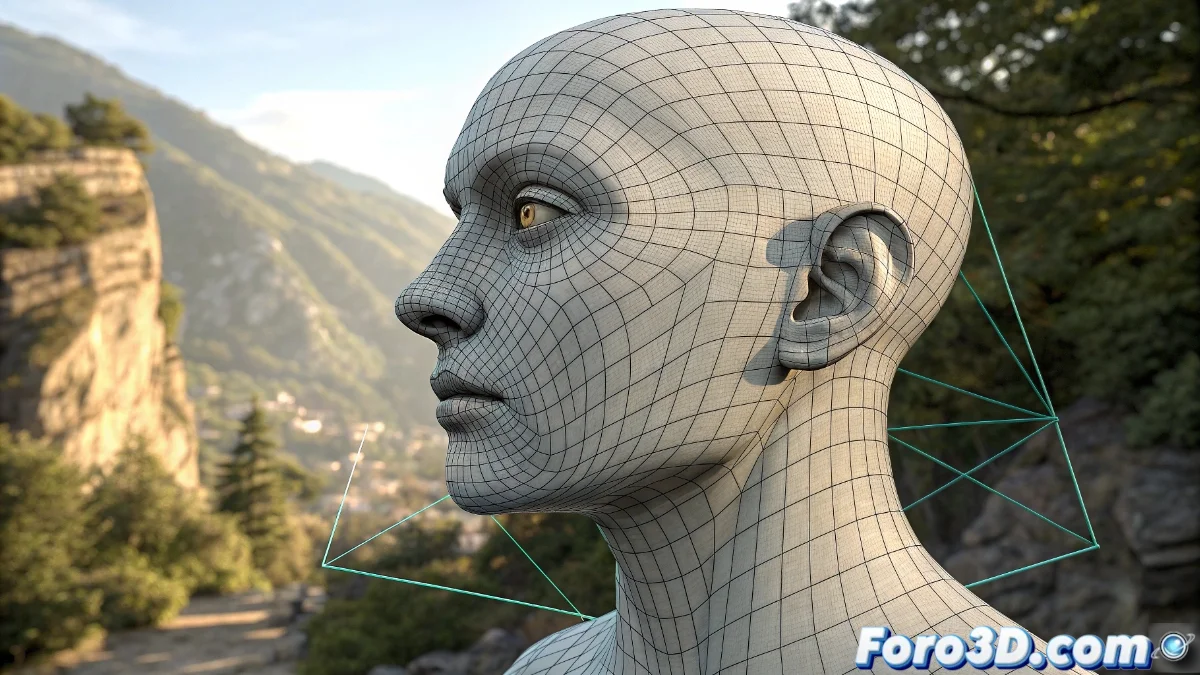
The Shrinkwrap Modifier in 3D Modeling
In the field of three-dimensional modeling, the Shrinkwrap modifier stands out as a versatile solution for projecting geometries onto complex surfaces. This tool accelerates processes that traditionally would require exhaustive manual adjustment, allowing artists to achieve precise results with greater efficiency 🎯.
Key Applications in 3D Projects
Shrinkwrap is fundamental in retopology, where a clean mesh is generated from high-resolution scans or sculptures. It also simplifies clothing fitting on characters and the exact placement of objects on curved surfaces, eliminating the need to manipulate each vertex individually.
Main Use Cases:- Creation of garments that dynamically adapt to body deformations
- Projection of geometric details onto organic or architectural surfaces
- Integration with tools like Poly Build to speed up the workflow
Shrinkwrap solves in seconds problems that would consume hours of manual work, although its application requires understanding the available projection modes.
Configuration for Optimal Results
The effectiveness of the modifier depends on a proper configuration of parameters such as offset (which sets separation between surfaces) and influence (which regulates the effect's intensity). The target geometry must be manifold to ensure predictable results, and the order in the modifier stack directly influences the final outcome.
Configuration Recommendations:- Use vertex groups to control specific areas affected by the modifier
- Select the appropriate projection mode: Nearest Surface Point, Project, or Surface Normal
- Verify that the target mesh has suitable topology before applying the projection
Practical Considerations and Limitations
Although Shrinkwrap seems magical in many contexts, projects like projecting a quad mesh onto a sphere can generate undesired results if its principles are not understood. The tool demands solid knowledge of its operating modes and limitations to fully leverage its potential in professional pipelines 🚀.