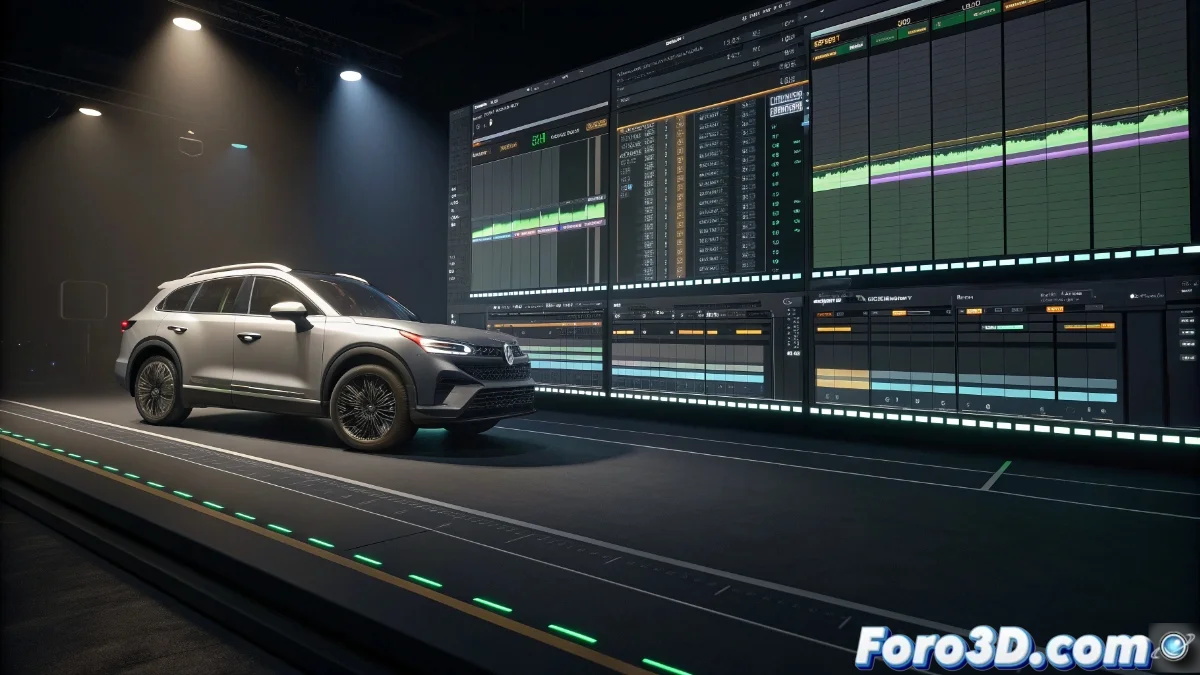
Sequencer Control in Unreal Engine 5: Advanced Management of Clips and Animations
The Sequencer Control in Unreal Engine 5 is an essential tool for managing clips and animations within the timeline. It allows developers to organize and manipulate sequences efficiently, synchronizing visual and audio events with precision. This functionality is crucial for creating cinematic experiences and games with complex narratives, offering detailed control over every animated element in the scene 🎬.
Clip Configuration and Manipulation
To get started, users can drag and drop clips onto the Sequencer timeline, adjusting their duration and position according to the project's needs. Each clip can represent a character animation, a visual effect, or a sound event, and properties such as playback speed and loops can be edited. The intuitive interface facilitates clip reorganization, allowing sections to be cut, copied, and pasted to refine the sequence without complications.
Main Features of Clips:- Ability to adjust duration and position on the timeline
- Editing of properties such as playback speed and loops
- Intuitive reorganization with cut, copy, and paste functions
Sequencer Control is like conducting an orchestra where each musician has their own tempo, but without real instruments to tune, just keyframes to adjust.
Integration with Animations and Events
The Sequencer Control integrates seamlessly with Unreal Engine 5's animation system, allowing character skeletons and animated objects to be linked directly. Developers can add animation tracks to control specific movements, such as facial expressions or gestures, and trigger events at key points on the timeline. This ensures smooth transitions between clips and that animations respond to real-time interactions, enhancing user immersion.
Integration Advantages:- Direct linking with character skeletons and animated objects
- Precise control of specific movements via animation tracks
- Event triggering at key points for smooth transitions
Conclusion on Sequencer Control
The Sequencer Control in Unreal Engine 5 is a powerful tool that allows developers to manage clips and animations with precision and efficiency. Its ability to synchronize visual and audio events, along with seamless integration with the animation system, makes it an essential component for creating cinematic experiences and games with complex narratives. Although working with it may present challenges, such as adjusting keyframes, its intuitive interface and advanced features make the creation process easier 🚀.