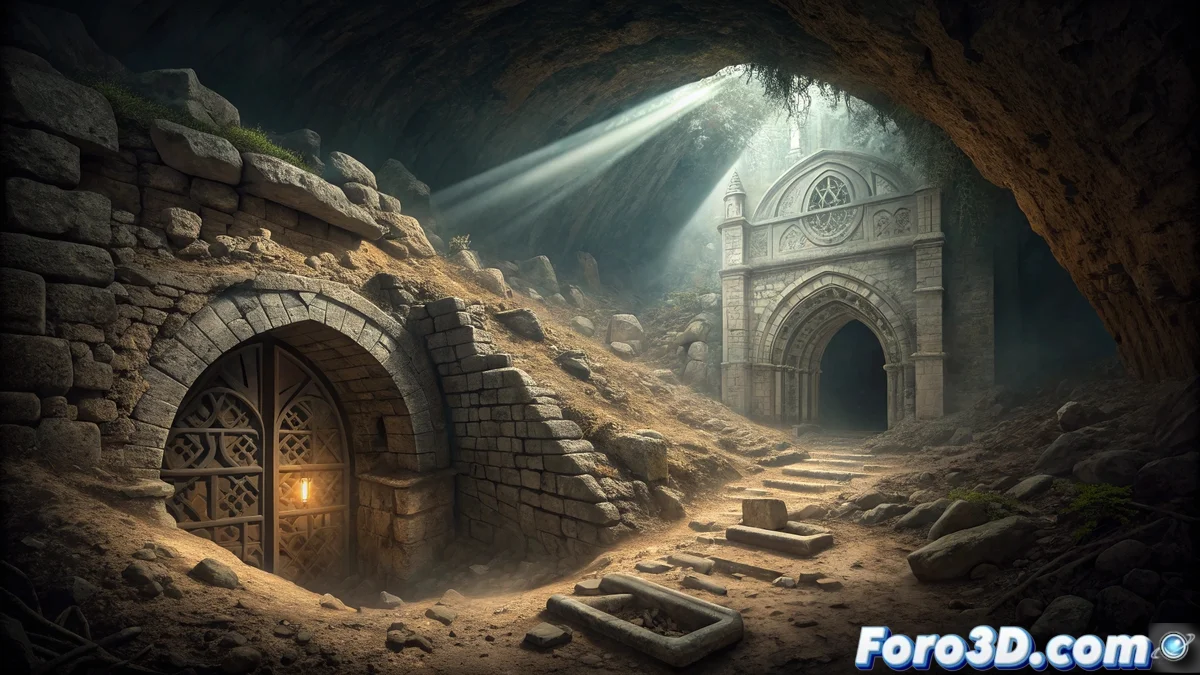
The Mystery Beneath the Cathedral
One of the most fascinating legends of Burgos Cathedral speaks of a secret crypt hidden beneath its imposing structure. In 2008, archaeologists discovered evidence of an 11th-century temple in the area, but the passageway that could lead to the crypt was accidentally destroyed in the 1980s during renovation work. This unfortunate incident keeps the mystery intact: what secrets does the cathedral's subsoil truly hold? For 3D artists, this legend offers a perfect scenario to explore hidden architecture. 🔍
Recreating What History Could Not Preserve
Autodesk Maya presents itself as the ideal tool to give visual form to this legendary crypt. The challenge is to combine historical accuracy with a mysterious atmosphere, creating a subterranean space that evokes both the 11th-century architectural style and the feeling of archaeological discovery. It is an excellent exercise for practicing the modeling of enclosed spaces and handling dramatic lighting.
Key Elements for a Convincing Crypt
Achieving the authenticity and mystery of this subterranean space requires attention to several technical and narrative aspects.
- Romanesque Architecture: Round arches and robust columns characteristic of the 11th century.
- Patina of Time: Wear, cracks, and dampness showing centuries of abandonment.
- Claustrophobic Spatiality: Narrow corridors and low ceilings that generate tension.
- Suggestive Lighting: Chiaroscuro that hides more than it reveals.
Urban legends about hidden spaces often have a basis in partially documented historical realities.
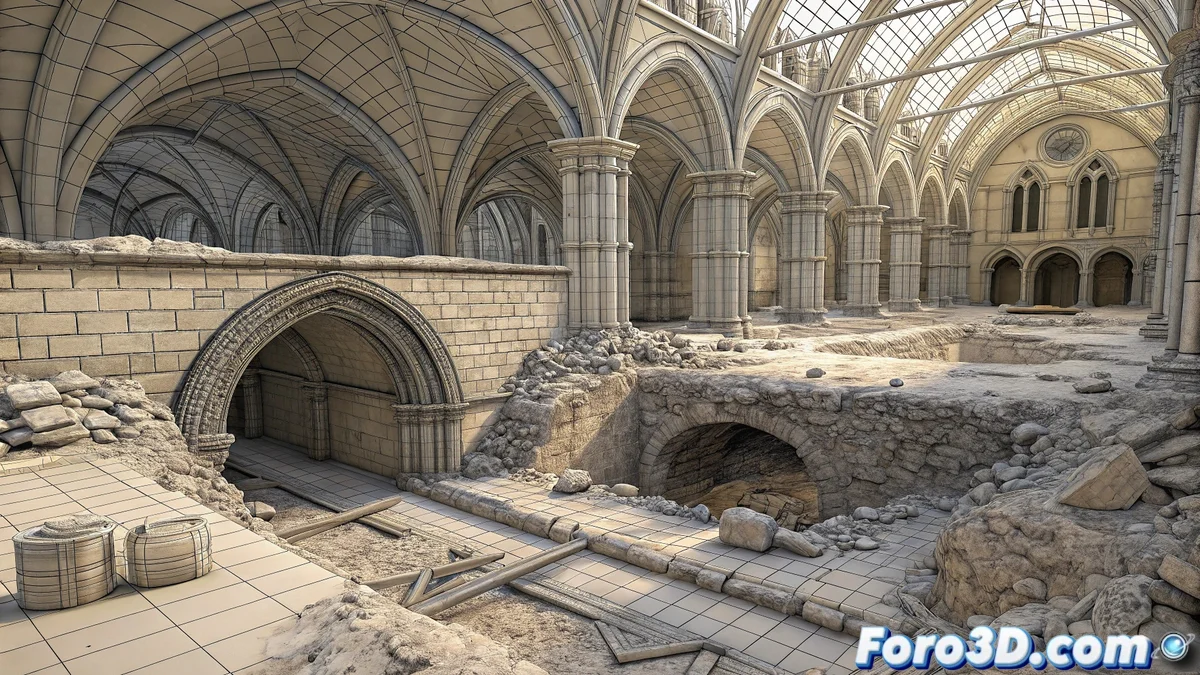
Technical Guide in Autodesk Maya
Begin by meticulously organizing the project in Maya. Save the file as cripta_burgos.ma and configure the units to the metric system to maintain realistic architectural proportions. Set up layers for each element: Structure, Columns, Stairs, Details, Lighting. This organization will be fundamental for managing the complexity of a detailed subterranean space. ⚒️
Modeling the Subterranean Structure
For the base of the crypt, use scaled polygonal cubes to define the dimensions of the main space. Model robust columns with cylinders and apply extrusions to create simple capitals characteristic of Romanesque style. The round arches can be created using curves converted to geometry, maintaining the massive and heavy proportions typical of 11th-century architecture.
Architectural Details and Wear
Incorporate cracks and erosion into the walls using sculpting tools or displacement maps. Add simple moldings and geometric reliefs that reflect the decorative style of the period. The floor should show natural unevenness and irregularities, avoiding the perfection that would betray the model's digital origin. Partially buried rocks and boulders will increase the feeling of authenticity.
Texturing and Historical Materials
Create limestone materials using combined procedural textures with roughness maps that simulate centuries of deterioration. Add damp stains on the lower areas of the walls and accumulated dust in corners and ledges. For the darker and damper areas, use color variations towards greenish and grayish tones that suggest moss growth and lack of ventilation.
Atmospheric Lighting and Mystery
Set up a lighting system that plays with penumbra and strong contrasts. Use warm point lights that simulate torches or oil lamps,