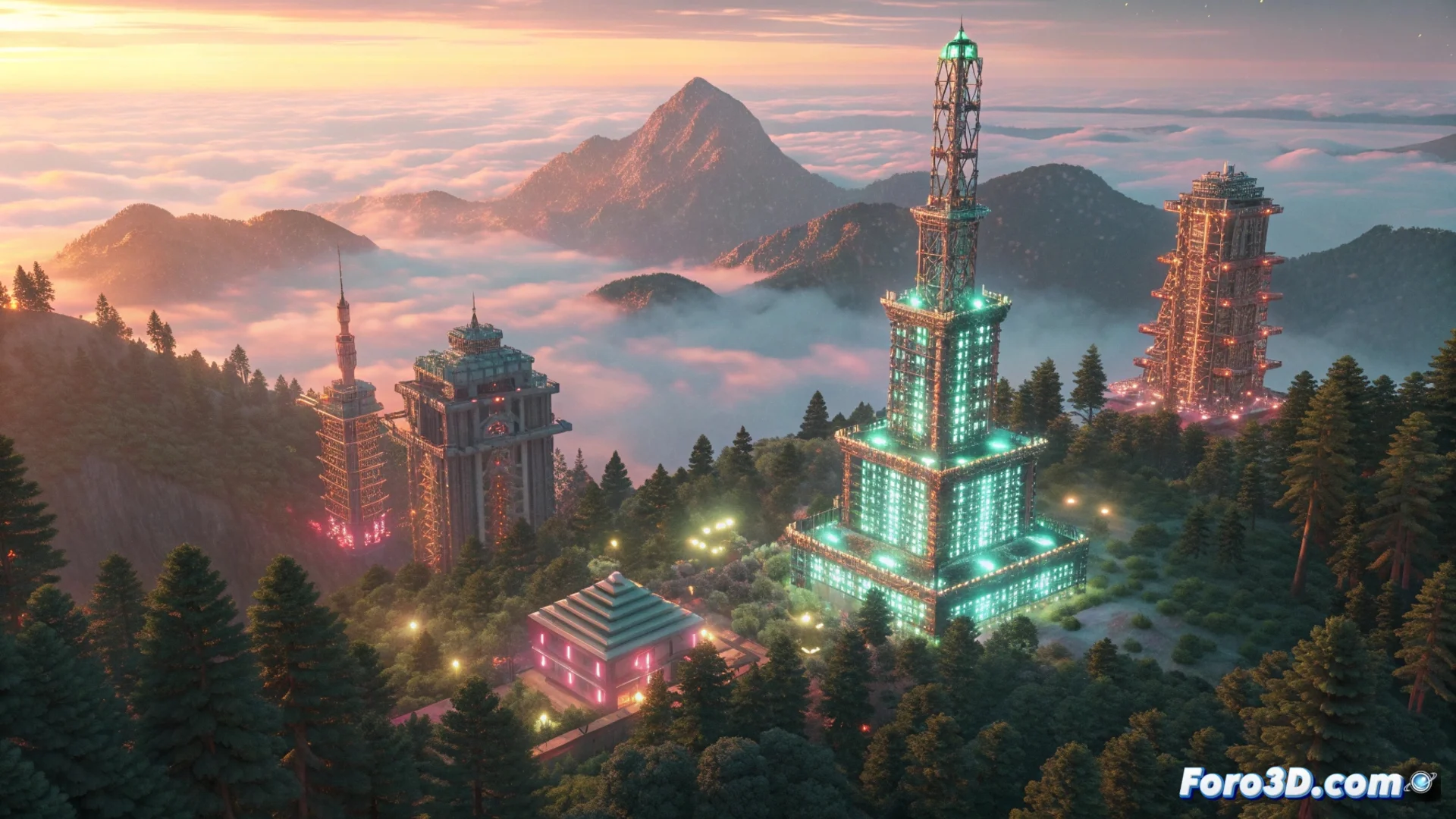
The Render Palette in MagicaVoxel: Essential Controls
In MagicaVoxel, the render palette is the main control panel for defining how your final creation will look. This tool unifies all the parameters that affect the visual appearance of a scene, allowing you to adjust everything from surface properties to the overall atmosphere, without needing to modify the geometry of the voxels. It is the decisive step between a basic 3D model and an image with character and realism. 🎨
Customize Materials to Define Surfaces
The materials section is where you assign physical behavior to the colors in your working palette. Here you decide if a voxel will act as metal, glass, or even as its own light source. Setting the metallic property changes how light is reflected, while adjusting transparency and the refraction index simulates translucent materials. Voxels with emissive properties are ideal for creating glowing elements, like screens or neon signs. These settings combine with the lighting system to generate coherent shadows and reflections.
Key Material Properties:- Metallicity: Controls the intensity of specular reflections on the surface.
- Transparency and Refraction: Simulate materials like glass or water, bending the light that passes through them.
- Emission: Turns voxels into light sources, adding illumination from the object itself.
Adjusting the fog to hide that imperfect area of the scene is a classic trick that every voxel artist uses at some point.
Configure Lighting and Atmospheric Effects
Global illumination calculates how light interacts with all surfaces in the scene, bouncing and creating more natural and believable environments. Alongside it, exposure, contrast, and saturation controls allow you to fine-tune the tone and mood of the final image. To mimic the behavior of a real camera, you can enable depth of field, which selectively blurs objects in the foreground or background.
Fundamental Post-Processing Effects:- Global Illumination (GI): Generates indirect lighting and soft shadows, key for realism.
- Depth of Field (DOF): Focuses on a specific plane, directing the viewer's attention.
- Atmospheric Effects: Add fog, mist, or glow (bloom) to give depth and a sense of atmosphere.
The Integral Rendering Process
Using the render palette is an integral process where every change in materials, lights, and effects interrelates. Enabling effects like dense fog or bloom increases the time MagicaVoxel takes to process the image, but the visual result is usually worth it. This tool is indispensable for transforming a simple arrangement of colored blocks into a scene with narrative and atmosphere, allowing total control over the final appearance of your voxel project. ✨