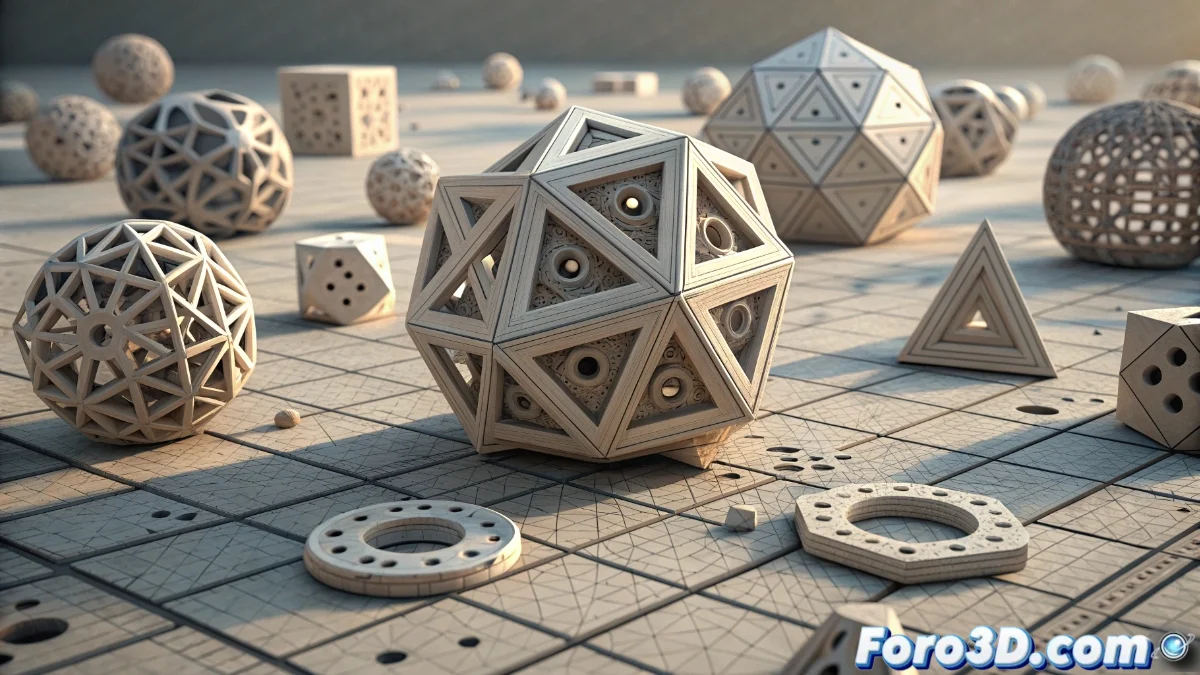
The Randomize Instances Modifier in Blender 5: Controlled Variations for Instances
The new Randomize Instances modifier in Blender 5 revolutionizes the way we handle instances, allowing the application of controlled random variations in a non-destructive manner. This system is perfect for adding realism to scenes with repetitive elements, such as vegetation or debris, avoiding monotonous patterns that detract from authenticity. 🎲
Variation Parameter Setup
To use this modifier, you must place it after an instance generator, such as Array or Geometry Nodes. In its options, you adjust the displacement values on the X, Y, and Z axes, rotation angles, and scale factors, each with minimum and maximum range controls. The randomness is based on a seed that you can modify to explore different patterns without altering the base geometry, making it easy to experiment until achieving the desired effect.
Key Configuration Features:- Adjustment of position, rotation, and scale with customizable ranges for each axis
- Seed control to generate unique and repeatable distribution patterns
- Seamless integration into the modifier stack without affecting the original mesh
With Randomize Instances, you can transform repetitive scenes into organic and natural environments with just a few clicks.
Integration with Other Modifiers and Nodes
This modifier works in conjunction with tools like Array, Instance on Points, and Geometry Nodes, applying variations after generating the instances. This is ideal for creating forests, crowds, or debris where each element shows slight differences. In Geometry Nodes, it connects to instance outputs to randomize attributes, improving efficiency in complex scenes and maintaining optimal performance by avoiding direct mesh duplication.
Integration Advantages:- Compatibility with instance generators for versatile workflows
- Performance optimization in dense scenes through the use of instances
- Ability to adjust visual chaos with intuitive and non-destructive controls
Practical Tips and Final Reflections
Although adding randomness can make a scene look cluttered, in Blender you have total control with simple sliders. This modifier not only saves time but also elevates the visual quality of your projects by introducing realistic variations. Remember to experiment with different seeds and ranges to find the perfect balance between order and chaos in your creations. 🌳