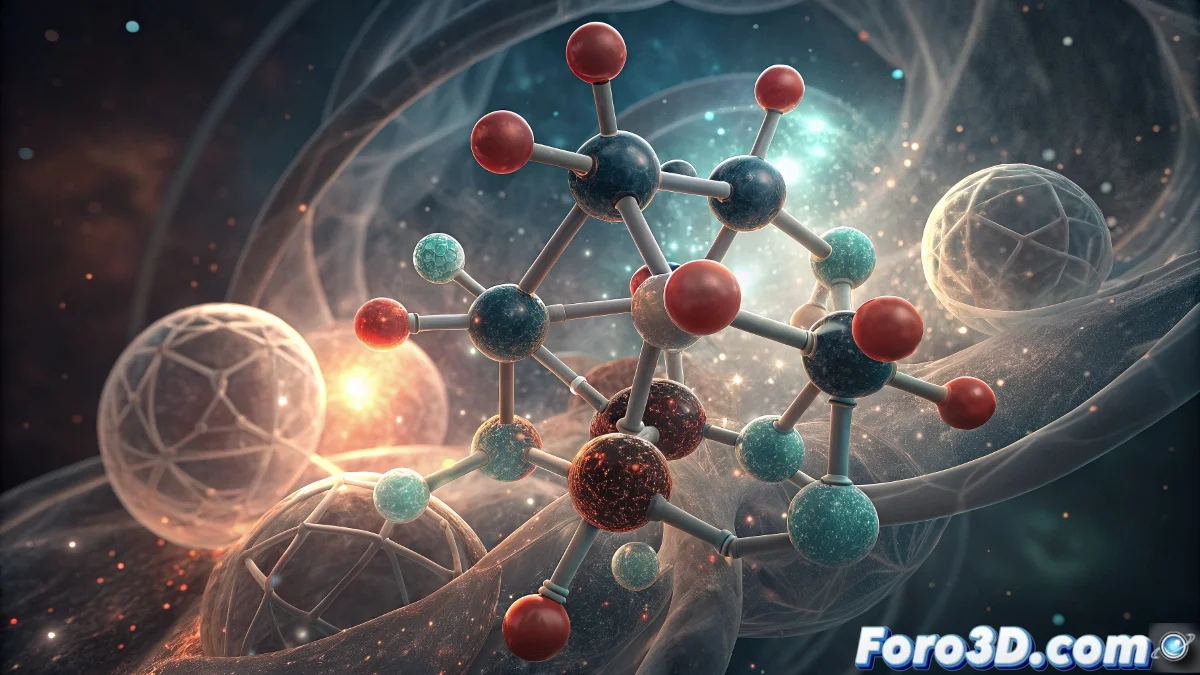
The Quantum Revolution in Molecular Visualization
Molecular simulation has undergone a radical transformation with the arrival of quantum computers, capable of solving problems that classical computers considered impossible. This technological evolution is redefining how we understand and represent the most complex atomic structures 🚀.
The Quantum Leap in Computational Chemistry
While traditional molecular calculation methods faced exponential barriers, quantum processors like the IBM Quantum System have demonstrated extraordinary capabilities for modeling atomic interactions in real time. The simulation of molecules such as penicillin or anticancer compounds now reaches levels of precision that previously only existed in theory.
Key advances in molecular simulation:- VQE algorithms for molecular energy calculations with error below 1%
- Simulation of complete chemical reactions in quantum environments
- Prediction of optical and electronic properties with experimental accuracy
The ability to visualize the invisible is revolutionizing our understanding of matter at a fundamental level
Professional Setup in Dimension 5
To achieve scientific-quality molecular visualizations in Dimension 5, it is crucial to follow a structured workflow that maximizes the software's capabilities while maintaining the required technical precision.
Molecular project preparation:- Start Dimension 5 and select File > New Project > Scientific Visualization Template
- Set units in Preferences > Units > Nanometers with 4 decimal precision
- Activate the atomic grid in Viewport > Grid Settings > Atomic Reference Grid with 0.1 nm spacing
- Import PDB files via Import > Molecular Data > Protein Data Bank Format
Advanced Atomic Modeling
Creating precise molecular representations requires meticulous attention to structural details and established scientific conventions.
Atomic element configuration:- Select Create > Atomic Primitive > Sphere and set base radius of 0.077 nm for hydrogen
- Apply the standard color palette: carbon (#808080), oxygen (#FF0000), nitrogen (#0000FF)
- Use Modify > Subdivision Surface with level 3 for optimal smoothing
- Configure instances for identical atoms via Tools > Instance Manager > Create Molecular Instances
Scientific Lighting System
Proper lighting is fundamental to highlight the three-dimensional complexity of molecular structures while maintaining visual clarity.
Professional lighting setup:- Create main Key Light with intensity 1.8, temperature 6500K, and 45-degree angle
- Add soft Fill Light with intensity 0.4 and 30% diffuse shadows
- Set up rear Rim Light with intensity 1.2 to highlight molecular contours
- Activate Global Illumination with 3 bounces and bounce intensity 0.7
Specialized Materials and Effects
Materials in molecular visualization must balance scientific realism with communicative clarity, especially in educational or research representations.
Molecular shader configuration:- Apply Atomic Core materials with roughness 0.3 and specular 0.8 for cores
- Set up electron clouds with Transparency 0.6 and refraction index 1.2
- Use Subsurface Scattering with depth 0.05 nm for high-density regions
- Add Depth of Field effects with f-stop 2.8 and automatic focus distance
Rendering and Post-Production
The final rendering phase determines the visual quality of the result, requiring careful configuration of technical parameters and visual effects.
Molecular render optimization:- Select Render Engine > Path Tracing with 1024 samples per pixel
- Activate Adaptive Sampling with threshold 0.01 to reduce render time
- Set up separate Render Passes for atoms, bonds, and effects
- Generate animations with Rotation Animation at 360 degrees in 240 frames
Multidisciplinary Impact
Advanced molecular visualization is transforming entire industries, from personalized drug design to the development of sustainable materials. The irony of using classical software to represent quantum discoveries underscores the complementary nature of these revolutionary technologies 🌟.