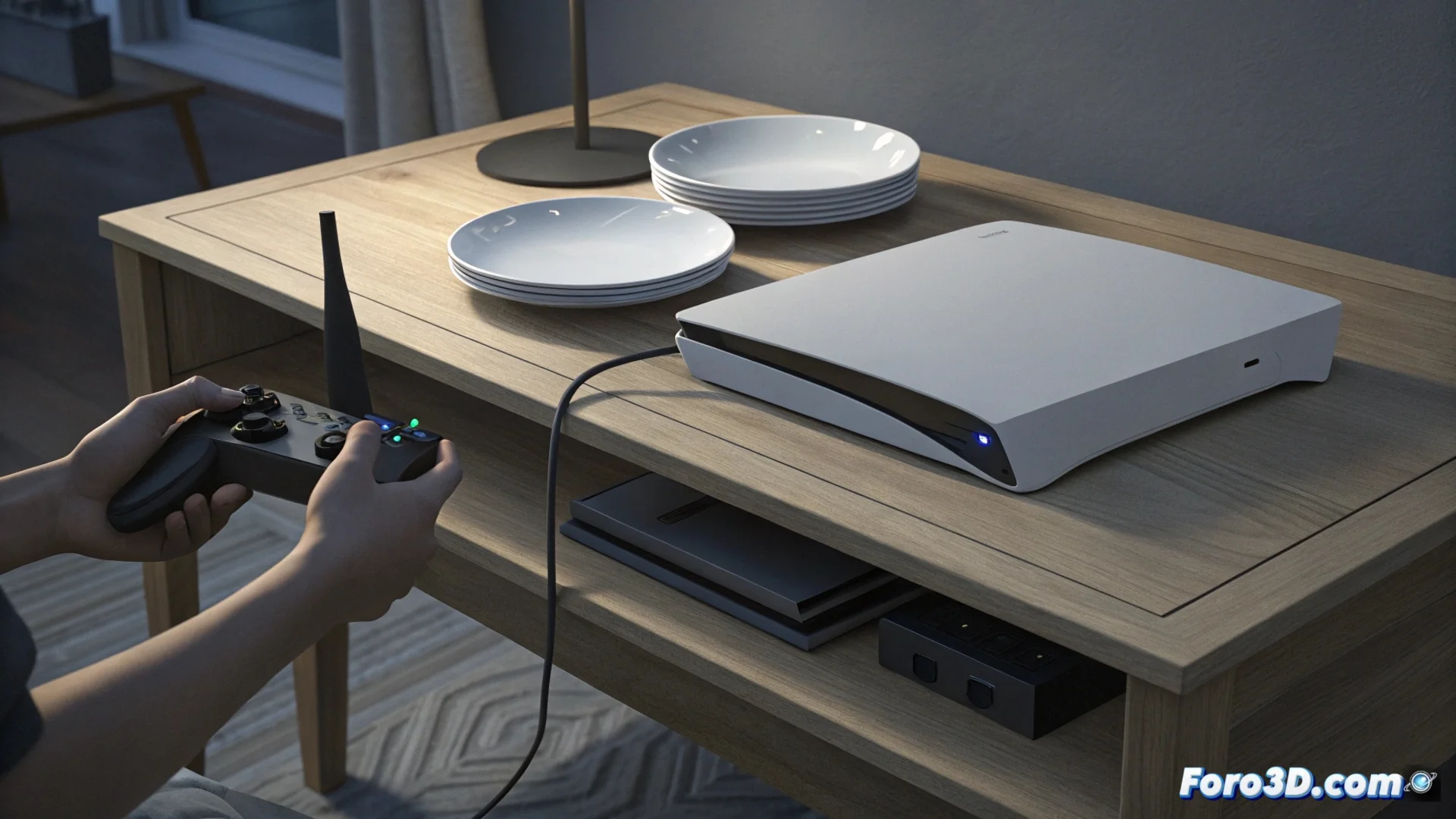
PS5 Won't Turn On or Shuts Down by Itself: Causes and Solutions
Finding your PS5 completely unresponsive or shutting down suddenly can be frustrating. This behavior often indicates an internal electrical failure, where the console cannot properly receive or process power. Identifying whether the origin is external or internal is the first key step to resolving it. 🔌
Diagnosing External Power Issues
Before opening the console, it's vital to rule out simple causes. A loose cable or faulty power strip can mimic a serious failure. Physically check each connection and test with a different power cable that you know works. Connecting the console directly to the wall outlet eliminates problematic intermediaries. If the PS5 still shows no signs after these steps, the problem is almost certainly inside the casing. 🛠️
Steps to check external power:- Ensure the cable is firmly connected to the console and the wall outlet.
- Test with another compatible power cable in good condition.
- Connect the PS5 directly to the wall, without using power strips or extension cords.
A failure in the internal power supply is the most common cause when the console shows no signs of life.
Exploring and Fixing Internal Faults
Inside the PS5, several components can prevent it from turning on. The damaged internal power supply is the main suspect, requiring replacement. Also, a swollen or burned capacitor on the motherboard can create a short circuit that blocks the entire system. Another common culprit is overheating: if the fan is clogged with dust or the thermal paste is dry, safety sensors shut down the console to prevent major damage. 💨
Common internal causes:- Faulty internal power supply that doesn't convert the current.
- Motherboard components, like capacitors, in poor condition.
- Dust buildup blocking ventilation and causing overheating.
- Degraded thermal paste on the APU (integrated processor and graphics).
Recommended Repair Approach
If you have experience, cleaning internal dust with compressed air is a good start. For hardware issues like replacing the power supply or checking capacitors, electronic expertise is needed. For most users, the safest option is to contact Sony's official technical service. Sometimes, a forced reset by disconnecting everything for a few minutes can resolve temporary system locks, though it doesn't fix hardware faults. ⚡