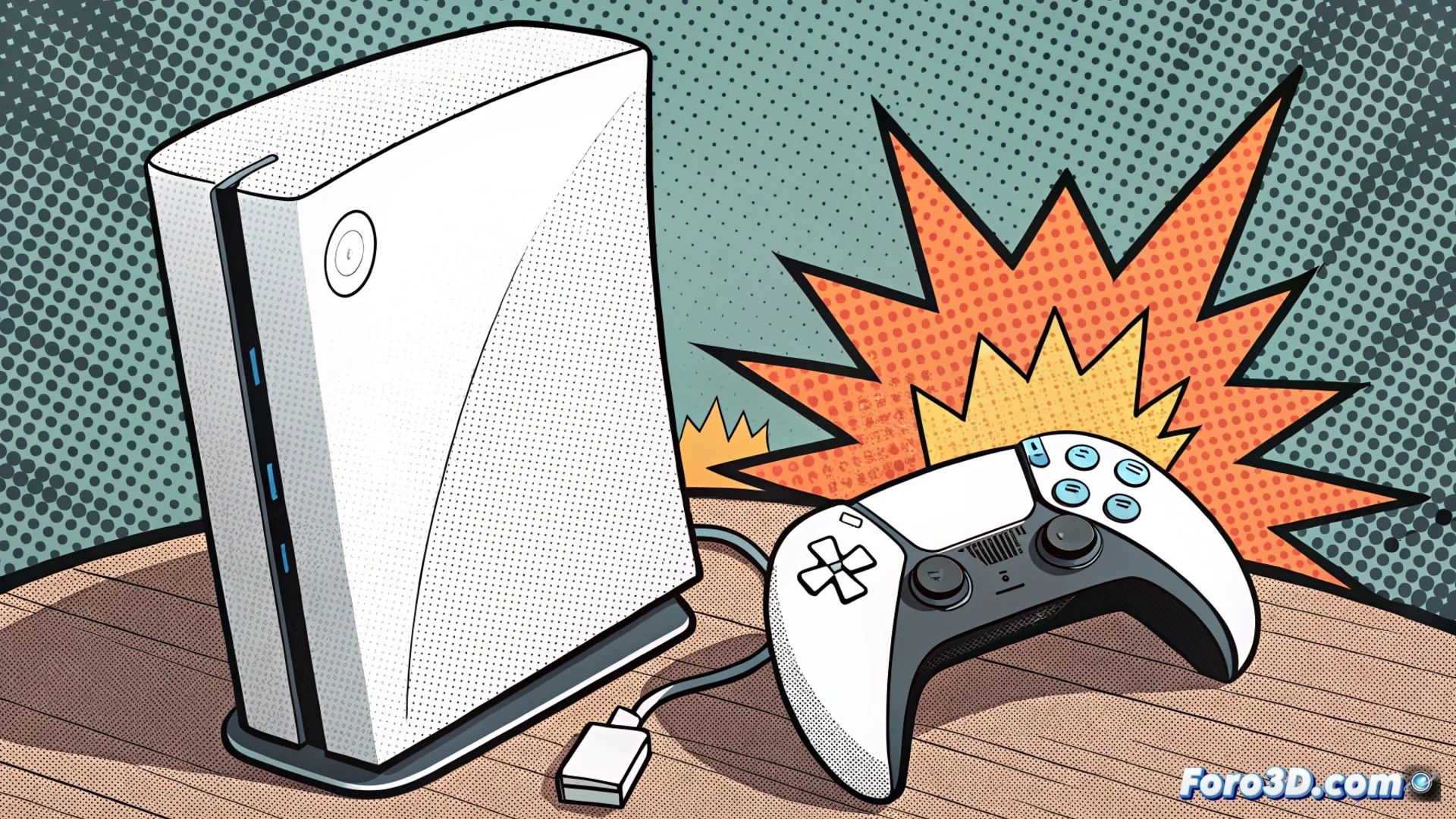
The PS5 Shuts Down Due to Overheating and Here's How to Fix It
When your PlayStation 5 suddenly shuts down and displays a temperature alert, it's not a random failure. It's an active safety protocol that protects critical components like the APU from irreversible heat damage. The system performs an emergency shutdown when it detects that a safe threshold has been exceeded. 🛡️
Why Does Your Console Decide to Take a Forced Break?
Overheating in the PS5 almost always has identifiable causes. The main one is the accumulation of dust, which blocks the ventilation grilles and internal heatsinks, preventing air from flowing effectively. This dust acts as an insulator, trapping heat inside the console.
Factors Contributing to the Problem:- Inadequate Placement: Placing the console in an enclosed space, like a shelf or cabinet, without enough free space around it, worsens the situation by restricting airflow.
- Fan Failure: In less common cases, the internal fan may not spin at the required speed, failing in its task of expelling hot air.
- No Maintenance: Not cleaning the console periodically allows dust to compact, drastically reducing the system's cooling capacity.
Your PS5 is not a toaster; it doesn't need to brown its circuits to work. Keeping it cool is key.
Steps to Restore Calm to Your PS5
Resolving this issue requires a safe and orderly method. The goal is to restore optimal airflow without risking the electronic components.
Guide to Corrective Actions:- Turn Off and Fully Disconnect: Before any manipulation, ensure the console is completely turned off and unplugged from the power source.
- Relocate the Console: Move it to an open area. Ensure at least 10 centimeters of free space on all sides, with special attention to the back where hot air is expelled.
- Clean the External Grilles: Use a can of compressed air to gently blow away the accumulated dust from the air intake and exhaust grilles. Never use a household vacuum cleaner, as it can generate harmful static electricity.
- Evaluate Internal Cleaning: If the problem persists, it may be necessary to open the console to thoroughly clean the main heatsink. Warning: this process voids the warranty if the console still has it.
- Contact Technical Support: For most users, the safest option if deep internal cleaning is needed is to contact Sony's official support.
Keep Your Game Session Safe
Understanding that the temperature shutdown is a protective measure, not a defect, changes the perspective. The solution lies in ensuring efficient ventilation through proper placement and periodic cleaning. Implementing these steps prevents your console from taking unexpected breaks and protects your investment in the long term. 🎮